© 2018 MA Lighting Technology GmbH - Dachdeckerstr. 16 - 97297 Waldbüttelbrunn - Germany
Phone +49 5251 688865-27 - support@ma-dot2.com - www.malighting.com
7.34. Invert Command
This page describes the syntax and how to use the Invert command.
To go to the Invert command, press Macro on the console and tap at Macro 22 "Invert".
Invert is in the command line.
Description
With the invert command you can:
Select fixtures which are currently not selected in the fixtures view
Deselect fixtures which are currently selected in the fixtures view
Syntax
1. Invert all fixtures in group 1.
Invert Group 1
2. Invert fixture selection.
Invert Fixture 1 Thru 3
Example 1
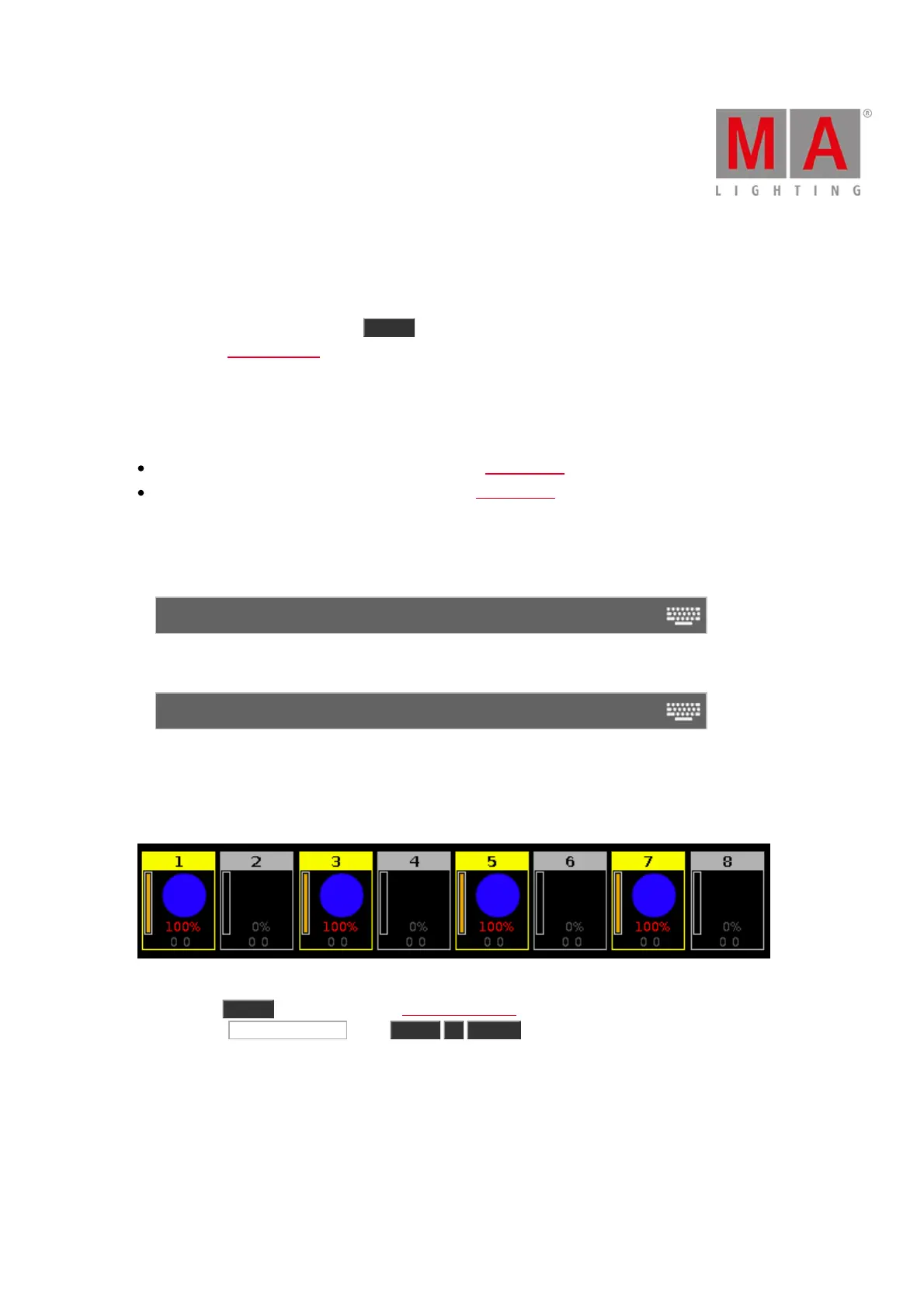
Let´s assume, every second fixture from group 1 is selected in the fixtures view to assign them a blue color.
Now, you will select all other from group 1 to assign them an other color.
Figure 1: Every second fixture of group 1 are selected
1. Press Macro on the console. The Macros Pool View opens.
2. Tap at Macro 22 "Invert" , press Group 1 Please .
All other fixtures in group 1 are selected to assign them an other color.



 To Next Page