© 2018 MA Lighting Technology GmbH - Dachdeckerstr. 16 - 97297 Waldbüttelbrunn - Germany
Phone +49 5251 688865-27 - support@ma-dot2.com - www.malighting.com
6.27. Executor Pool View
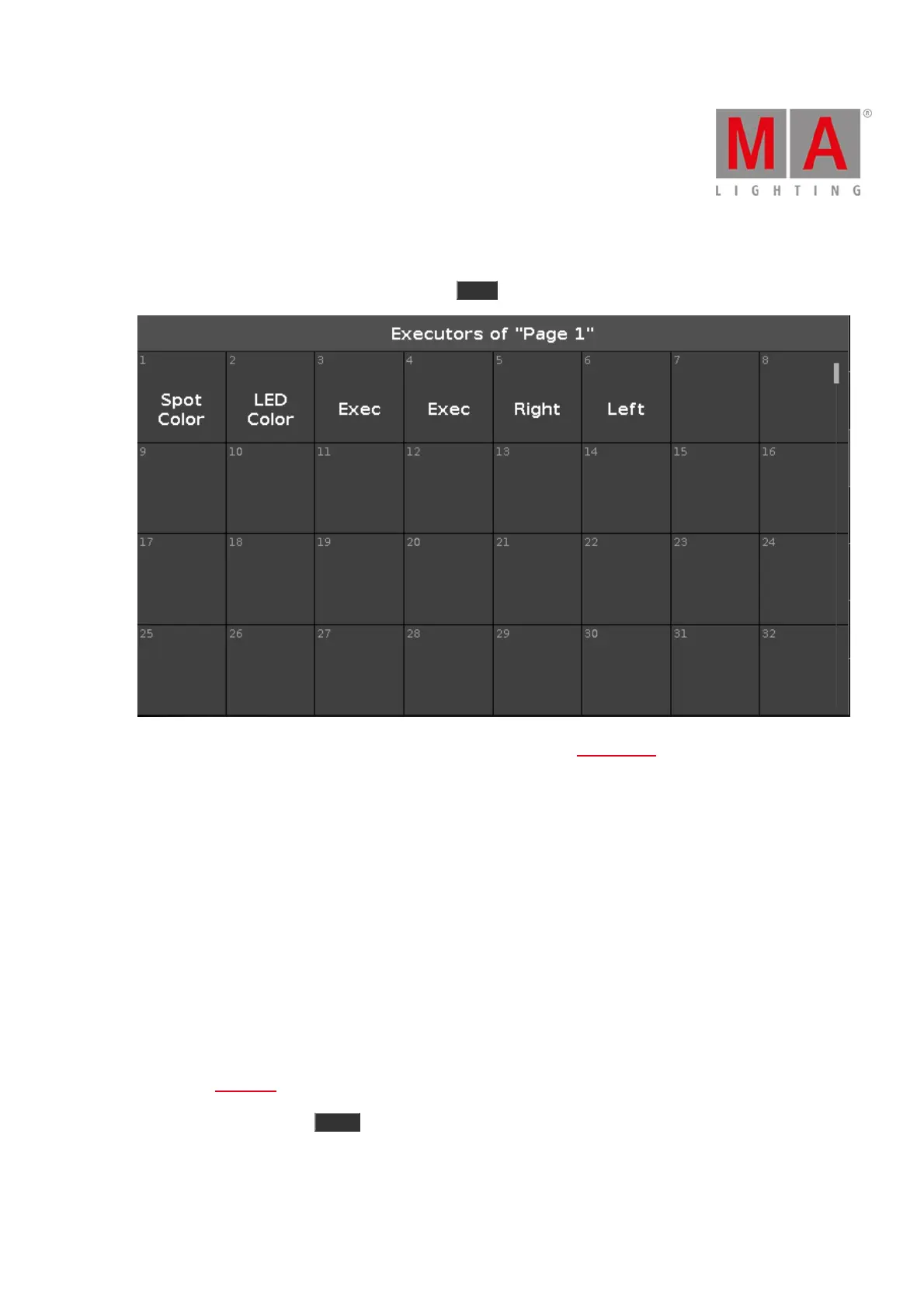
To go to the Executor Pool View on screen 1, press Exec on the console.
The executor pool view opens, depending of the current page from the executor bar.
In this view, you see all stored executors.
The title bar displays in which pool and what page you are.
The executor pool view is fielded in numbered objects.
The number in the upper left corner is the executor number.
In the middle of the object is the name of the executor displayed.
You can store 904 executor objects on each page.
To scroll in the executor pool view, slide the vertical scroll bar or slide up and down in the view.
If you store a new object, the console will ask you to label it.
To open the cues view of an stored executor, press and hold the executor pool object.
To move an executor: Press Move , tap the executor which should move and then tap in the field where the
executor should go.



 To Next Page