© 2018 MA Lighting Technology GmbH - Dachdeckerstr. 16 - 97297 Waldbüttelbrunn - Germany
Phone +49 5251 688865-27 - support@ma-dot2.com - www.malighting.com
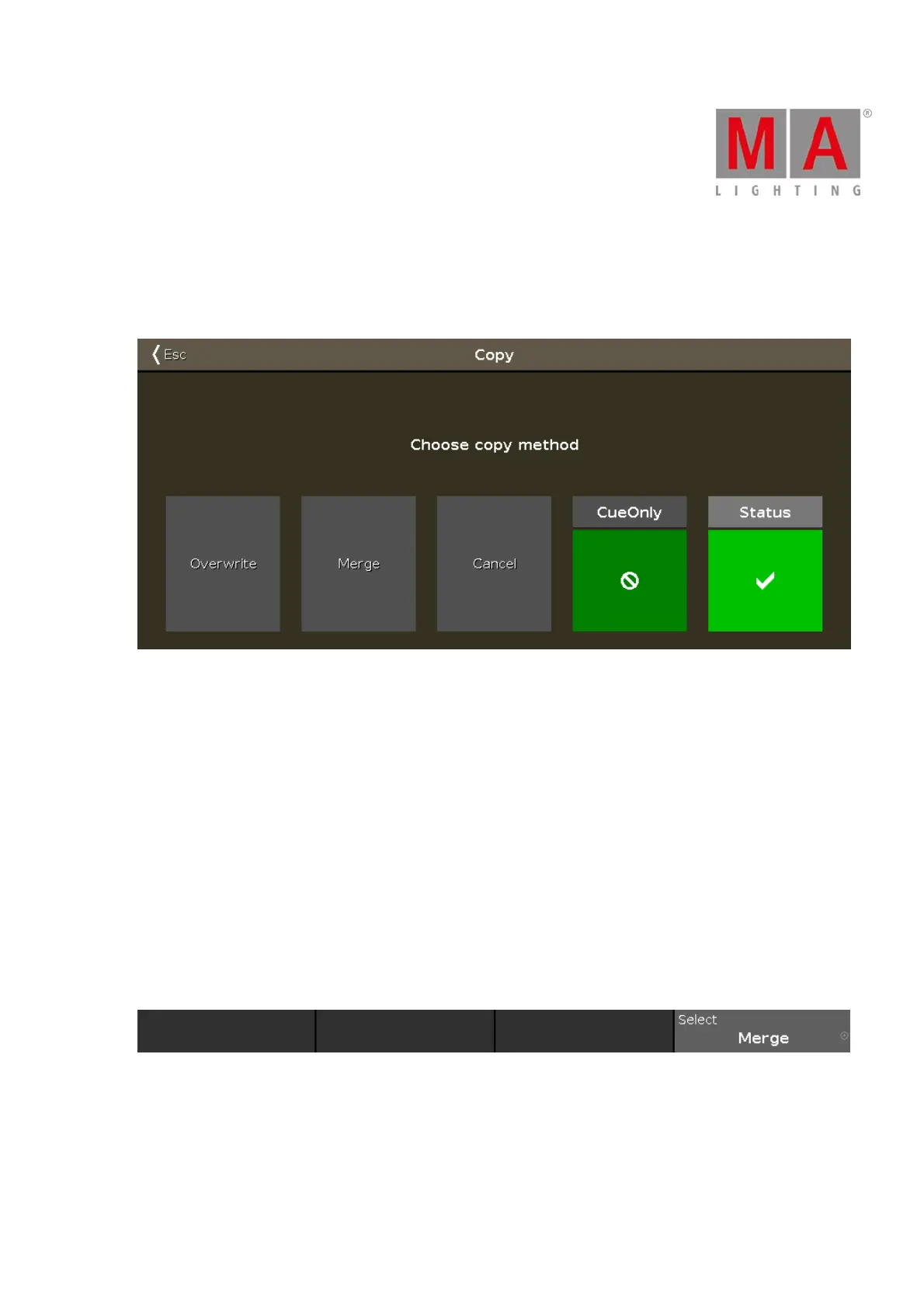
6.10. Choose Copy Method Window
If you try to copy an object to a destination where an object already exist, the console will ask you to choose the
copy method.
Overwrite:
Tap to overwrite the existing object, e.g. cue or group. The previous object will be deleted.
Merge:
Tap to add the object, e.g. cue or group, to the existing object.
Cancel:
Tap to cancel the copy function.
Cue only:
Tap if you copy the cue between two other cues. The copied cue will not affect the following cues with tracking
values.
Status:
Tap to copy the cue with its tracking values.
Encoder Bar Functions
Select:
To select a function, turn the encoder left or right.
To confirm a selected function, press or tap the encoder.
Related Links



 To Next Page