© 2018 MA Lighting Technology GmbH - Dachdeckerstr. 16 - 97297 Waldbüttelbrunn - Germany
Phone +49 5251 688865-27 - support@ma-dot2.com - www.malighting.com
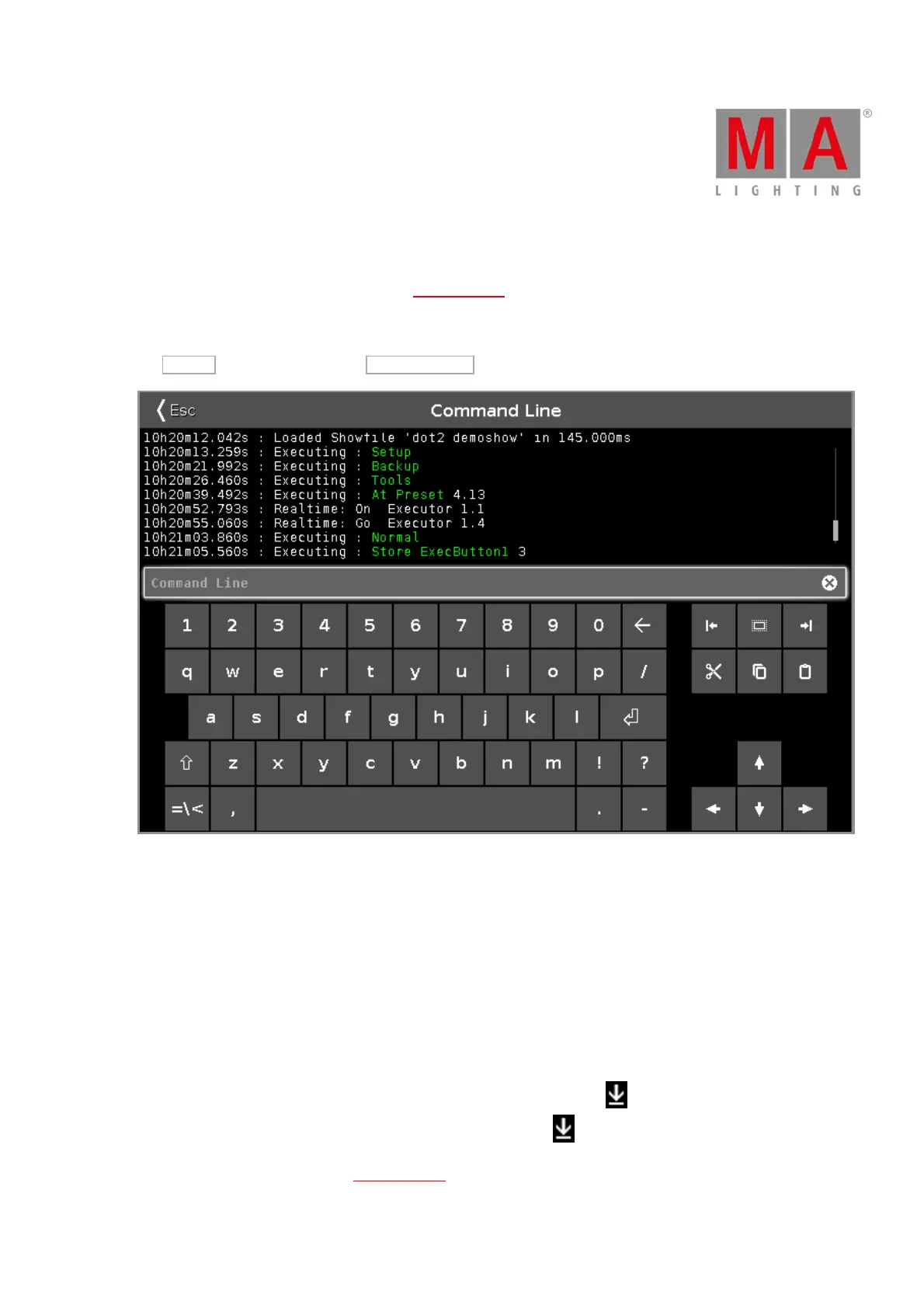
6.16. Command Line View
To go to the Command Line View, tap in the command line
- or -
tap More... in the view bar and tap Command Line .
The command line view displays in the upper area all inserted commands along with the response from the
console.
Error messages are also displayed.
Every command line start with the clock time (24 hours system) in hours, minutes, seconds and milliseconds.
After the time is the command history displayed.
To scroll vertical, use the vertical scroll bar.
To scroll horizontal, tap in the view and move the view from right to left.
If you are not at the end of the command history, there is a direction arrow displayed.
To go to the end of the command history, tap the directions arrow .
Below the command history is the command line.



 To Next Page