© 2018 MA Lighting Technology GmbH - Dachdeckerstr. 16 - 97297 Waldbüttelbrunn - Germany
Phone +49 5251 688865-27 - support@ma-dot2.com - www.malighting.com
Below the command line is the virtual keyboard.
To leave the command line view, tap in the title bar or press Esc on the console.
Feedback
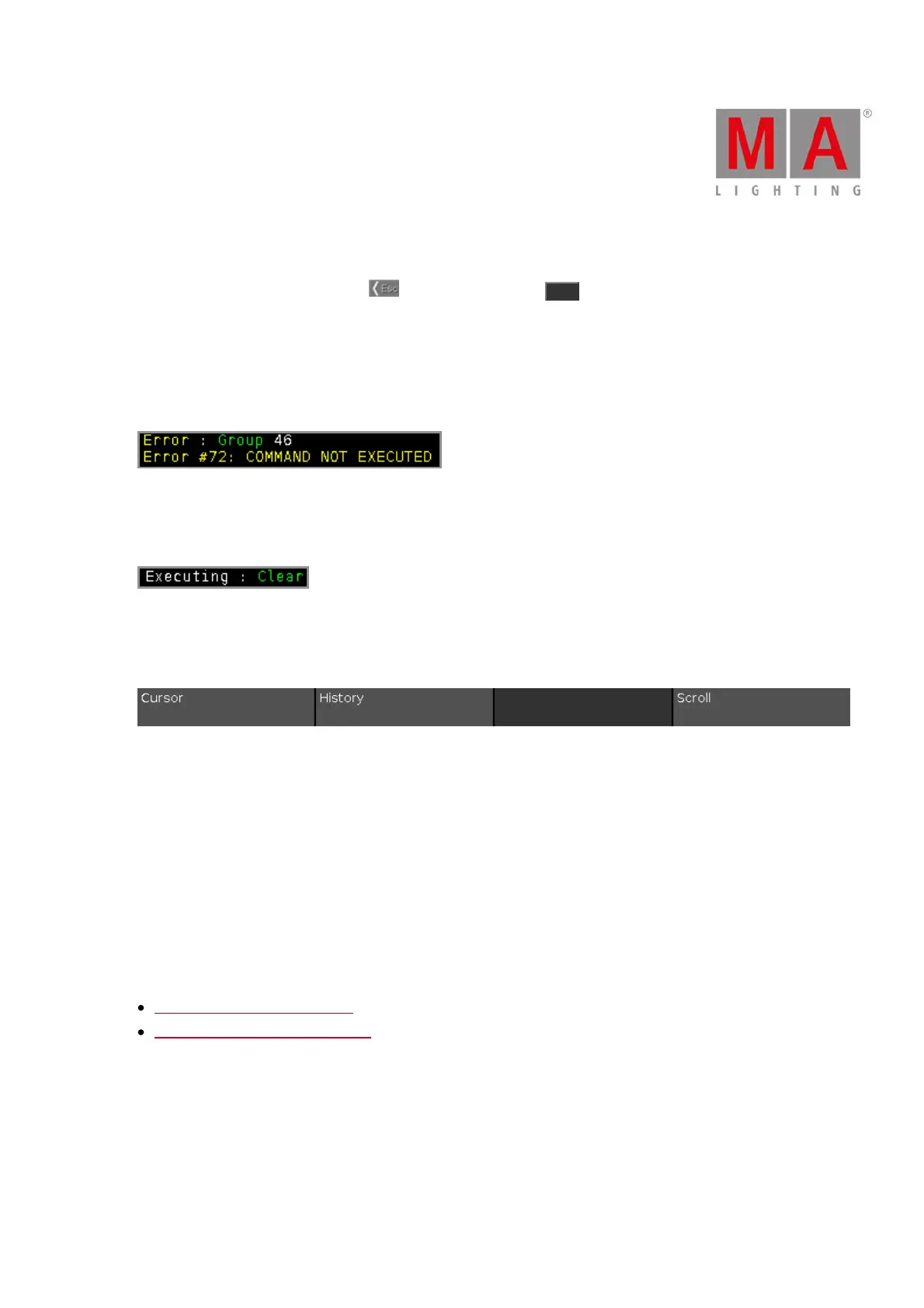
The command history has different feedback messages.
Error:
The entered command is wrong.
Executing:
The entered command is executed.
Encoder Bar Functions
Cursor:
To move the cursor in the command line left or right, turn the encoder left or right.
History:
To scroll in the commands forwards and backwards and display the command in the command line, turn the
encoder left or right.
Scroll:
To scroll in the command history up or down, turn the encoder left or right.
To scroll in the command history left or right, press and turn the encoder left or right.
Related Links
System Colors - Command Line
Control Elements - Command Line



 To Next Page