© 2018 MA Lighting Technology GmbH - Dachdeckerstr. 16 - 97297 Waldbüttelbrunn - Germany
Phone +49 5251 688865-27 - support@ma-dot2.com - www.malighting.com
6.14. Clock
To access the Clock, tap More in the View Bar.
For more information see Select View Window.
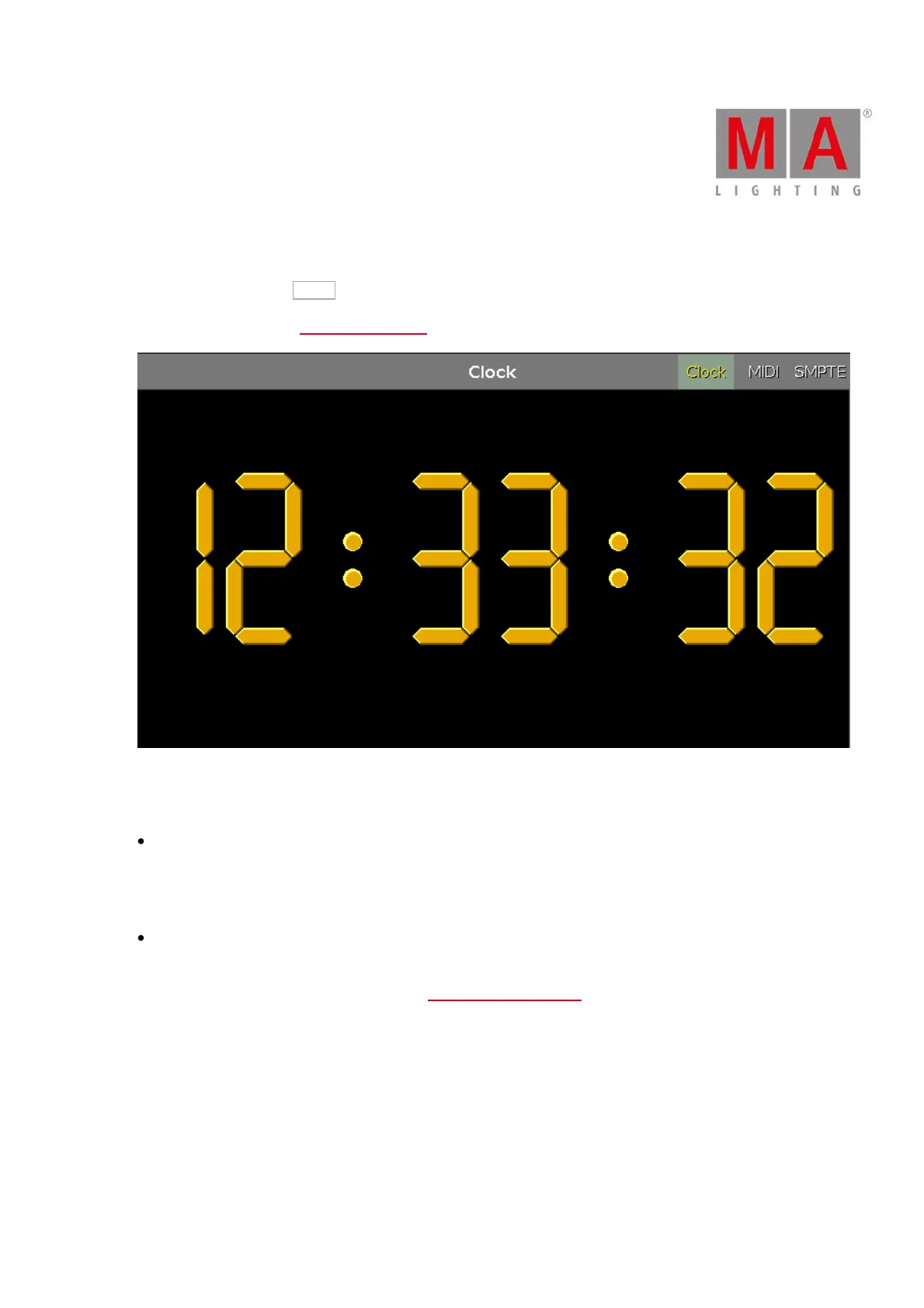
Figure 1: The clock
The window displays three views. To switch between the views, tap the names in the upper right corner.
Clock
Always displays the time in yellow.
MIDI and SMPTE
Display their corresponding timecode.
For more information on MIDI and SMPTE see Timecode Configuration.
If the MIDI or SMPTE timecode is disabled and no signal is coming in, it is displayed in gray.



 To Next Page