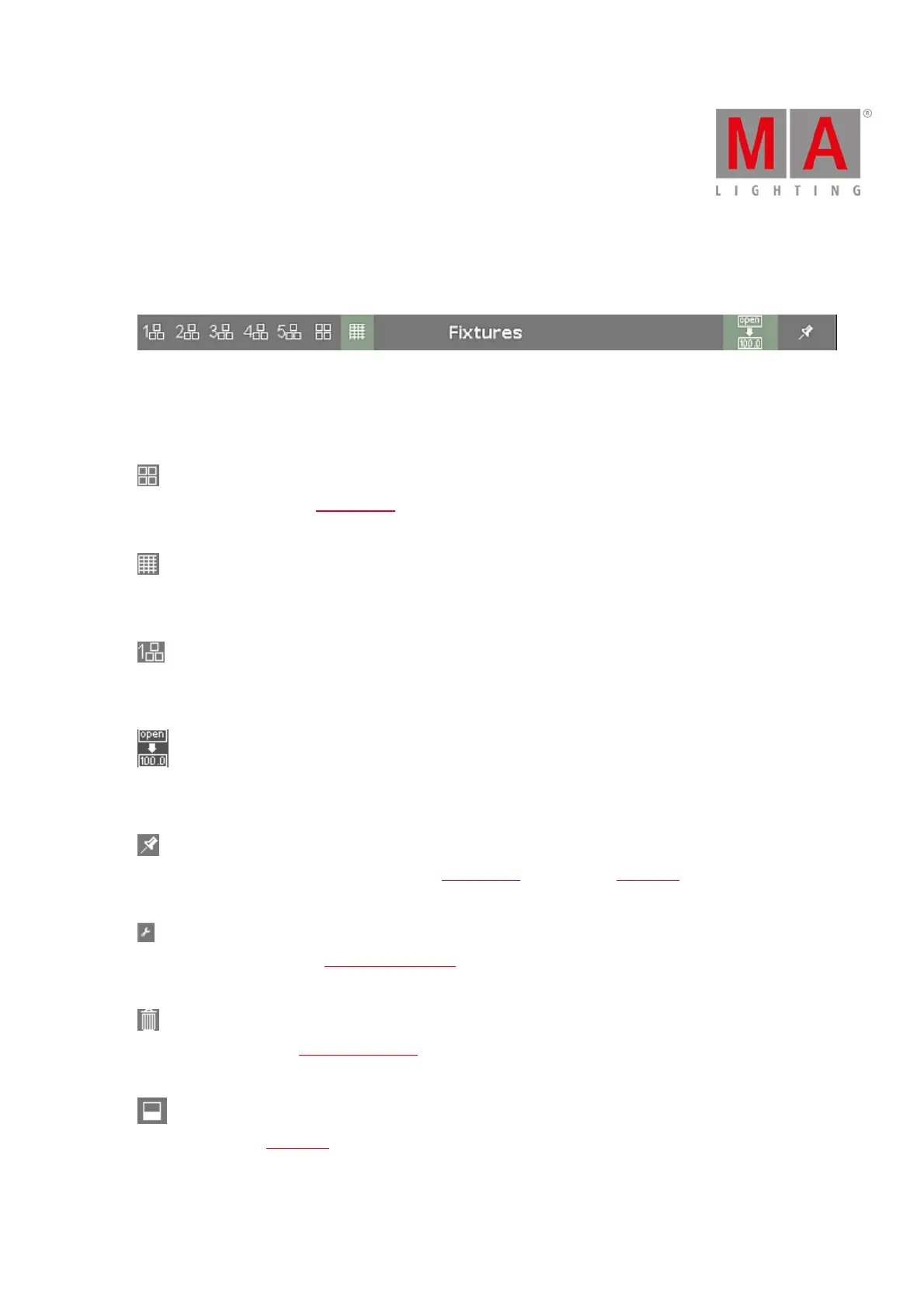
6.1.5. Title Bar
Every view has a title bar with information in which view you are and different icons.
Figure 1: Normal Title Bar
All changes you are do in a gray title bar mode interact directly with the console.
There are different title bar icons, depending on the view.
Symbol View: Located in the fixtures view title bar.
Tap to switch to the symbol view.
Sheet View: Located in the fixtures view title bar.
Tap to switch to the sheet view.
Layout View: Located in the fixtures view title bar.
Tap to switch to the layout view.
Values Only: Located in the title bar of the fixture view.
Tap to switch between names and values.
Pin: Located in the title bar from the fixture view, presets view, cues view and DMX view.
Tap to pin your view and deactivate the dynamic view mode.
Tool: Located in the cues and executor bar window title bar.
Tap to go to the cue settings.
Trash Can: Located in the load show window title bar.
Tap to delete a show.
View: Located in the DMX view title bar.
Tap to get the full view with attributes or remove the full view.



 To Next Page