© 2018 MA Lighting Technology GmbH - Dachdeckerstr. 16 - 97297 Waldbüttelbrunn - Germany
Phone +49 5251 688865-27 - support@ma-dot2.com - www.malighting.com
6.39. Macros Pool View
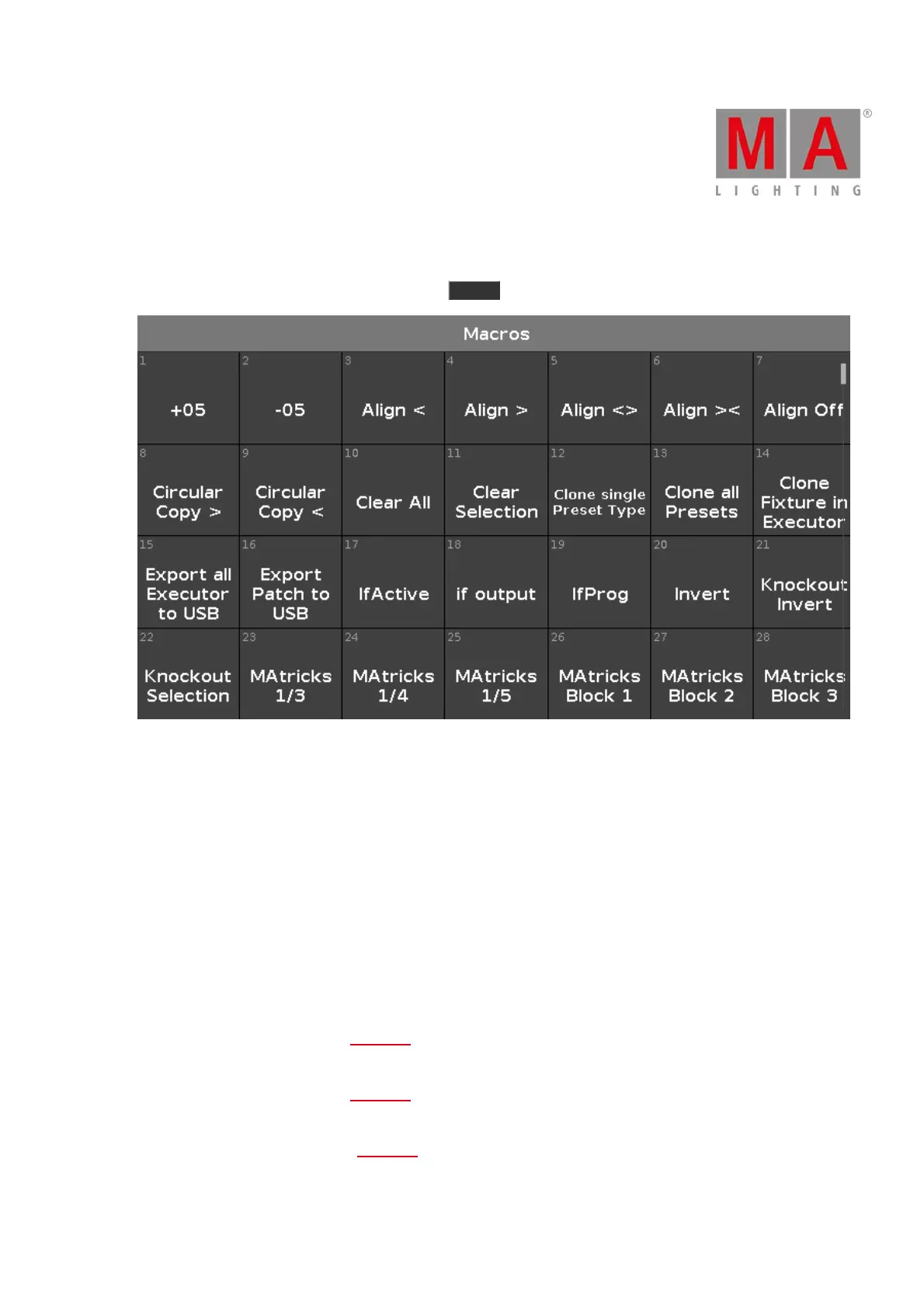
To go to the Macros Pool View on screen 1, press Macro on the console.
Figure 1: Macros pool view
Macros are predefined, stored commands, used for automation of tasks.
They are organized in an alphabetical order.
To scroll in the macros pool view, slide the vertical scroll bar or slide up and down in the view.
There are 26 macros available:
1. +05:
Adds 5% dimmer value to the selected fixture.
2. -05:
Removes 5% dimmer value from the selected fixture.
3. Align <:
Selects the align mode <. Refer to, Align Key.
4. Align >:
Selects the align mode >. Refer to, Align Key.
5. Align <>:
Selects the align mode <>. Refer to, Align Key.



 To Next Page