© 2018 MA Lighting Technology GmbH - Dachdeckerstr. 16 - 97297 Waldbüttelbrunn - Germany
Phone +49 5251 688865-27 - support@ma-dot2.com - www.malighting.com
4.1. Turn the console on and off
Figure 1: Power Switch at the back of the console
Turn the Console on
Press the power switch at the back of the console.
The console starts booting. The booting screen is displayed.
If the console is ready, the last saved show file opens.
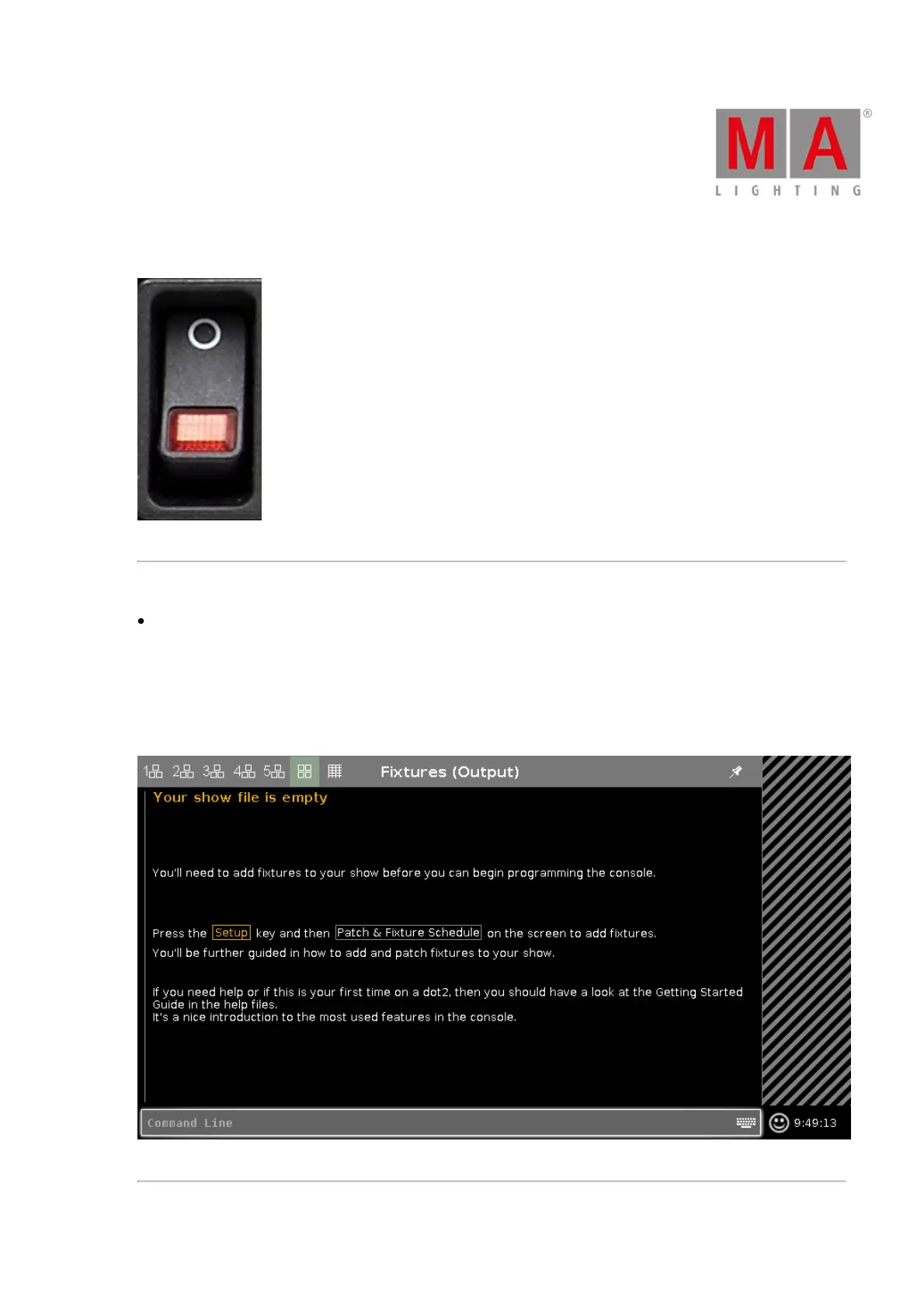
If you turn on the console the first time, the start screen opens.
Figure 2: dot2 start screen



 To Next Page