© 2018 MA Lighting Technology GmbH - Dachdeckerstr. 16 - 97297 Waldbüttelbrunn - Germany
Phone +49 5251 688865-27 - support@ma-dot2.com - www.malighting.com
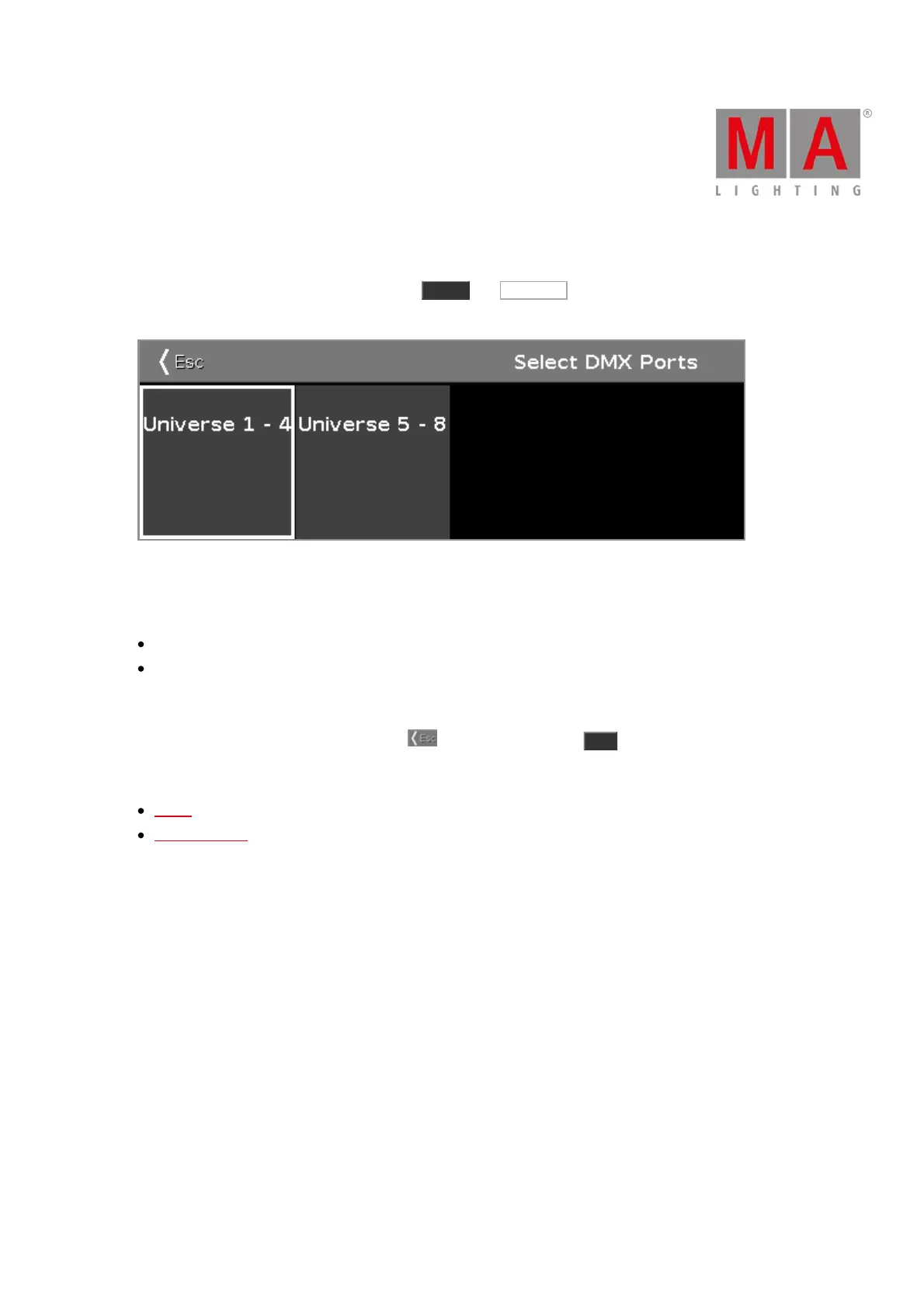
6.57. Select DMX Ports
To go to the Select DMX Ports window, press Setup , tap Sessions , select DMX Nodes and tap and hold in a
universe cell.
In this window, you select which universe range the Node4 should has as DMX output.
Choose between
universe 1 - 4
universe 5 - 8
To select a universe range, tap at the universe tile.
To leave the Select DMX Ports window, tap in the title bar or press Esc on the console.
Related Links
Setup
Network Setup



 To Next Page