© 2018 MA Lighting Technology GmbH - Dachdeckerstr. 16 - 97297 Waldbüttelbrunn - Germany
Phone +49 5251 688865-27 - support@ma-dot2.com - www.malighting.com
6.66. Select Type for Remote Inputs Configuration
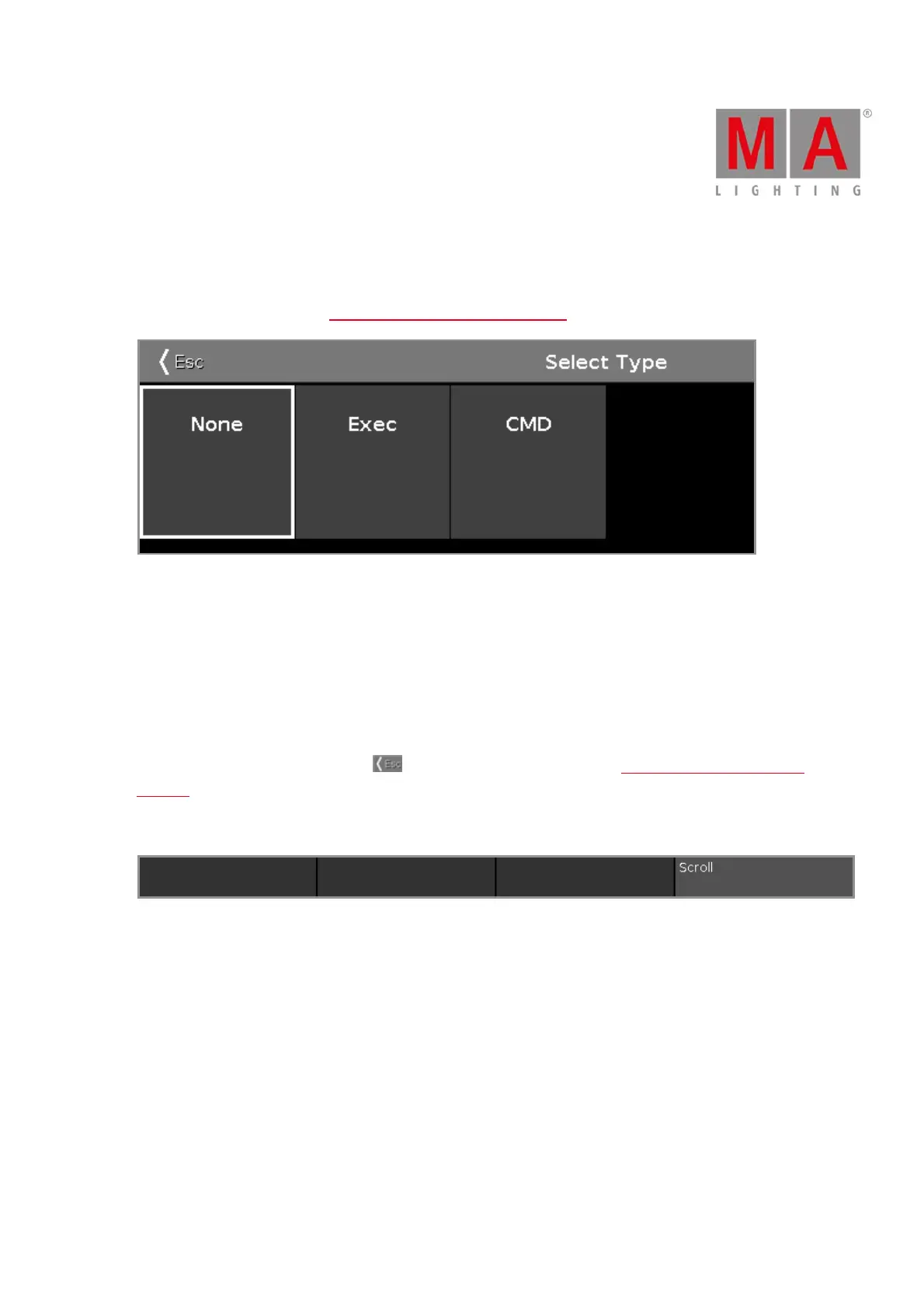
To open the Select Type Window, select the respective cell and press and hold the cell of the column Type or
press the scroll encoder, in the Remote Inputs Configuration Window.
The type is the action what the console does when the remote contact is activated.
There are three types available:
None: The console does nothing.
Exec (=Executor): The console executes the selected executor.
CMD (=Command): The console executes the command from the CMD column in the remote input window.
To leave the Select Type Window, tap in the title bar. You are back in the Remote Inputs Configuration
Window.
Encoder Bar Functions
Scroll:
To scroll left or right, press and turn the encoder left or right.
To apply a selection, press the encoder.



 To Next Page