© 2018 MA Lighting Technology GmbH - Dachdeckerstr. 16 - 97297 Waldbüttelbrunn - Germany
Phone +49 5251 688865-27 - support@ma-dot2.com - www.malighting.com
6.84. Window Settings
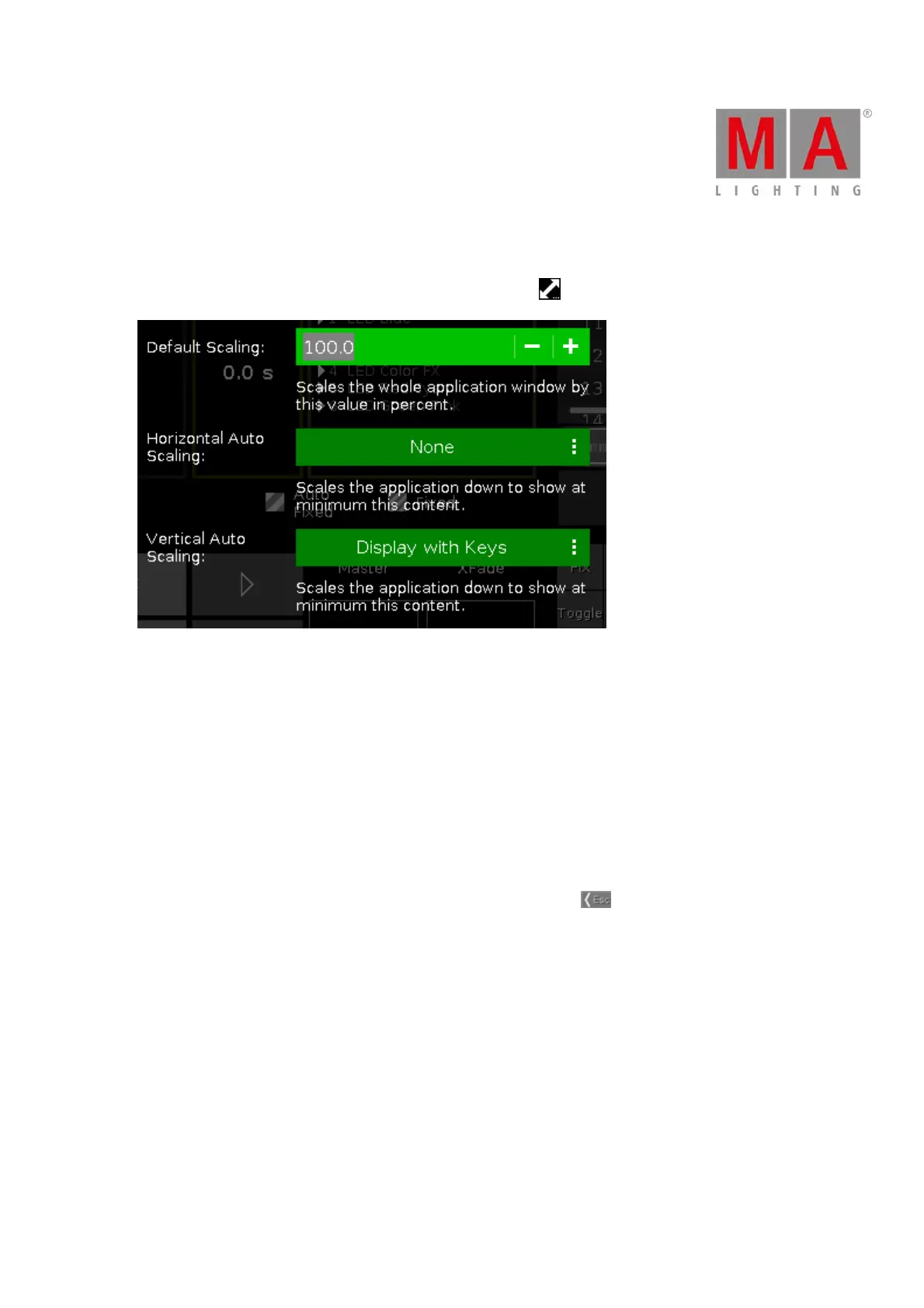
To open the dot2 onPC window settings, click a the scaling icon in the upper right corner of the dot2 onPC.
In this window, you can adjust the screen scaling.
There are three options available:
Default Scaling:
Adjust the scaling of the dot2 onPC window. Click - to make it smaller. Click + to make it bigger.
Horizontal Auto Scaling:
Select how many dot2 displays you want see in the dot2 onPC application at minimum.
Vertical Auto Scaling:
Select if you want to see the displays only or the displays with keys at minimum.
To apply the changes and leave the window settings window, click Esc in the upper left corner.



 To Next Page