© 2018 MA Lighting Technology GmbH - Dachdeckerstr. 16 - 97297 Waldbüttelbrunn - Germany
Phone +49 5251 688865-27 - support@ma-dot2.com - www.malighting.com
6.1.1. Command Line
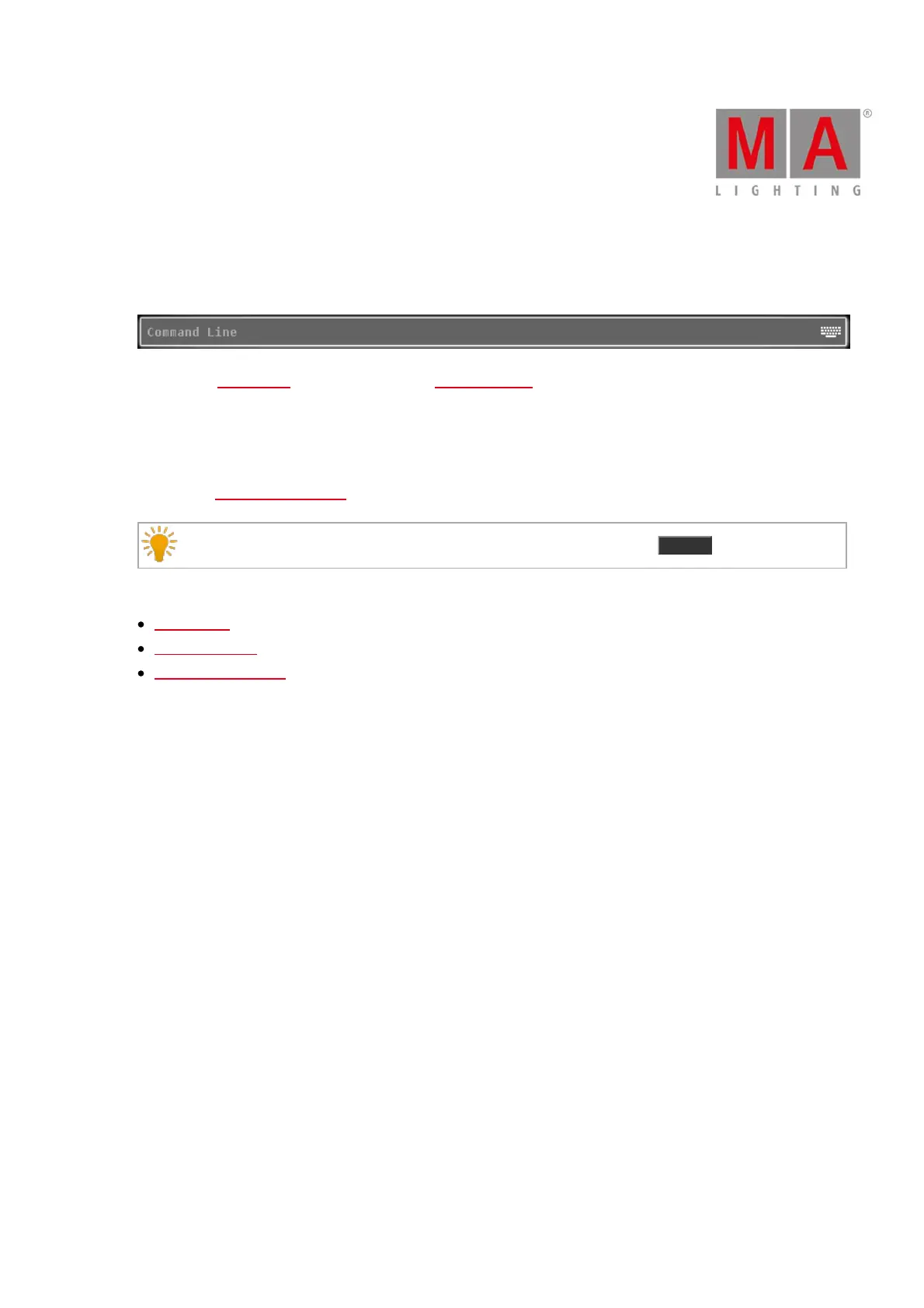
The command line is visible always on screen 1. It shows all the commands you entered into the console.
All common commands you can enter with the command keys from the command area.
There are some special commands you can only enter with the virtual keyboard.
To open the virtual keyboard: Tap into the command line.
To open the Command Line View: Tap into the command line.
Double check your entered command in the command line, before pressing Please .
Related Links
Commands
Command Keys
Command Line View



 To Next Page