© 2018 MA Lighting Technology GmbH - Dachdeckerstr. 16 - 97297 Waldbüttelbrunn - Germany
Phone +49 5251 688865-27 - support@ma-dot2.com - www.malighting.com
6.70. Session Collision
A session collision happens, if you connect two consoles with a network cable and both are in the same session.
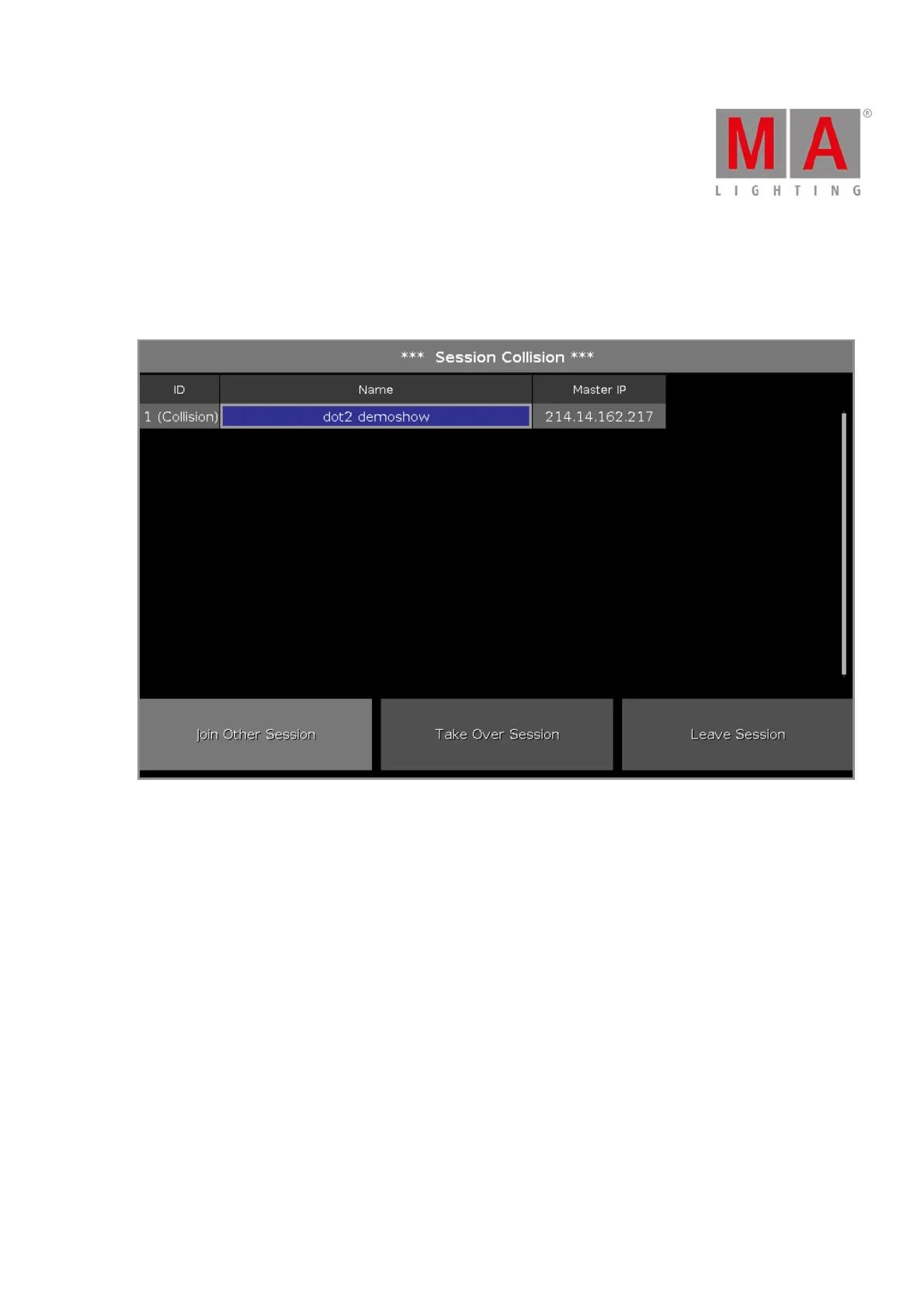
When the dot2 detects a session collision, the session collision window opens.
Figure: Session Collision Window
The session collision window has a table with three columns:
ID: Displays the session number.
Name: Displays the show file name.
Master IP: Displays the IP address of the master.
At the bottom of the window are three action buttons:
Join Other Session:
Tap to run the show as a session member and receive the show file from the master.
The current show file will be saved at the internal drive.
Take Over Session:
Tap to run the show as the master and send your show file to the session member.
The show files of the session members will be saved at the internal drive.



 To Next Page