© 2018 MA Lighting Technology GmbH - Dachdeckerstr. 16 - 97297 Waldbüttelbrunn - Germany
Phone +49 5251 688865-27 - support@ma-dot2.com - www.malighting.com
7.1. >>> [GoFastForward] Command
This page describes the syntax and how to use the >>> [GoFastForward] command.
Description
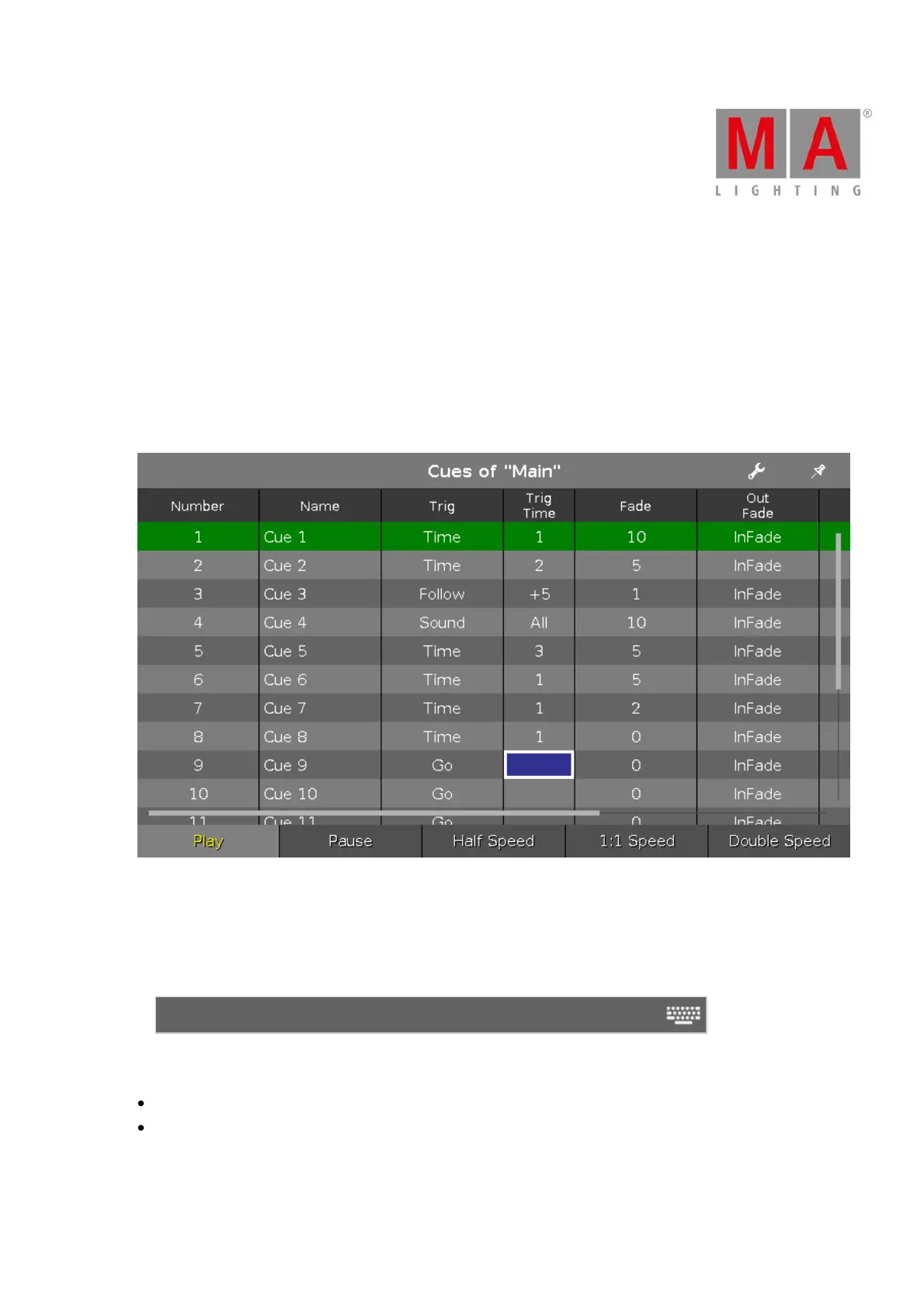
With the >>> [GoFastForward] command, you jump to the next cue in the cue list without timing.
Let´s assume, you have a long cue list with timings and you will have a quick overview about your cue list
without waiting for each cue timing.
With the >>> [GoFastForward] command you can do this.
Use the >>> [GoFastForward] instead of the Go command if you do not need the timings of the cues.
Syntax
>>> Executor
The command >>> [GoFastForward] needs the following arguments:
>>> [GoFastForward]
Executor: Press the executor button on which the cue list is stored you like to jump in.



 To Next Page