© 2018 MA Lighting Technology GmbH - Dachdeckerstr. 16 - 97297 Waldbüttelbrunn - Germany
Phone +49 5251 688865-27 - support@ma-dot2.com - www.malighting.com
4.6. How to use Encoders in the onPC
Unlike the real console, you don't have any encoders in the onPC.
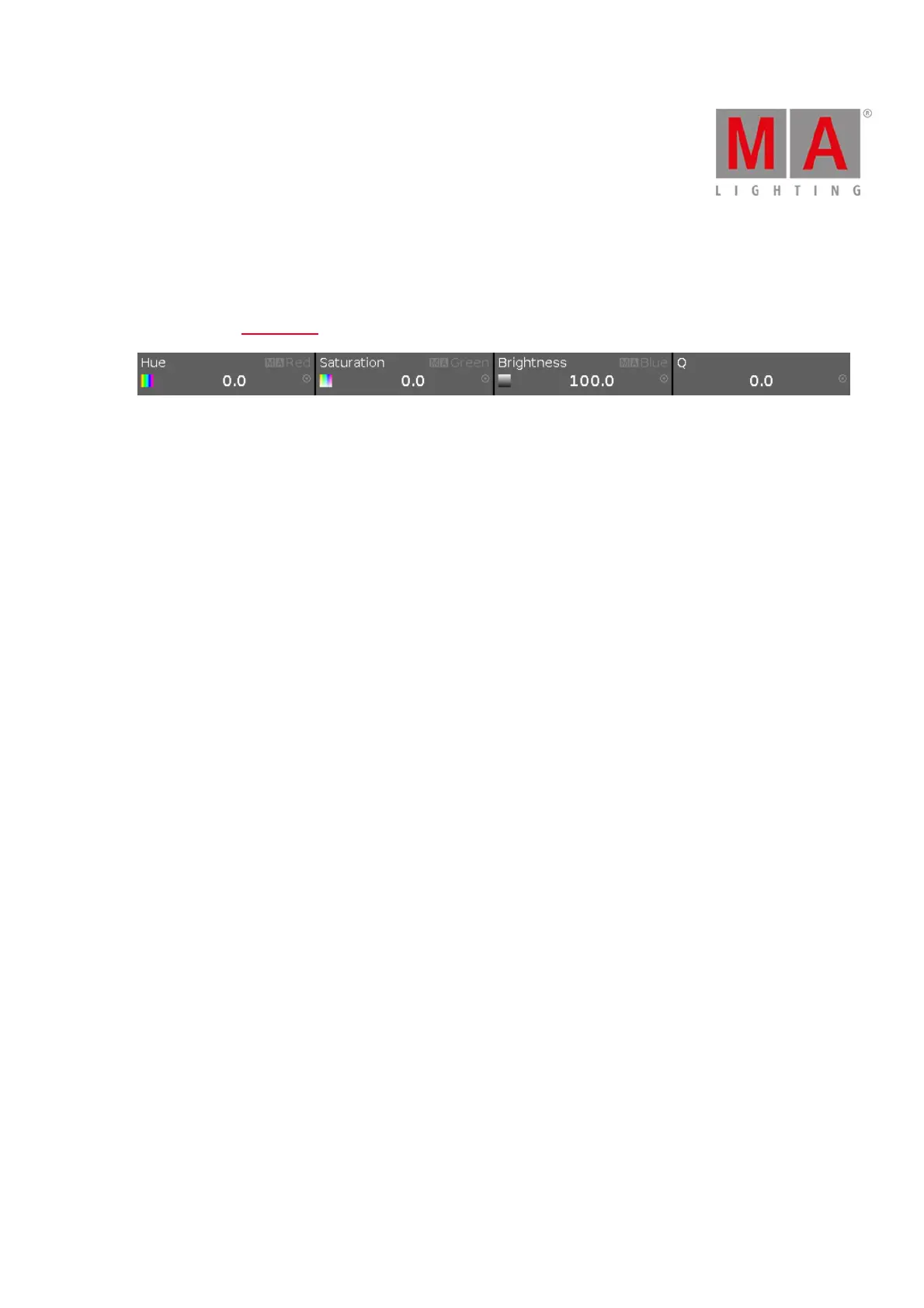
You do have the Encoder Bar.
Encoder Bar.
This can be operated by the mouse.
If you left click on one of the four area in the Encoder Bar, then it's the equivalent to a short press on the physical
encoder.
A click-and-hold while you move the mouse up and down is like scrolling the encoder - while you hold the left
mouse button and move the mouse, you can go outside the Encoder Bar.
You can also do this by selecting one of the controllers in the special preset type dialogs and then turn your
mouse scroll wheel (if you have one).
For moving the cursor in sheets it's better to use the arrow keys on your keyboard. You'll need to click somewhere
inside the sheet first.



 To Next Page