© 2018 MA Lighting Technology GmbH - Dachdeckerstr. 16 - 97297 Waldbüttelbrunn - Germany
Phone +49 5251 688865-27 - support@ma-dot2.com - www.malighting.com
6.36. Key Backlight Window
The Key Backlight Window is located in the Setup, column Console, Key Backlight.
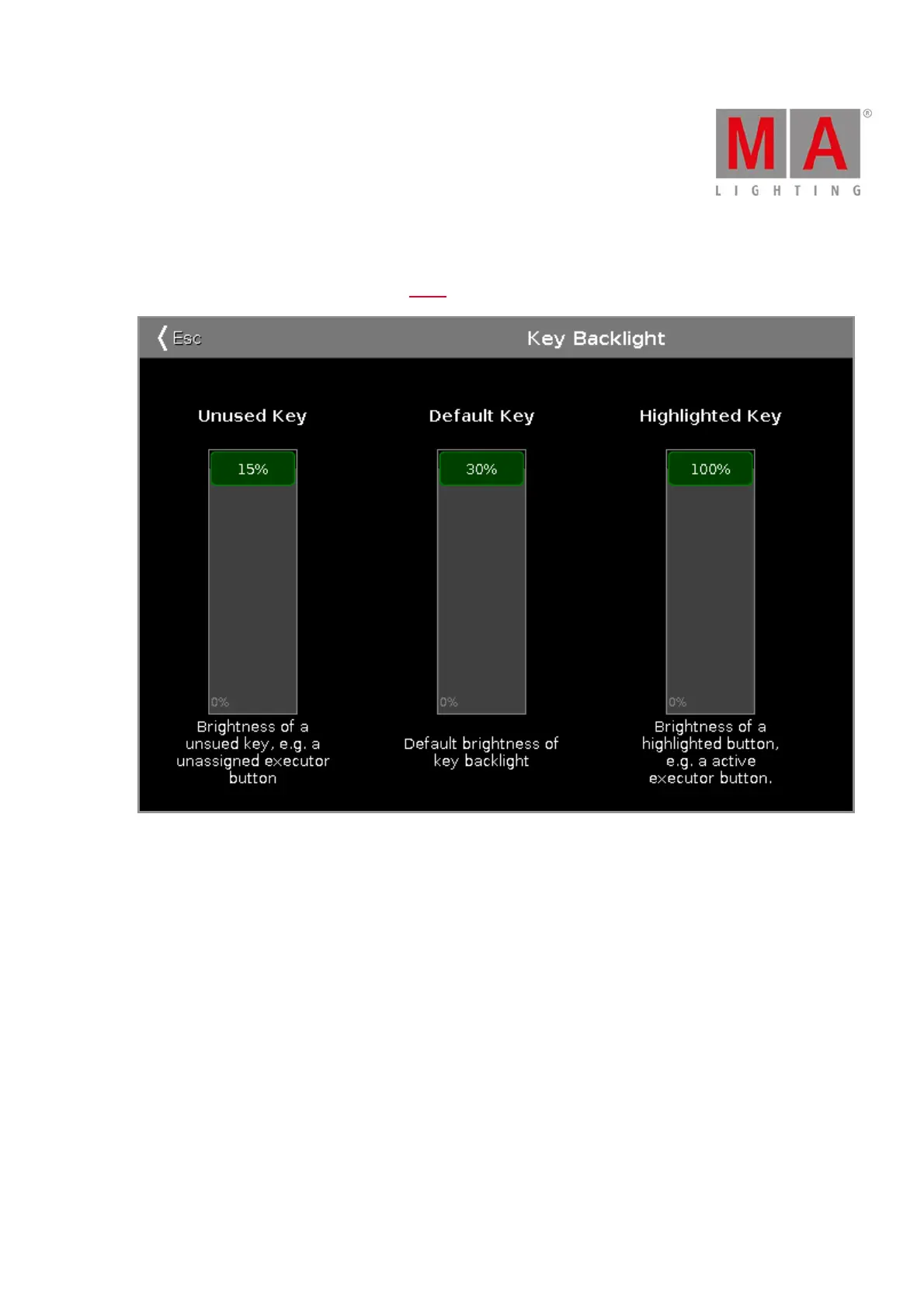
In this window, you select the brightness of the backlight from the keys.
There are three sliders: Unused Key, Default Key and Highlighted Key.
Unused Key
The unused key slider is the first one of the three.
To select the brightness of the unassigned executor buttons, move the slider up or down.
15 % is the highest value to select.
Default Key
The default key slider is the one in the middle of the three.
To select the brightness of the keys in the command area, move the slider up or down.
30 % is the highest value to select.



 To Next Page