© 2018 MA Lighting Technology GmbH - Dachdeckerstr. 16 - 97297 Waldbüttelbrunn - Germany
Phone +49 5251 688865-27 - support@ma-dot2.com - www.malighting.com
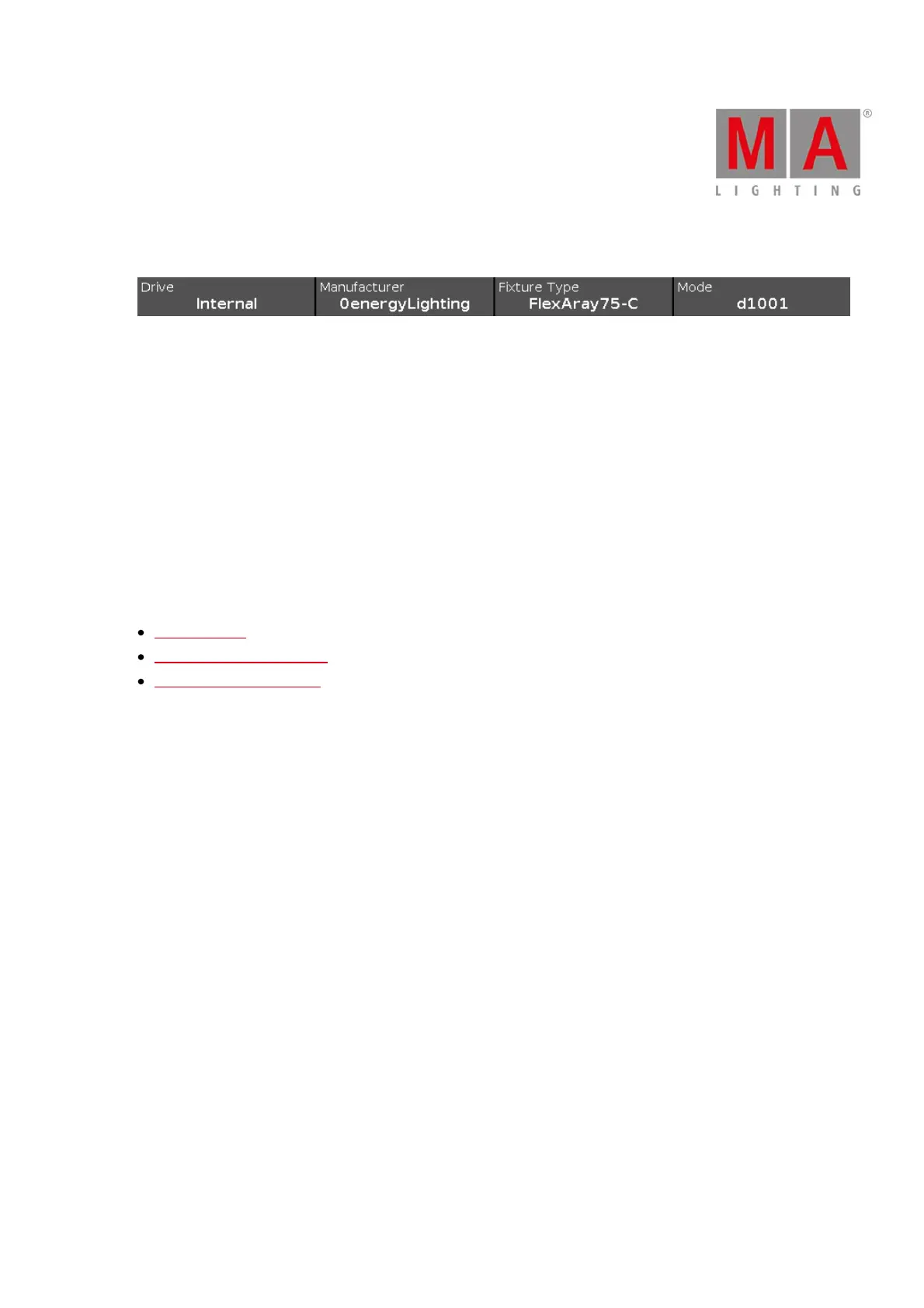
Encoder Bar Functions
Drive:
To select the Drive for the import of a fixture type, turn the encoder left or right.
Available drives are: Internal, Demoshows, Templates, and if inserted USB.
Manufacturer:
To scroll in the column Manufacturer up and down and select a manufacturer, turn the encoder left or right.
Fixture Type:
To scroll in the column Device Name up and down and select a device, turn the encoder left or right.
Mode:
To scroll in the column Mode up and down and select a mode, turn the encoder left or right.
Related Links
Setup Window
Patch and Fixture Schedule
Add New Fixtures Window



 To Next Page