In this column are all available manufacturer listed.
There are two lines in a cell.
The first line displays the name of the manufacturer.
The second line items displays all to the manufacturer available modes in the mode column.
Column Device Name
This is the second column in this window.
In this column are all available devices regarding to the selected manufacturer.
There are two lines in a cell.
The first line displays the device name.
The second line items displays all to the device available modes in the mode column.
Column Mode
This is the third column in this window.
In this column are all available devices regarding to the selected manufacturer and device.
There are three lines in a cell.
The first line displays the mode name.
The second line displays the DMX Footprint, that means how many DMX channels the mode has.
The third line displays the Instances, that means how many different elements with single controls the fixture
type has.
Information Area
The information area is located at screen 2.
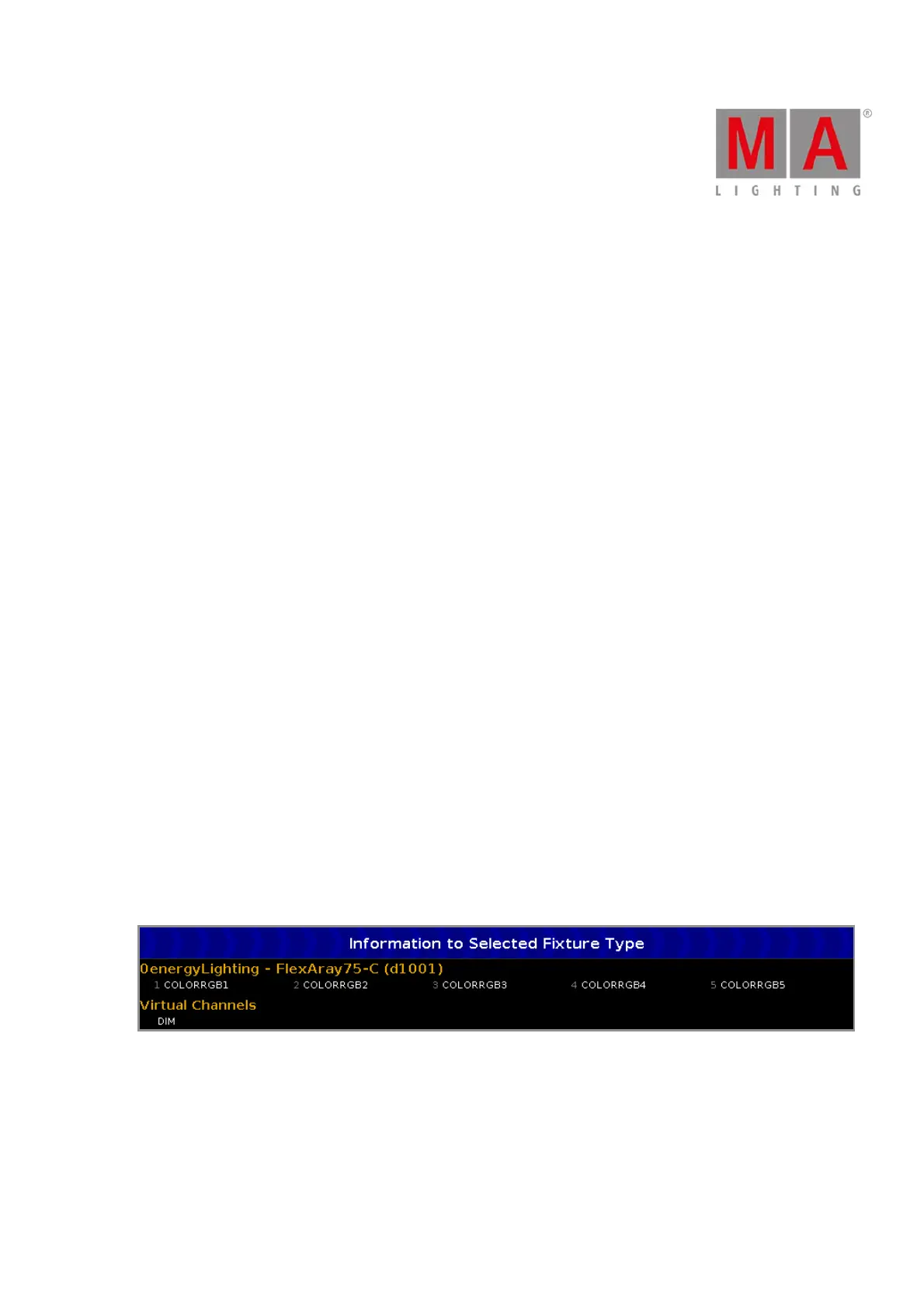
It displays at first, manufacturer, device name and mode in brackets, of the selected fixture type.
Below the name are all DMX channels along with their attributes.
If the fixture type has virtual channels it is displayed below the real channels.



 To Next Page