© 2018 MA Lighting Technology GmbH - Dachdeckerstr. 16 - 97297 Waldbüttelbrunn - Germany
Phone +49 5251 688865-27 - support@ma-dot2.com - www.malighting.com
6.32. Global Settings Window
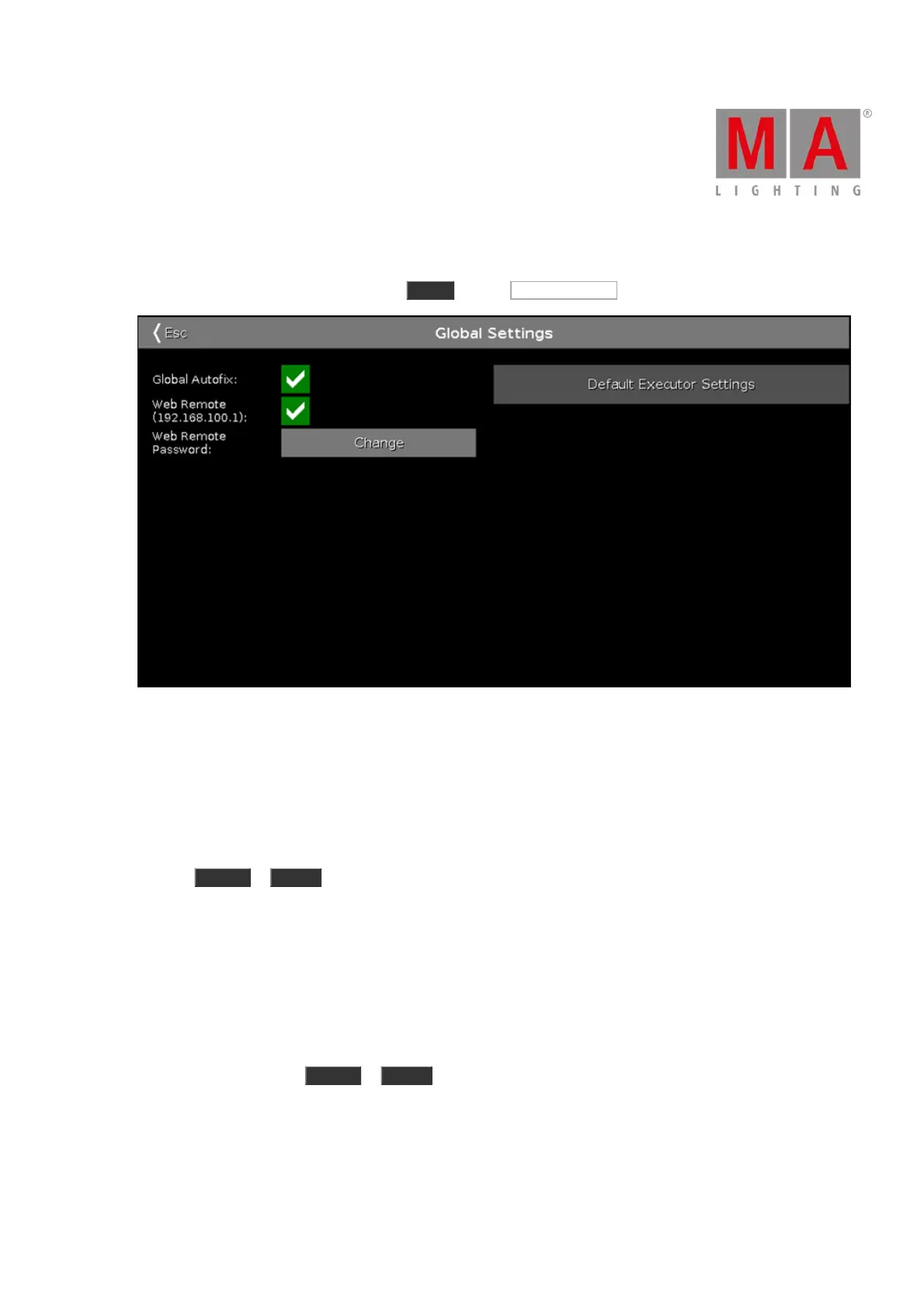
To open the Global Settings window, press Setup and tap Global Settings .
Figure 1: Global Settings
In the window Global Settings, enable or disable the global executor function Autofix.
By default, global autofix is enabled.
Global Autofix On
If global autofix is enabled, then the executors that are running are fixed when you change the executor page by
pressing Page + or Page - .
Executor buttons or faders that are running cannot be used simultaneously on a different page.
Auto-fixed executors are indicated by a shaded surface in the executor bar.
To enable global autofix, tap the prohibition sign to check the green box.
Global Autofix Off
If global autofix is disabled, you will not see the executors running in the executor bar when you change the
executor page by pressing Page + or Page - .
Use the executor buttons or faders for further usage of executors.



 To Next Page