© 2018 MA Lighting Technology GmbH - Dachdeckerstr. 16 - 97297 Waldbüttelbrunn - Germany
Phone +49 5251 688865-27 - support@ma-dot2.com - www.malighting.com
Important:
If you change the executor page while using a fader, this fader will then be used for a different executor.
It will also go back to a previous page.
If you do not move the fader to grab it at its original position, the fader will not influence the content of
the executor. If you have to move the fader upward, the go executor button starts flashing. If you
have to move the fader downward, the flash executor button starts flashing.
To disable global autofix, tap the check mark to turn the check box into a prohibition sign.
Web Remote
To disable web remote, tap the check mark.
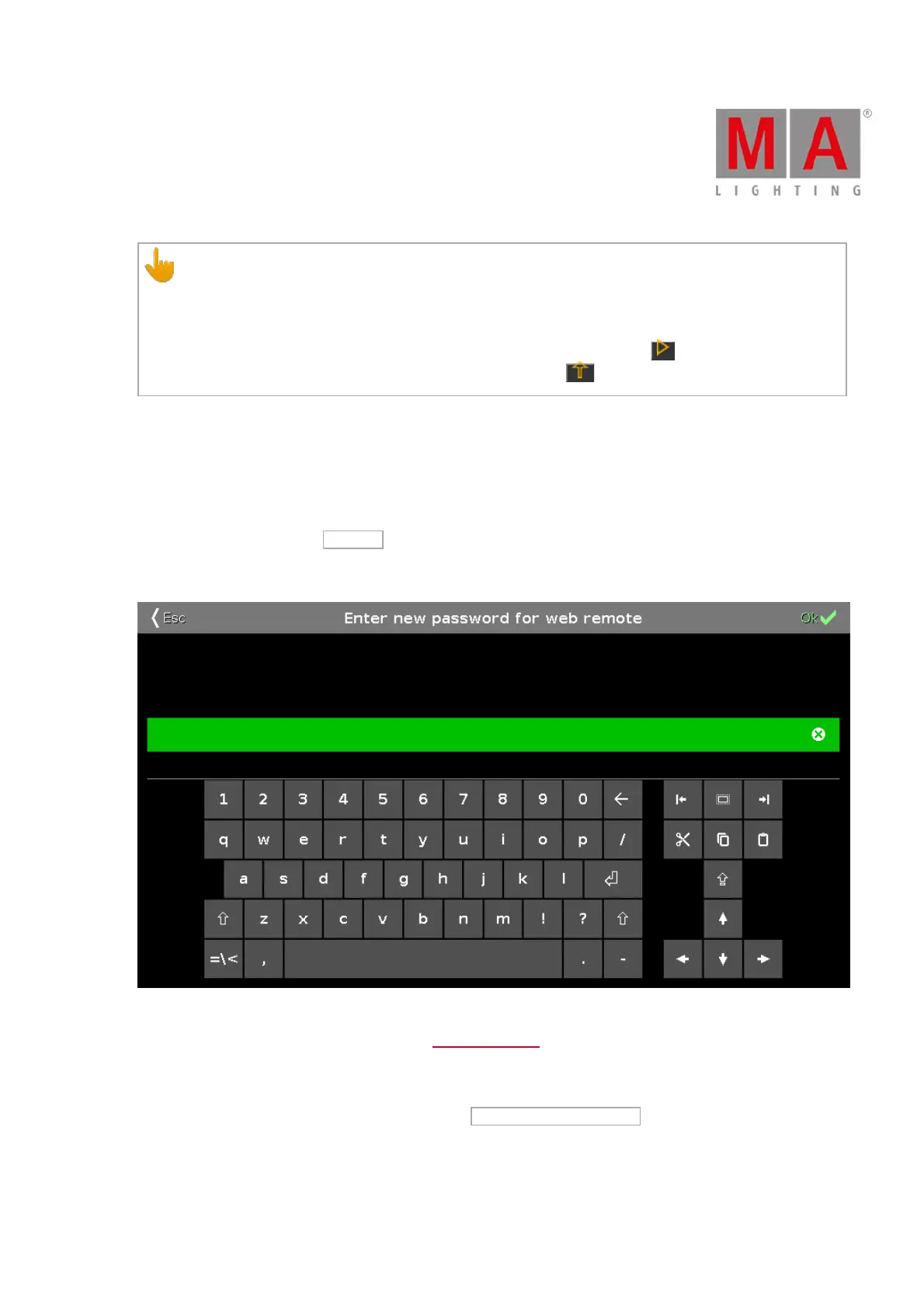
To change the password, tap Change .
The window Enter New Password for Web Remote opens.
Figure 2: Enter new password
For information on how to use web remote see Use Web Remote.
Default Executor Settings
1. To open the default settings of executors, tap Default Executor Settings .
2. The window Default Executor Settings opens.



 To Next Page