© 2018 MA Lighting Technology GmbH - Dachdeckerstr. 16 - 97297 Waldbüttelbrunn - Germany
Phone +49 5251 688865-27 - support@ma-dot2.com - www.malighting.com
7.70. View Command
This page describes the syntax and how to use the view command.
To go to the view command, press the key on the console.
Description
With the view command you can view the cues of executors.
Syntax
View the cues from executor 1.
View Executor 1
Example
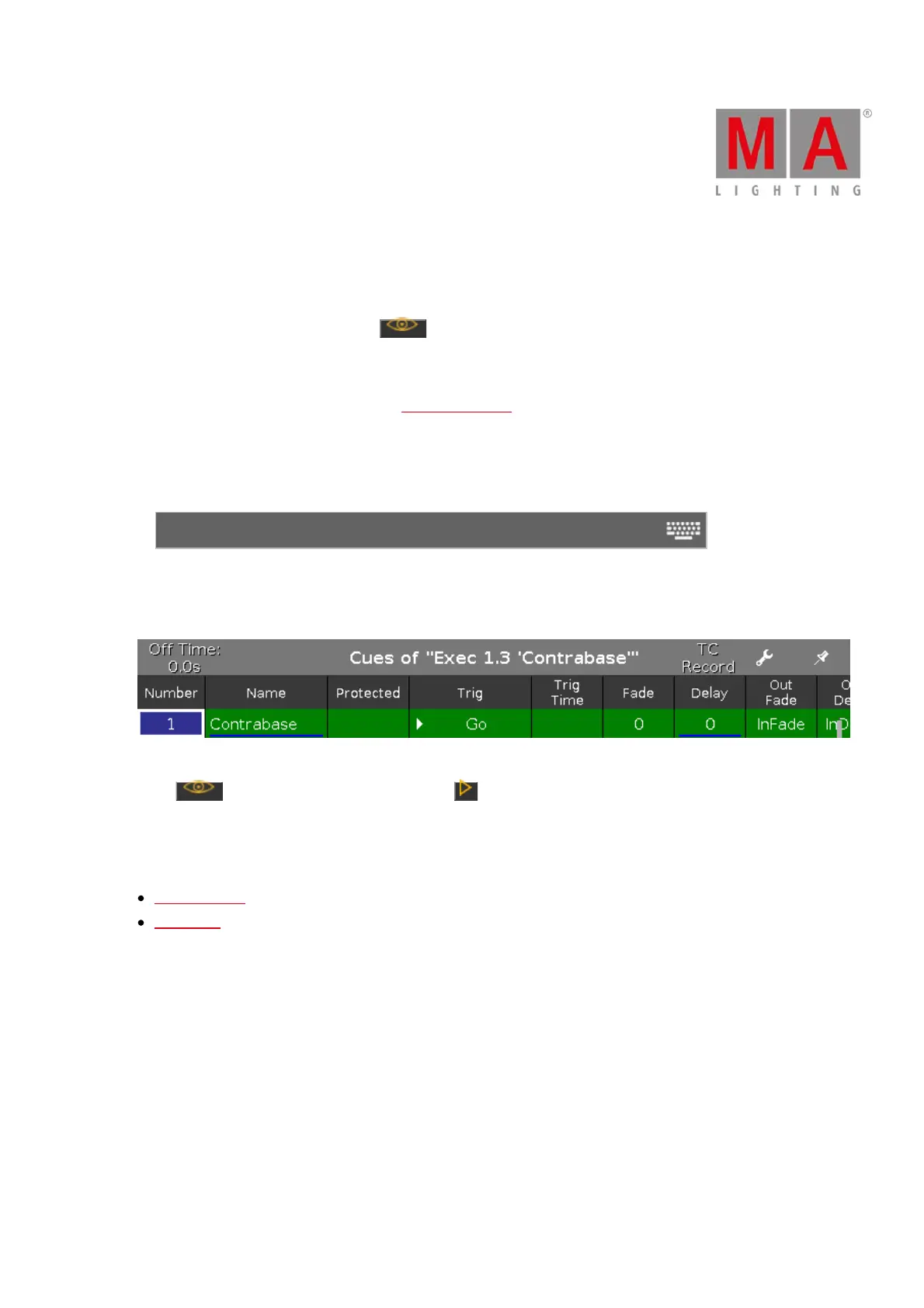
Let´s assume you will see the cues of executor 3 on page 1.
Figure 1: Cues View
Press and then respective executor button .
The cues view of the executor is visible on screen 1.
Related Links
View [Eye] Key
Cues View



 To Next Page