© 2018 MA Lighting Technology GmbH - Dachdeckerstr. 16 - 97297 Waldbüttelbrunn - Germany
Phone +49 5251 688865-27 - support@ma-dot2.com - www.malighting.com
3.1. System colors
After some actions, the dot2 gives you directly feedback in color form.
The following examples will explain it.
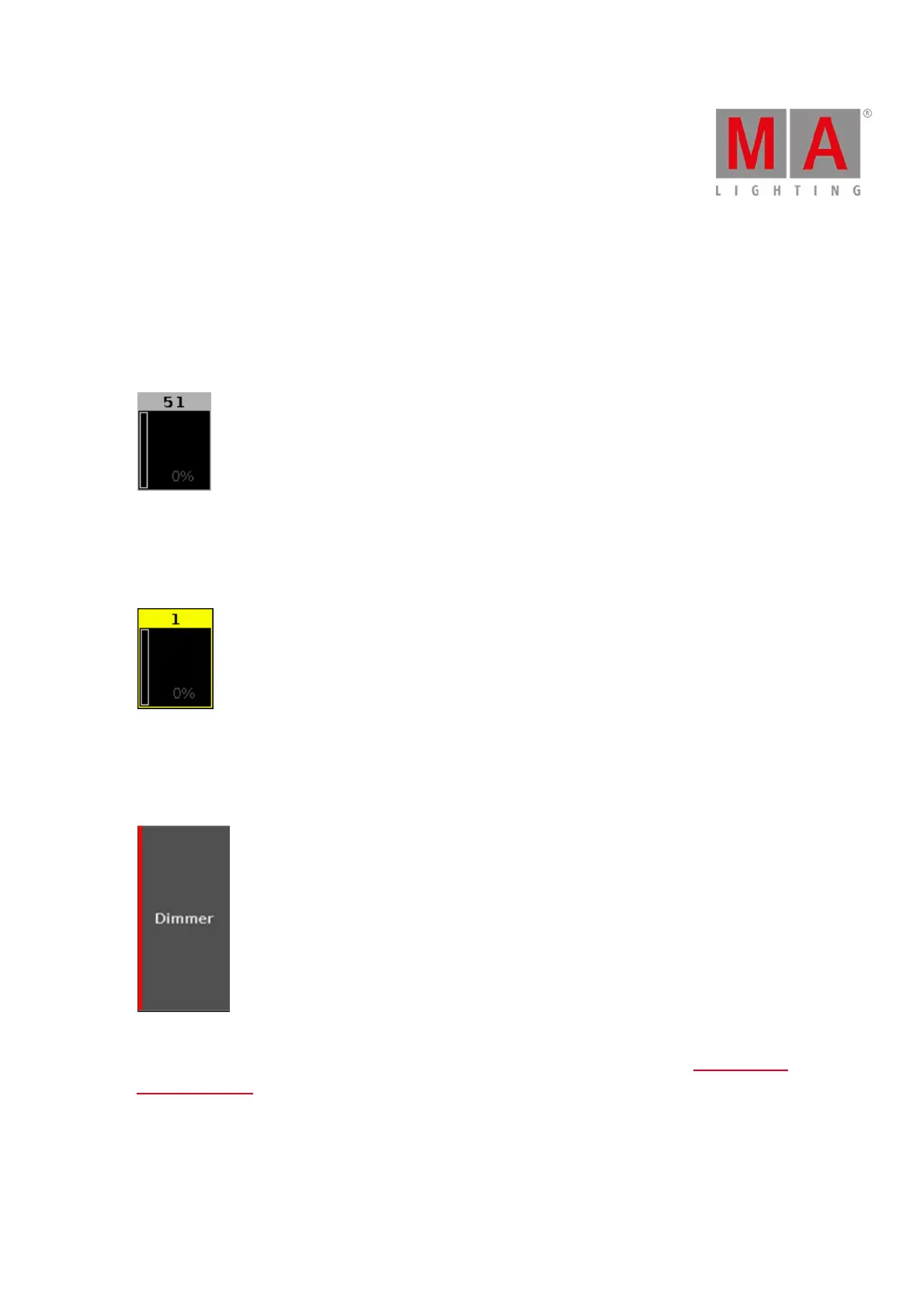
Gray Color
Figure 1: Gray color
Gray color indicates a not selected object. It is the default color.
Yellow Color
Figure 2: Yellow color
Yellow color indicates a selected object, e.g. fixture or group.
Red Color
Figure 3: Red color
Red color indicates that this value comes from the programmer and you can store it, e.g. preset type bar or
fixtures sheet view.
Purple Color



 To Next Page