© 2018 MA Lighting Technology GmbH - Dachdeckerstr. 16 - 97297 Waldbüttelbrunn - Germany
Phone +49 5251 688865-27 - support@ma-dot2.com - www.malighting.com
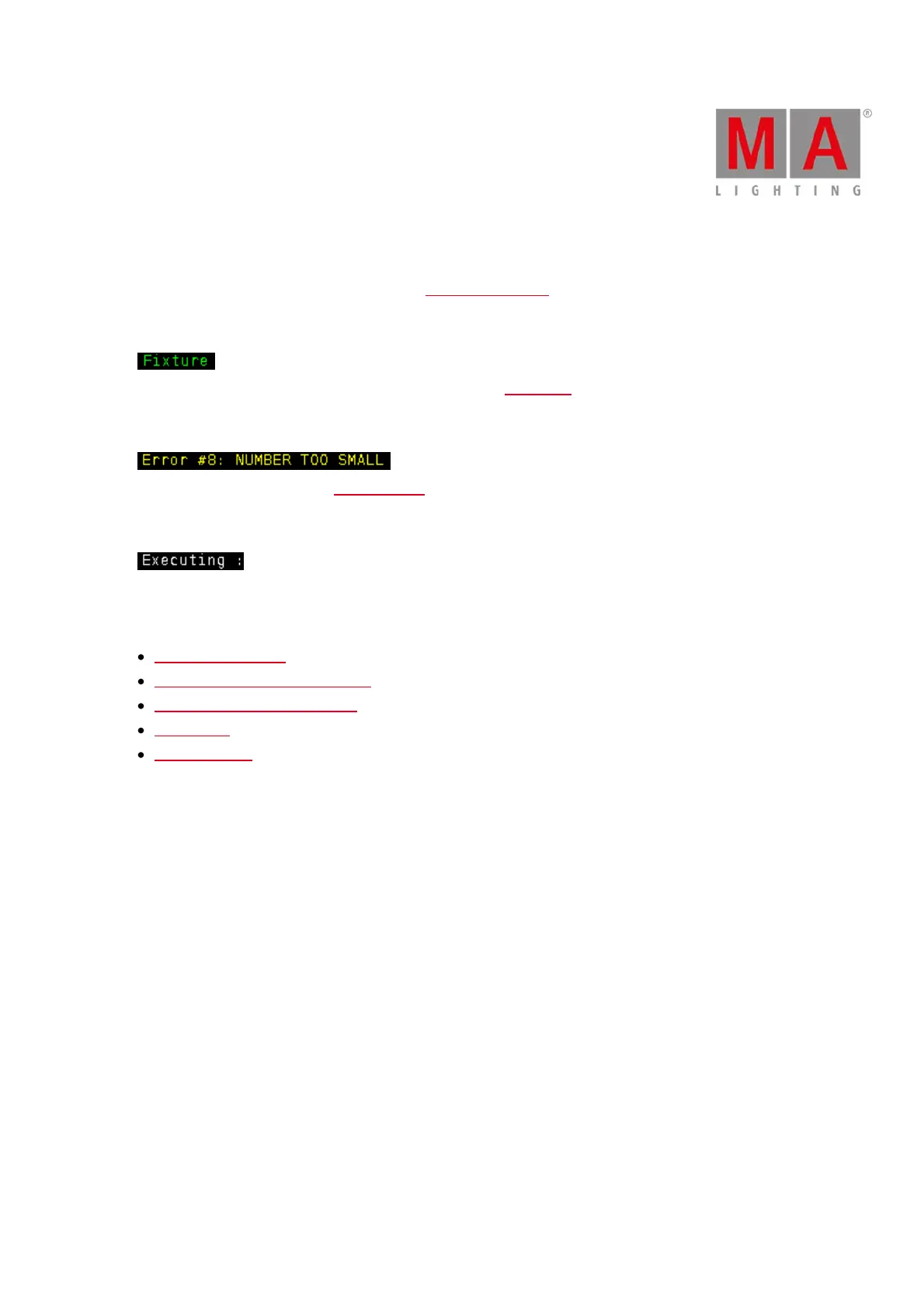
3.1.1. Command History Colors
The command history colors are visible in the command line view.
Green
Green indicates, that this is a command or a short cut of a command.
Yellow
Yellow indicates, that this is an error message.
White
White indicates, that is default command text.
Related Links
Command Line View
Control Elements - Command Line
How to use the Command Line?
Commands
Error Messages



 To Next Page