© 2018 MA Lighting Technology GmbH - Dachdeckerstr. 16 - 97297 Waldbüttelbrunn - Germany
Phone +49 5251 688865-27 - support@ma-dot2.com - www.malighting.com
6.42. MIDI Monitor Window
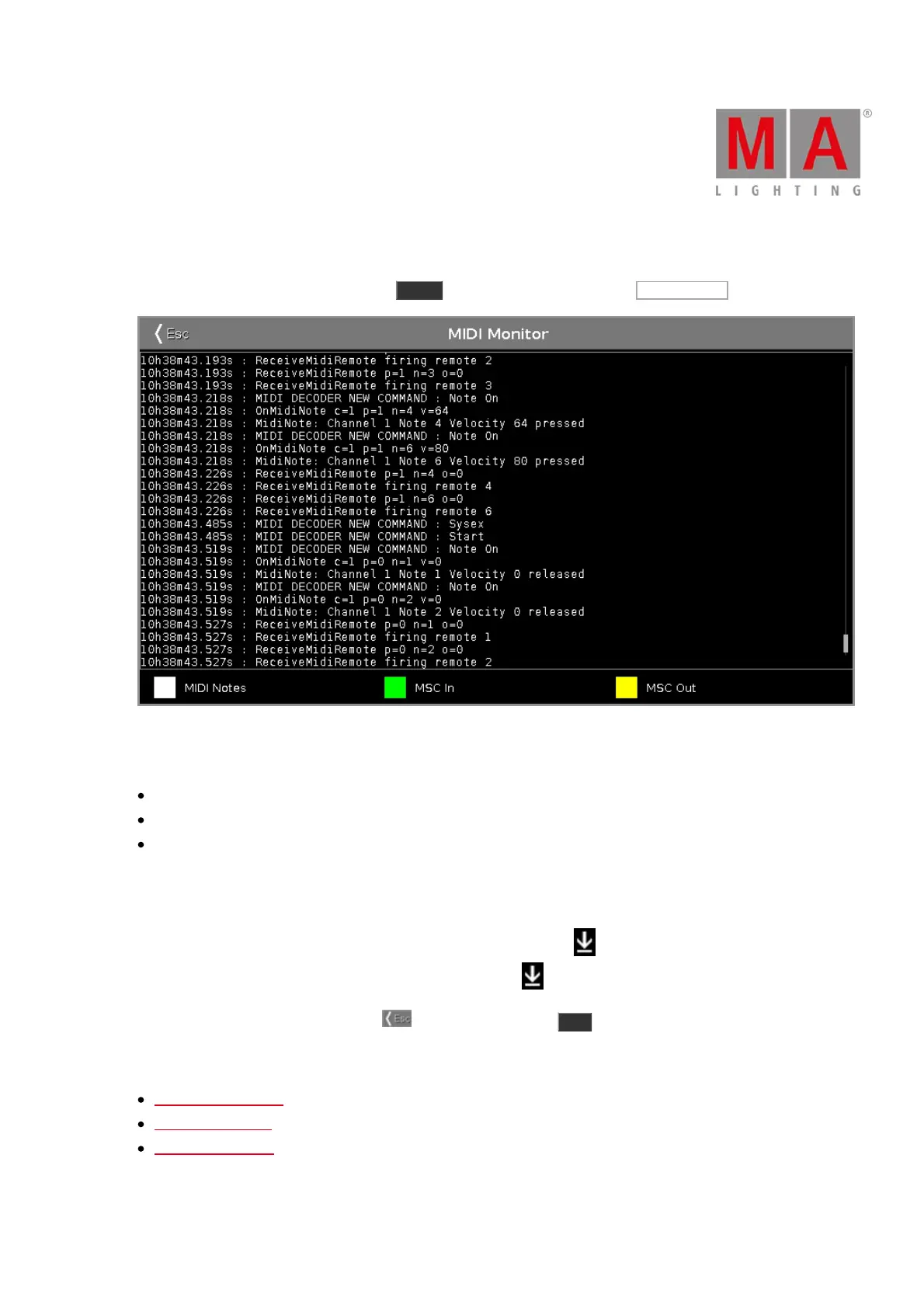
To open the MIDI Monitor window, press Tools and tap in the column MIDI at MIDI Monitor .
Figure: MIDI Monitor
The MIDI Monitor displays:
sending and receiving MIDI notes
MSC (=MIDI Show Control) In commands
MSC Out commands
To scroll vertical, use the vertical scroll bar.
To scroll horizontal, tap in the view and move the view from right to left.
If you are not at the end of the MIDI Monitor, there is a direction arrow displayed.
To go to the end of the MIDI Monitor, tap the directions arrow .
To leave the MIDI Monitor Window, tap in the title bar or press Esc on the console.
For more information about MIDI, see:
MidiNote Command
MIDI Show Control
MIDI Configuration



 To Next Page