6.60. Select Function for Remote Inputs Configuration
To open the Select Function for Remote Inputs Configuration, select the respective cell and press and hold the cell
of the column Function, or press the scroll encoder, in the Remote Inputs Configuration Window.
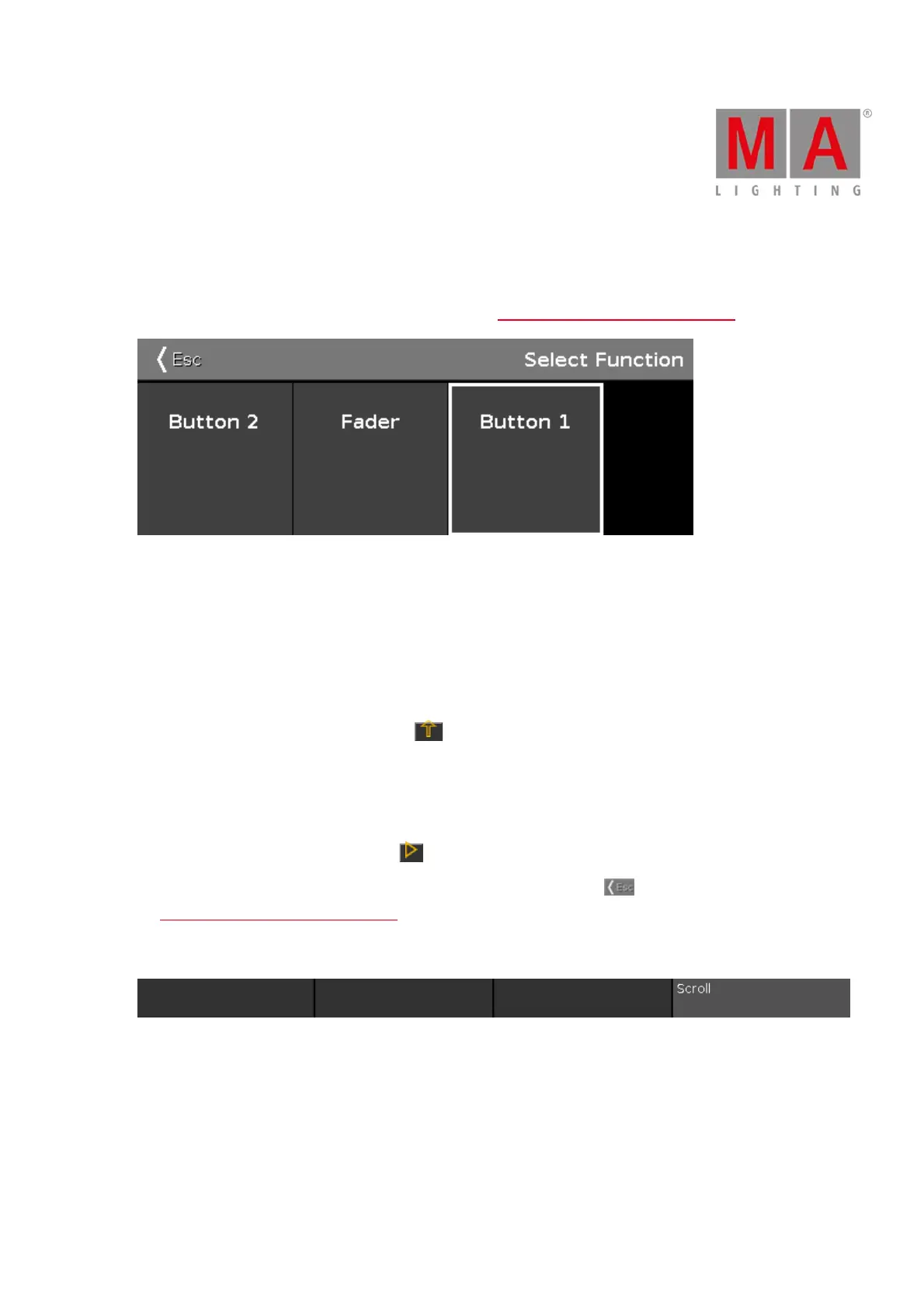
Figure 1: Select Function for Remote Input Analog
If the selected type in the remote inputs configuration is Exec, you have to selected the kind of executor, the
function.
The number of available options depends on the entered executor number in the executor column, e.g. if the
executor number is 101, the button can only be a button 1.
Button 2:
Select button 2, if the executor is a flash key .
Fader:
Select fader, if the velocity shall control the fader (MIDI or DMX values).
Button 1:
Select button 1, if the executor is a go key .
To leave the Select Function for Remote Inputs Configuration Window, tap in the title bar. You are back in
the Remote Inputs Configuration Window.
Encoder Bar Functions
Figure 2: Encoder Bar Functions
Scroll:
To scroll left or right, press and turn the encoder left or right.
To apply a selection, press the encoder.



 To Next Page