© 2018 MA Lighting Technology GmbH - Dachdeckerstr. 16 - 97297 Waldbüttelbrunn - Germany
Phone +49 5251 688865-27 - support@ma-dot2.com - www.malighting.com
6.65. Select Trig View
To go to this view, press and hold a trig cell of a cue in the Cues View.
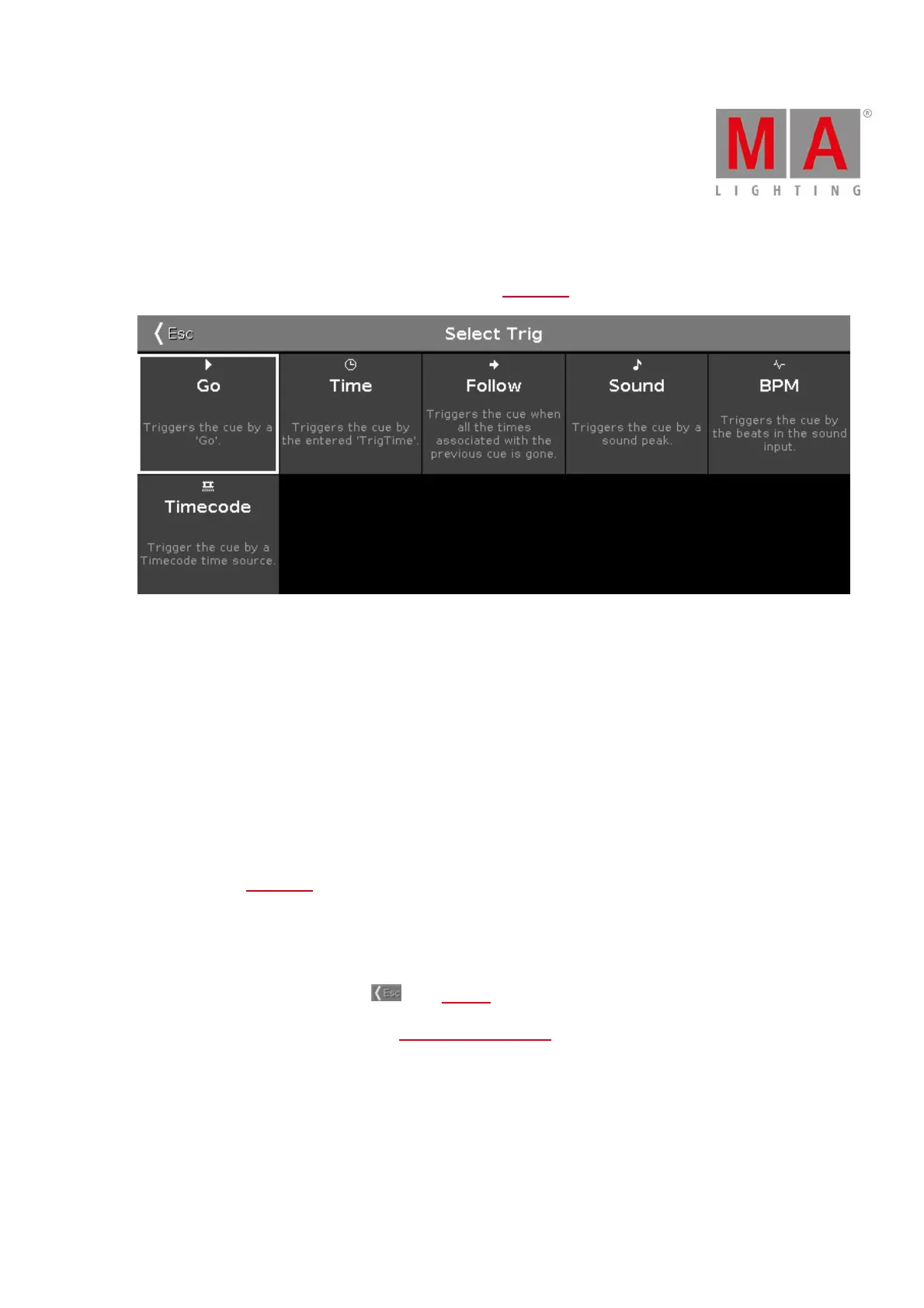
Select Trig View
In this view you select the trigger for the current cue.
There are six cue triggers available.
1. Go
2. Time
3. Follow
4. Sound
5. BPM
6. Timecode
If the cue trigger is set to sound there are special sound trig time buttons in the calculator available. For more
informations see Calculator.
Each with a short description underneath.
To select a trigger, tap on the respective trigger tile.
To leave the Select Trig View, tap Esc in the title bar.
For more information about cues, refer to How to work with Cues?



 To Next Page