© 2018 MA Lighting Technology GmbH - Dachdeckerstr. 16 - 97297 Waldbüttelbrunn - Germany
Phone +49 5251 688865-27 - support@ma-dot2.com - www.malighting.com
6.7. Calibrate Screens Window
Important:
After calibrating the screens, reboot the console so that the calibration can be taken over.
The Calibrate Screens Window is located in the Setup, column Console, Calibrate Screens.
If the touch screens do not fully work, open the Calibrate Screens Window using the encoders.
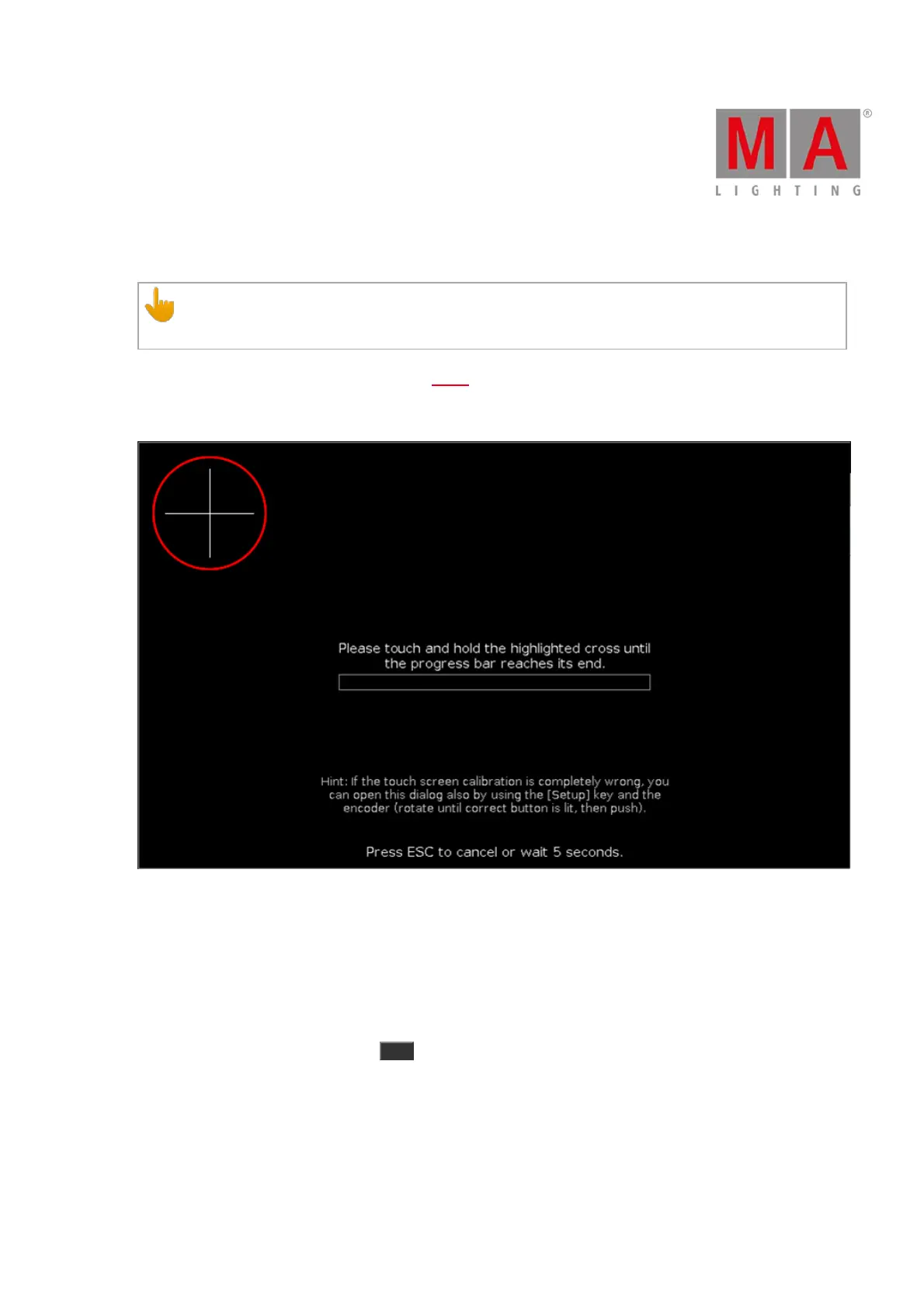
Calibrate the screen in this view.
Screen calibration calibrates the touch function of your screen so it works flawlessly.
To calibrate the screen, touch and hold the highlighted cross until the progress bar is completed.
Select the screen touching the cross. If necessary, repeat the calibration for all other screens.
To cancel the screen calibration, press Esc on the console.
If you do not touch the screen, the Calibrate Screens Window closes automatically after 10 seconds.



 To Next Page