Encoder Bar Functions
The color preset type view has different encoder bars depending on the selected view.
Color Picker and Color Fader Encoder Bar
The default encoder speed is without decimal place.
To change the encoder speed to slow, press the encoder key . The encoder speed is with decimal place.
To change the encoder speed to ultra slow, press and hold the key and press the encoder key . The
encoder speed equals one DMX step.
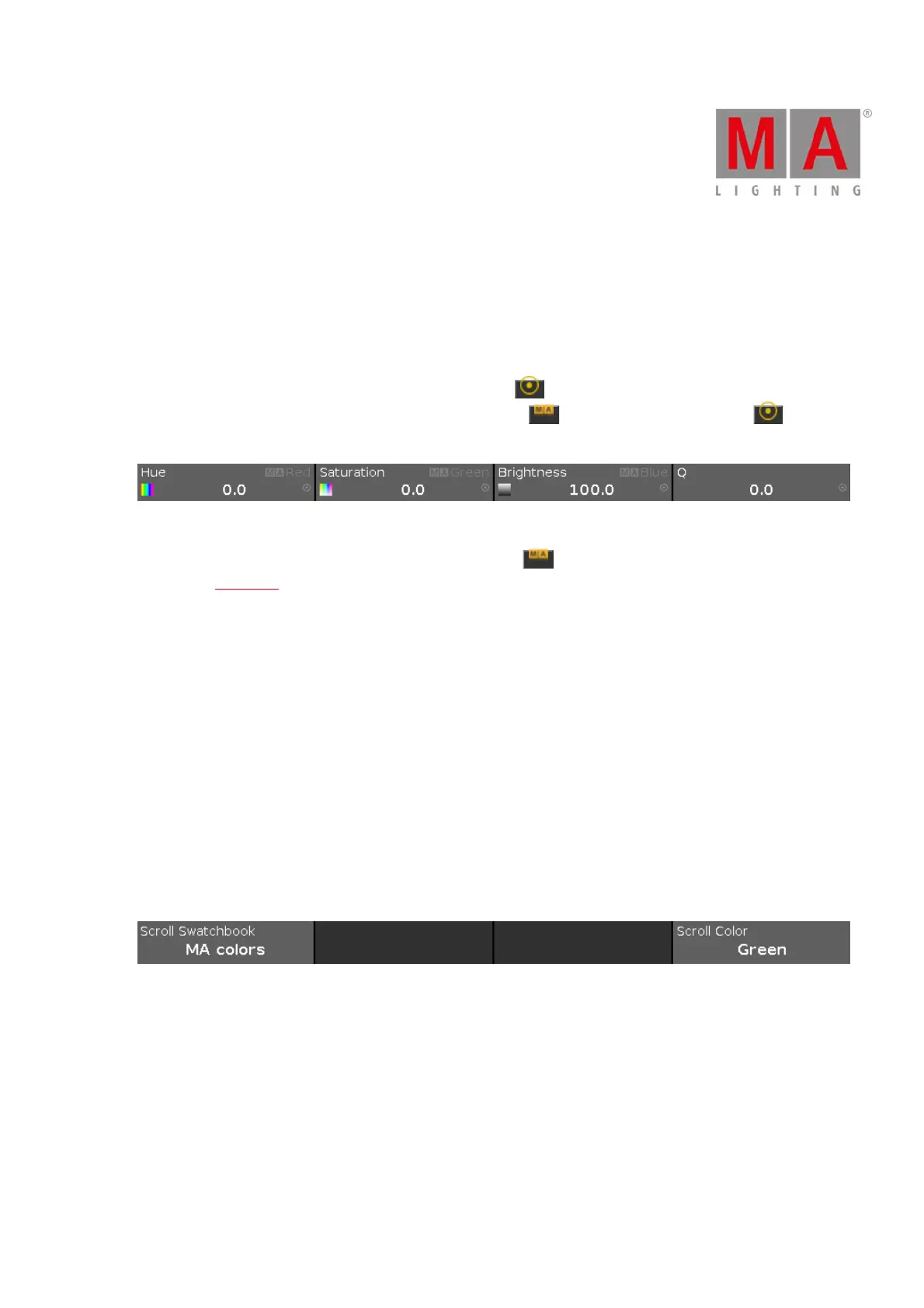
Figure 5: Color picker and color fader encoder bar
To use the second function of an encoder, press and hold the key.
To open the calculator, press the encoder.
Hue or Red:
To select the hue or red of a color, turn the encoder left or right.
Saturation or Green:
To select the saturation or green of a color, turn the encoder left or right.
Brightness or Blue:
To select the brightness or blue of a color, turn the encoder left or right.
Q:
To control the Q-Fader, turn the encoder left or right.
Swatchbook Encoder Bar
If swatchbook is selected as color preset type view, the swatchbook encoder bar is displayed.
Figure 6: Swatchbook encoder bar
Scroll Swatchbook:
To scroll in the swatchbook table, turn the encoder left or right.
Scroll Color:
To scroll in the color table, turn the encoder left or right.
To select a color, press the encoder.



 To Next Page