© 2018 MA Lighting Technology GmbH - Dachdeckerstr. 16 - 97297 Waldbüttelbrunn - Germany
Phone +49 5251 688865-27 - support@ma-dot2.com - www.malighting.com
1. Swatchbook Table
This table has two columns: No. and Name.
The column No. displays the number of the swatchbook.
The column Name displays the name of the swatchbook.
2. Color Table
This table has four columns: No., Name, Key and Color.
The column No. displays the number of the row.
The column Name displays the name of the color.
The column Key displays the key of the color from the swatchbook.
The column Color displays the color along with the RGB code.
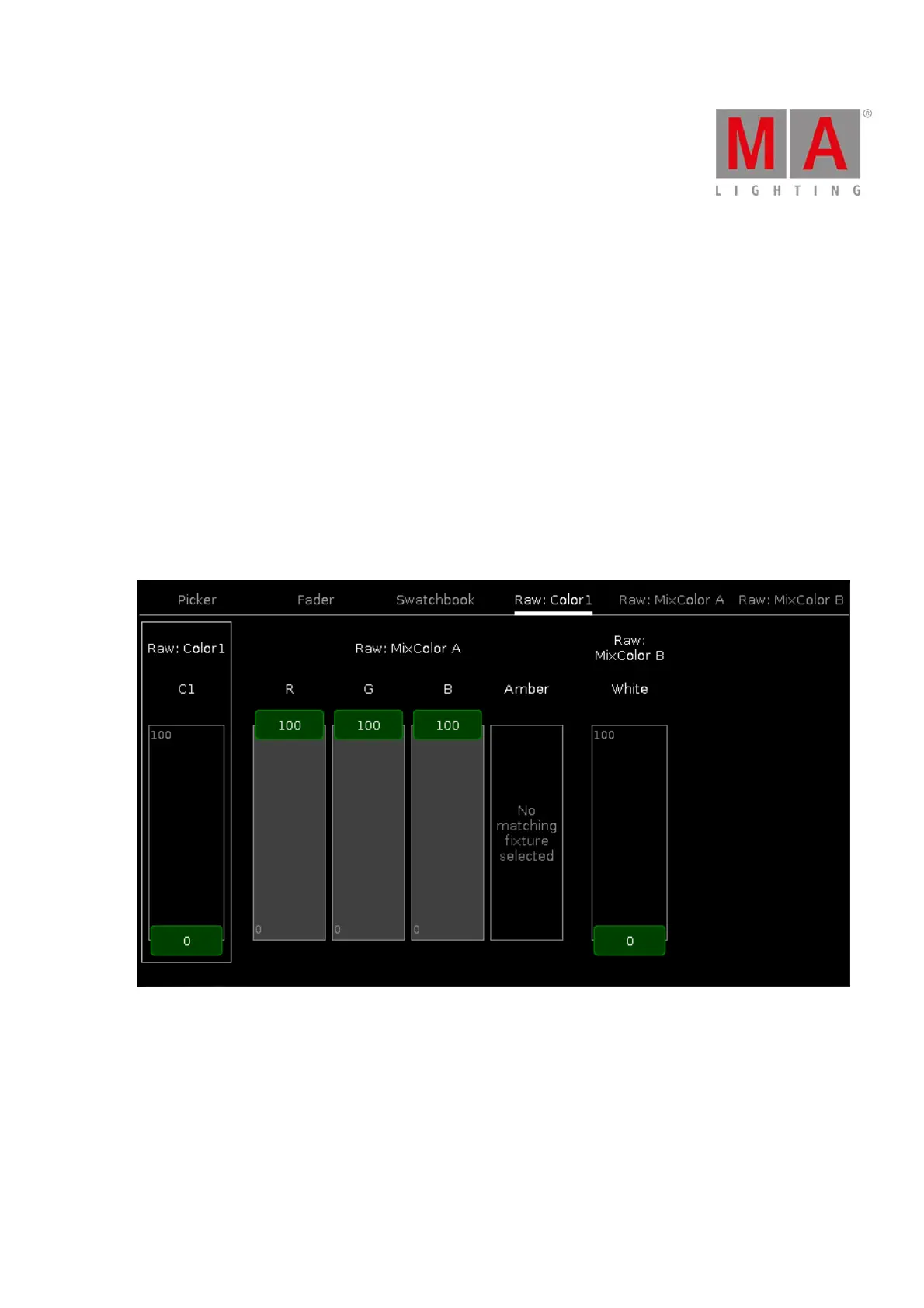
Raw Color Views
The raw color views starts after the third tab in the color preset view, depending on the fixture type.
Figure 4: Raw color view
In the raw color view, you control the raw color channel values in percent from the selected fixtures.
All fixture types with CMY are displayed as inverted RGB.
To select the DMX values from the color channel, move the slider up and down.



 To Next Page