© 2018 MA Lighting Technology GmbH - Dachdeckerstr. 16 - 97297 Waldbüttelbrunn - Germany
Phone +49 5251 688865-27 - support@ma-dot2.com - www.malighting.com
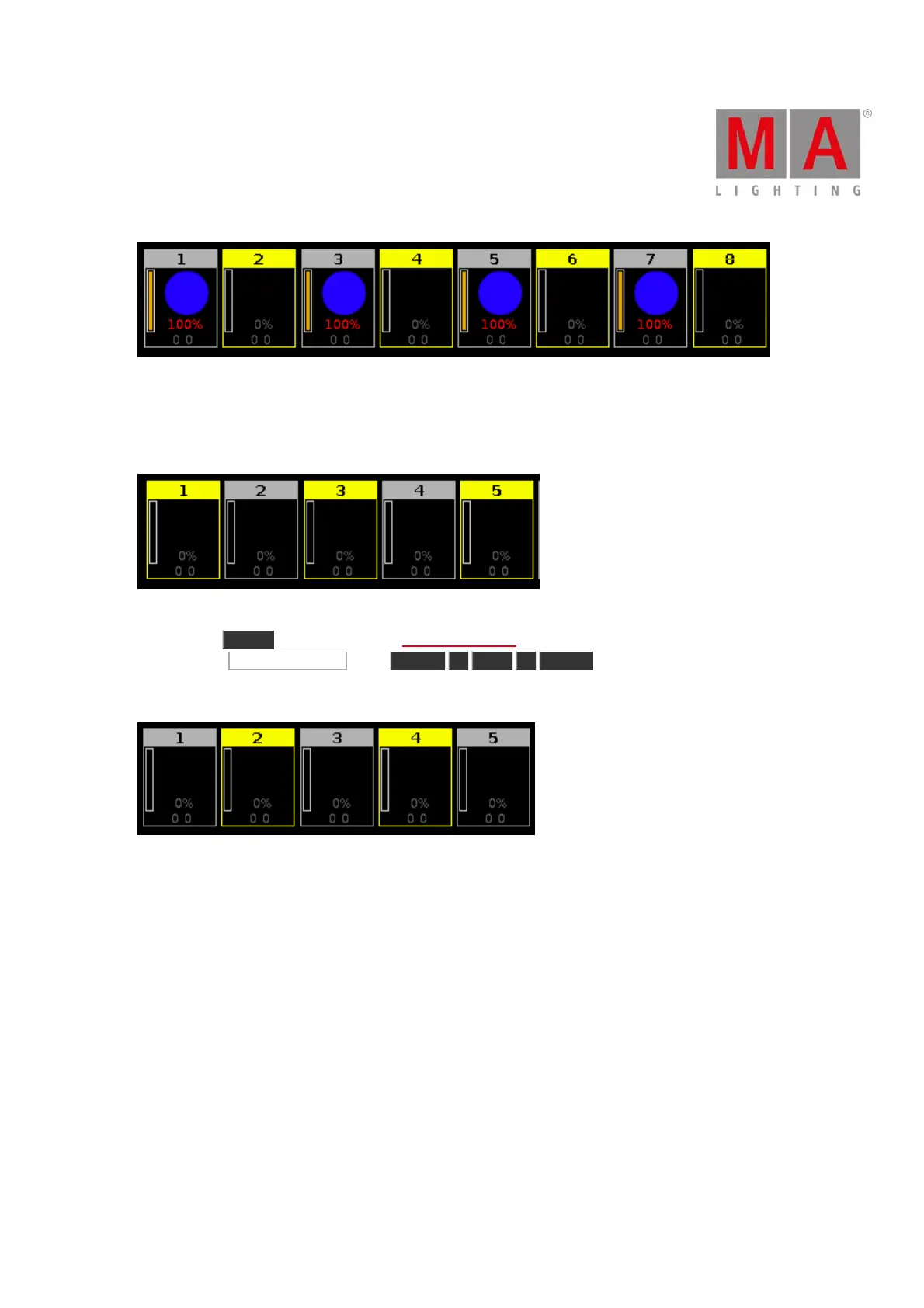
Figure 2: The other fixtures of group 1 are selected
Example 2
Let´s assume, you have fixture 1, 3 and 5 selected. Now you will select fixture 2 and 4.
Figure 3: Fixture 1 + 3 + 5 are selected
1. Press Macro on the console. The Macros Pool View opens.
2. Tap at Macro 22 "Invert" , press Fixture 1 Thru 5 Please .
The fixture selection from fixture 1 thru 5 is inverted. The fixture 2 and 4 are selected.
Figure 4: Previous fixture selection is inverted



 To Next Page