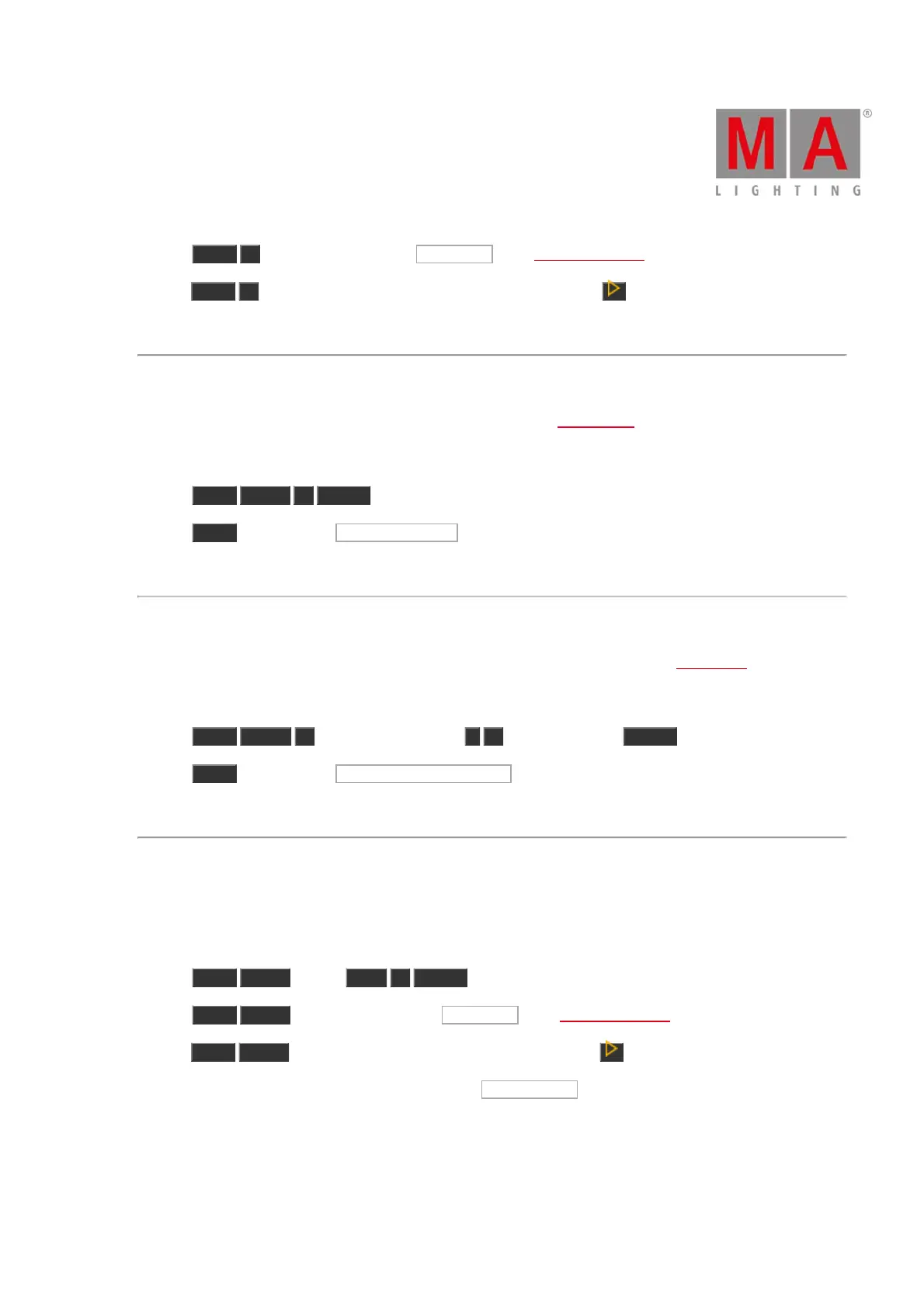
b) Press Store 1 (=Cue 1) and tap on the executor 1 in the executor bar view.
c) Press Store 1 (=Cue 1) and press the respective executor button e.g. on the console.
The cue is stored on executor 1.
Example 3
Let´s assume you will store a selection of fixtures as group 1 in the groups view.
There are two different ways to do this.
a) Press Store Group 1 Please .
b) Press Store and tap on the button of group 1 in the groups view.
The selection of fixtures is stored as group 1 in the groups view.
Example 4
Let´s assume you will store an active dimmer value as dimmer preset 1 in the dimmer preset pool.
There are two different ways to do this.
a) Press Store Preset 1 (= dimmer preset pool) . 1 (= preset object 1) Please .
b) Press Store and tap on the button of dimmer preset 1 in the dimmer preset pool.
The dimmer value is stored as dimmer preset 1 in the dimmer preset pool.
Example 5
Let´s assume you will store a master speed fader on executor 3.
There are three different ways to do this.
a) Press Store Speed (= Rate) Exec 3 Please .
b) Press Store Speed (= Rate) and tap on the executor 3 in the executor bar view.
c) Press Store Speed (= Rate) press the respective executor button e.g. on the console.
The console asks, to select the speed master type. Tap Master Speed .
A master speed fader is stored on executor 3.



 To Next Page