© 2018 MA Lighting Technology GmbH - Dachdeckerstr. 16 - 97297 Waldbüttelbrunn - Germany
Phone +49 5251 688865-27 - support@ma-dot2.com - www.malighting.com
Example 1
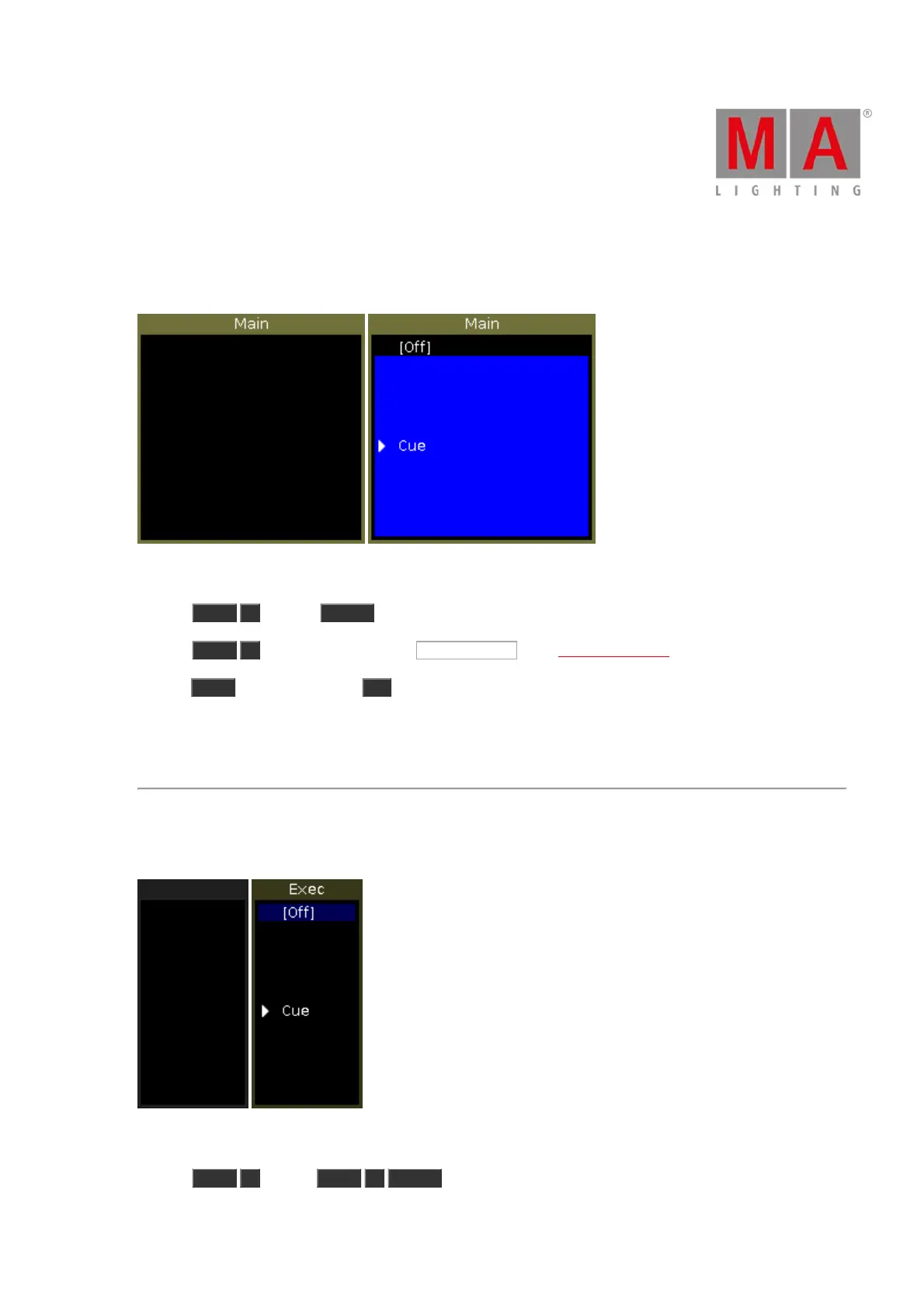
Let´s assume you will store the created cue as cue 1 on the main executor.
There are three different ways to do this.
a) Press Store 1 (=Cue 1) Please .
b) Press Store 1 (=Cue 1) and tap on the main executor in the executor bar view.
c) Press Store and press the large Go on the console.
If it is the second cue on the executor button, the console will ask you to choose the store method.
The cue is stored on the main executor as cue 1.
Example 2
Let´s assume you will store the created cue on an executor button 1.
There are three different ways to do this.
a) Press Store 1 (=Cue 1) Exec 1 Please .



 To Next Page