© 2018 MA Lighting Technology GmbH - Dachdeckerstr. 16 - 97297 Waldbüttelbrunn - Germany
Phone +49 5251 688865-27 - support@ma-dot2.com - www.malighting.com
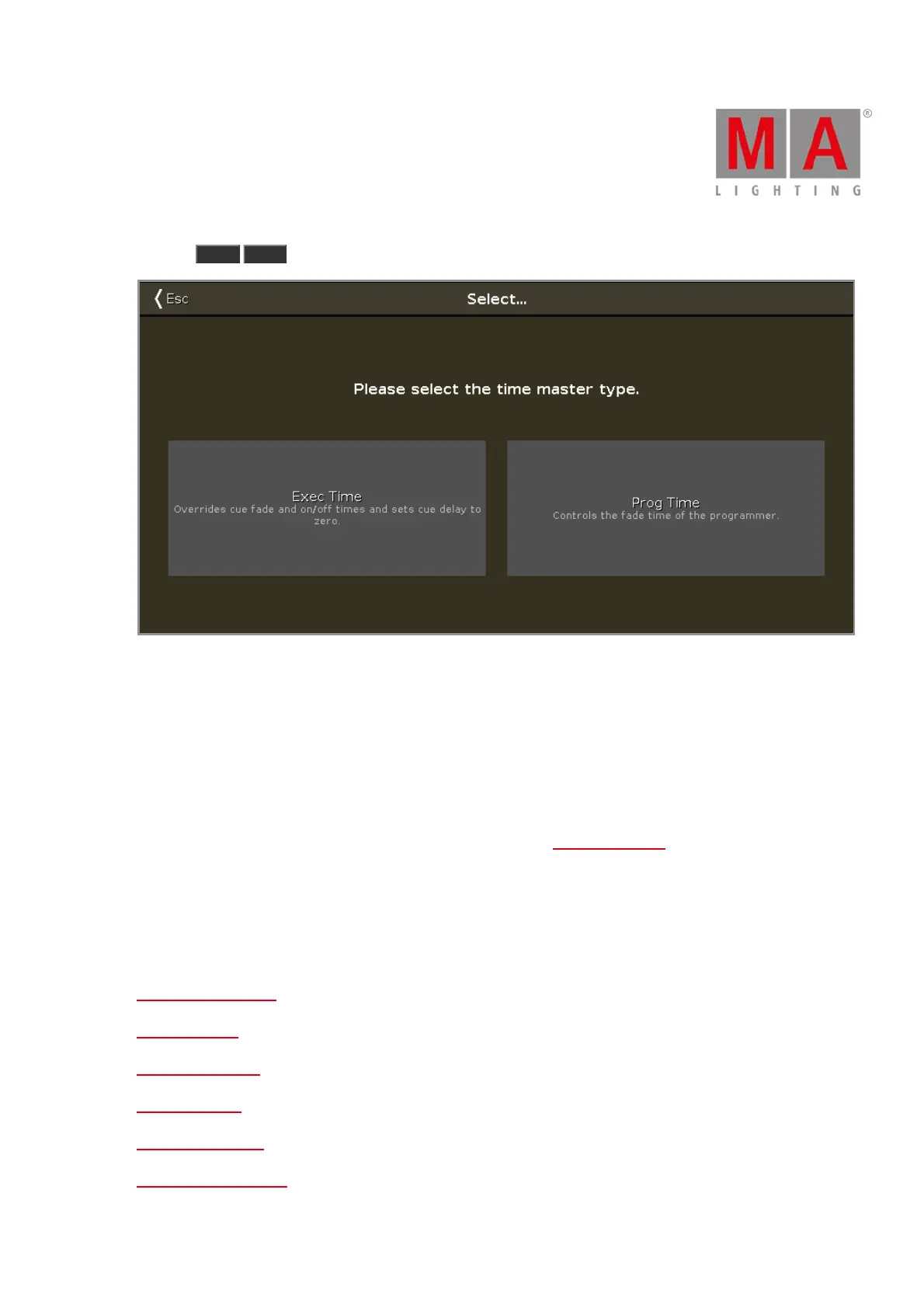
Pressing Store Time and then press an empty executor key will give you the following window:
Figure 1: Select Time Master type window.
Here you can select one of the two master types.
The Exec (Executor) Time will overwrite the fade times stored in cues and use the time you set on the fader as a
cross fade between cues. All delay times are ignored.
The Prog (Programmer) Time will be used to fade all your programmer value changes. This includes toggling in
and out of Blind.
You can read more about the different Speed and Time Masters in Magic Speed view.
Related links
Time defaults window
Fade command
OutFade command
Delay command
OutDelay command
SnapPercent command



 To Next Page