© 2018 MA Lighting Technology GmbH - Dachdeckerstr. 16 - 97297 Waldbüttelbrunn - Germany
Phone +49 5251 688865-27 - support@ma-dot2.com - www.malighting.com
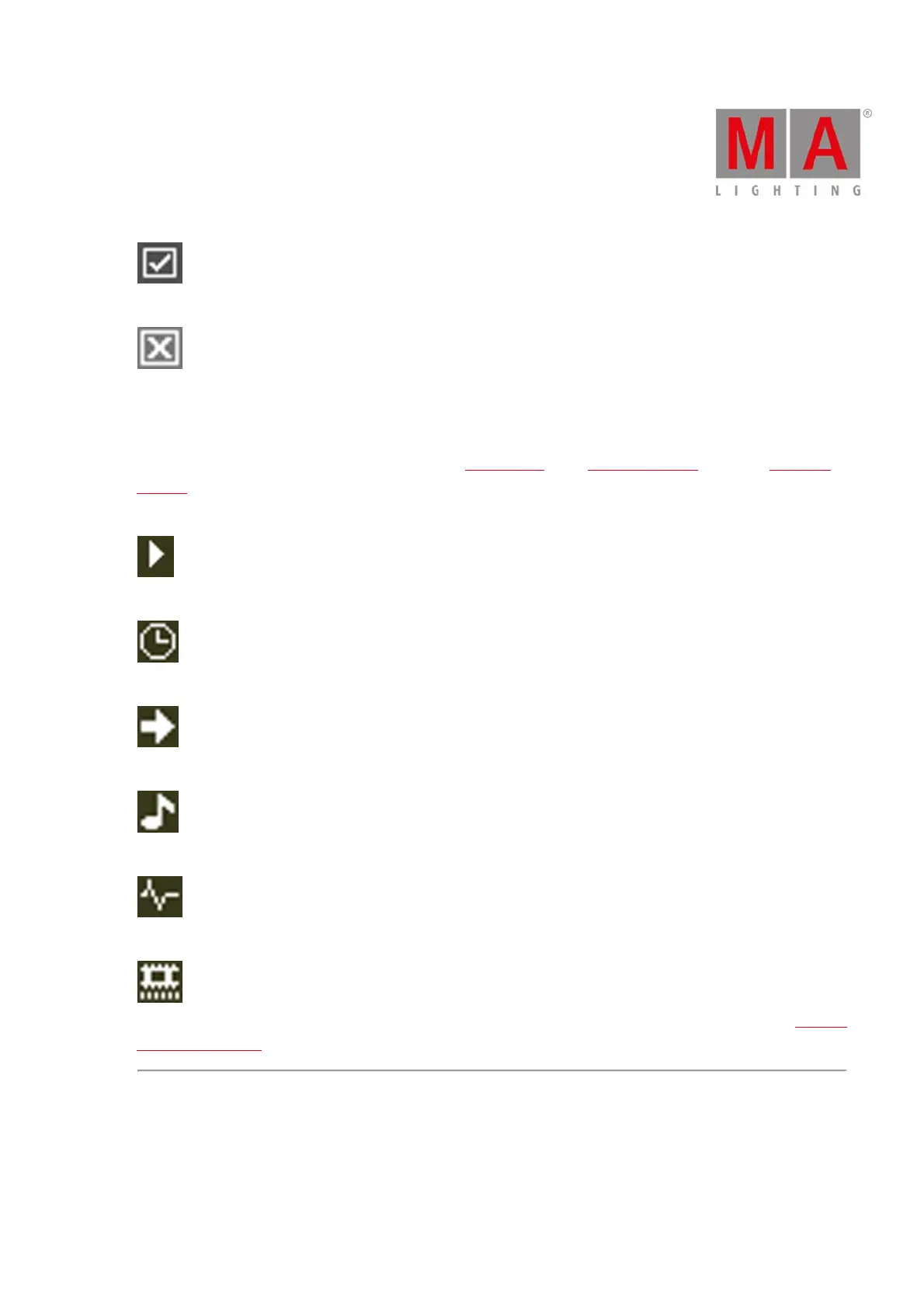
On: Turns the program time master on.
Off: Turns the program time master off.
Trigger Icons
Trigger icons are located in the main executor in the executor bar, in the executor bar view, and in the select trig
window.
The trigger icons show which trigger calls the cue.
Go: Calls the cue by a go.
Time: Calls the cue by a given time.
Follow: Calls the cue after all times were executed in the previous cue.
Sound: Calls the cue by a sound signal.
BPM: Calls the cue by incoming BPM.
Timecode: Calls the cue by incoming timecode time source. To select the timecode time source, go to the Settings
of Executor window.
Indicator Icons
Indicator icons display the option of an object, for example the option of a fixture. They are located along with
the objects in a sheet or the executors.



 To Next Page