© 2018 MA Lighting Technology GmbH - Dachdeckerstr. 16 - 97297 Waldbüttelbrunn - Germany
Phone +49 5251 688865-27 - support@ma-dot2.com - www.malighting.com
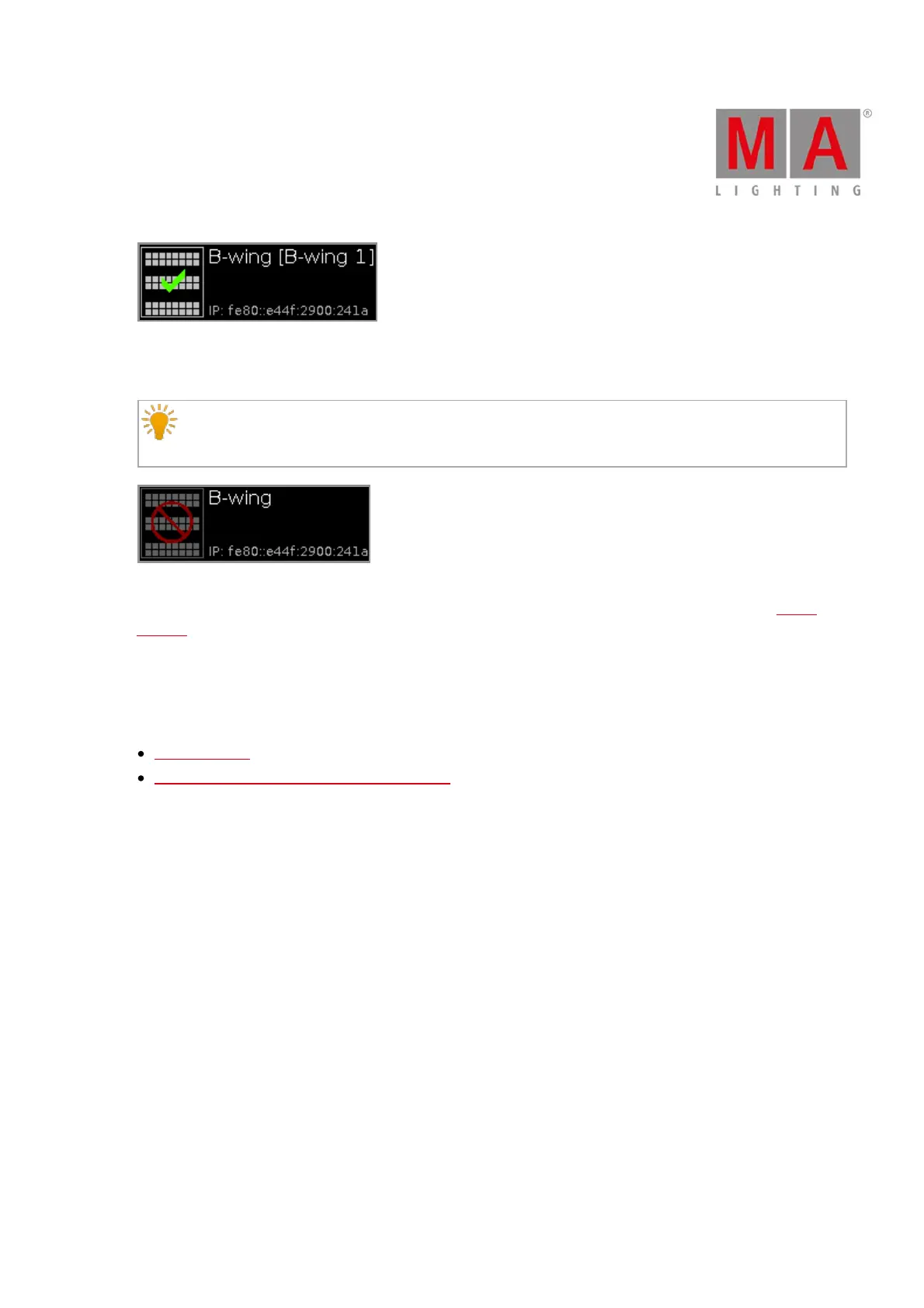
3. The wing is displayed with a red prohibition sign.
The wing is connected to another console and not available.
To assign a wing with a prohibition sign, you need to disconnect the wing on the respective console
first.
Assign selected:
Tap to assign the selected device to the slot. The Configure Slot window close and you are back in the Wings
window.
Disconnect device:
Tap to disconnect the device from the slot.
Related Links
Wings Window
How to connect Nodes, Wings and dot2 onPC?



 To Next Page