© 2018 MA Lighting Technology GmbH - Dachdeckerstr. 16 - 97297 Waldbüttelbrunn - Germany
Phone +49 5251 688865-27 - support@ma-dot2.com - www.malighting.com
Right beside the dimmer slider are five default dimmer values buttons to set the dimmer to a specific value, e.g.
75 %.
Right beside the default dimmer values buttons are four calculate dimmer values buttons, to set the dimmer to
more or less percent, e.g. +10 %.
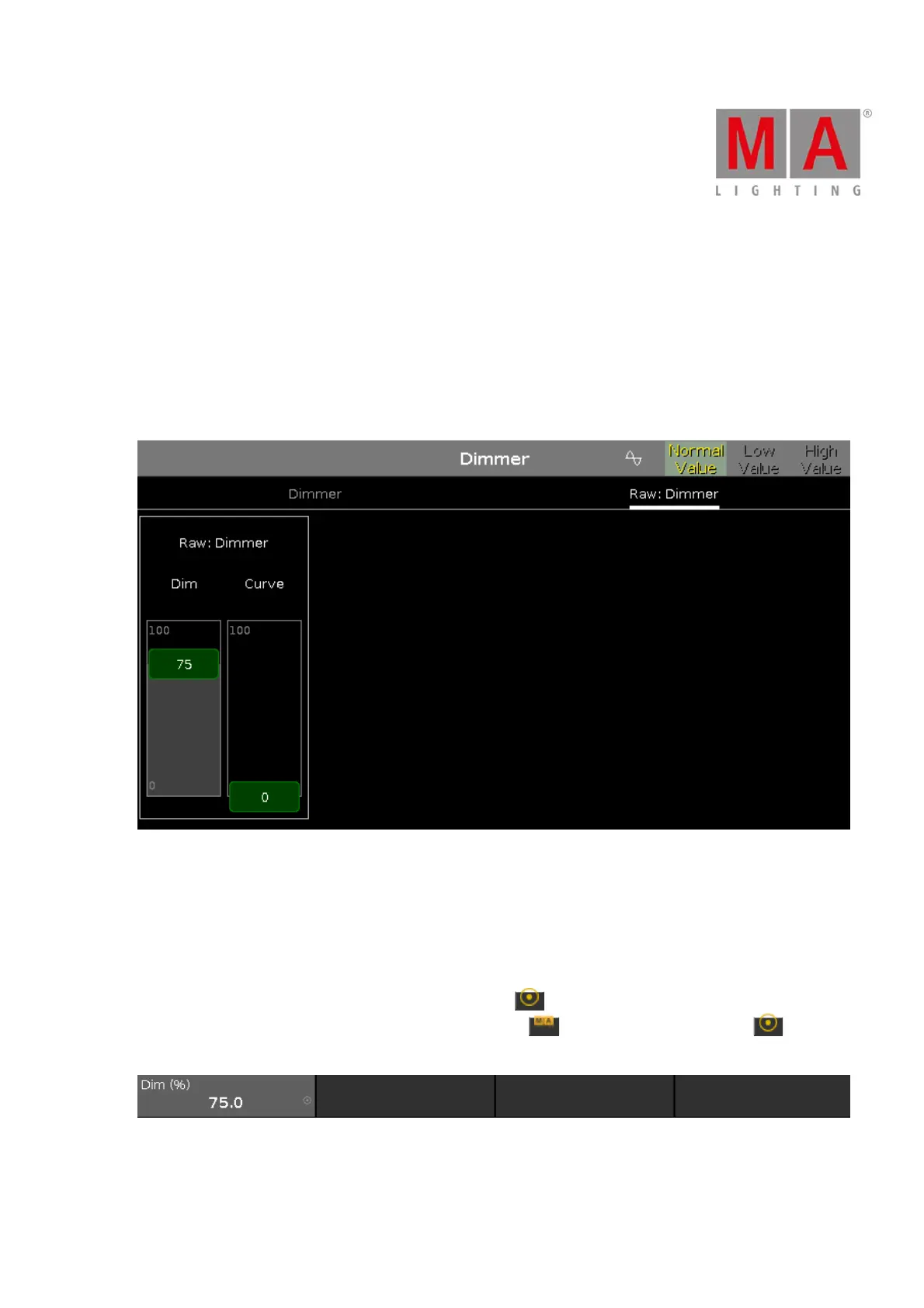
Raw Dimmer View
The raw dimmer view is located in the second tab of the dimmer preset type view.
In the raw dimmer view, you control the raw dimmer channel values in percent from the selected fixtures.
All fixture types with a color mix system have a raw dimmer channel in the dot2 to select the brightness.
Encoder Bar Functions
The default encoder speed is without decimal place.
To change the encoder speed to slow, press the encoder key . The encoder speed is with decimal place.
To change the encoder speed to ultra slow, press and hold the key and press the encoder key . The
encoder speed equals one DMX step.
Dim (%):
To select the value of the Dim (=Dimmer) turn the encoder left or right.



 To Next Page