© 2018 MA Lighting Technology GmbH - Dachdeckerstr. 16 - 97297 Waldbüttelbrunn - Germany
Phone +49 5251 688865-27 - support@ma-dot2.com - www.malighting.com
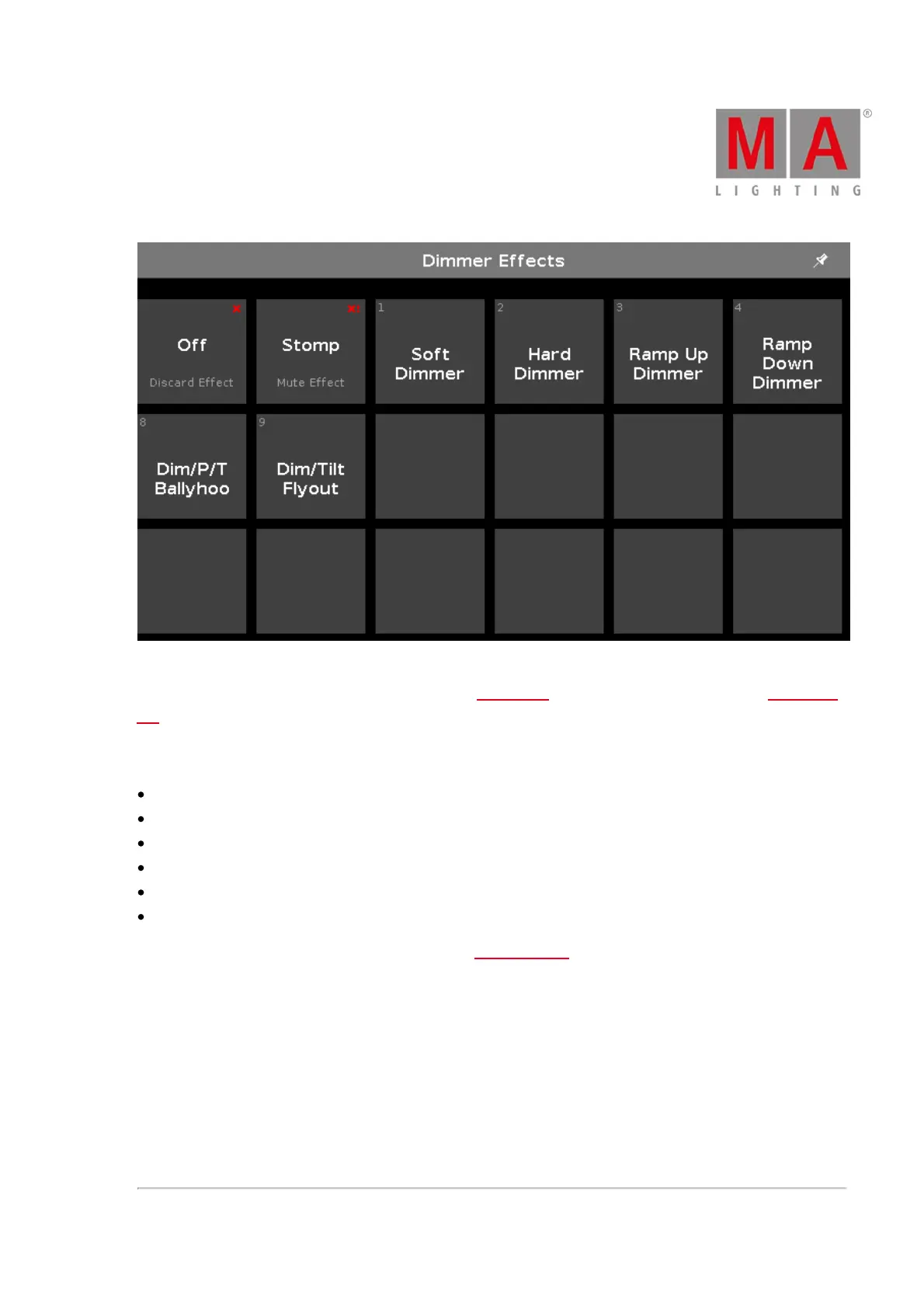
Figure 2: Dimmer Effects View on screen 2
The effect view depends on the selected fixtures in the fixture view and the selected preset type in the preset type
bar.
For the following preset types are predefined effects available:
Dimmer
Position
Gobo
Color
Beam
Focus
To go to the Dimmer Effect View, select Dimmer in the preset type bar.
The title bar displays in which effect view you are, e.g. Dimmer Effects.
The tiles on the left side of the view, are the available effects for the selected fixture and preset type.
The effects view on screen 2 displays only the available effects.
The buttons on the right side of the view, are additional options for the effect.
The current selected effect has a white frame around the tile.
In the upper left corner is the object number of the effect.



 To Next Page