© 2018 MA Lighting Technology GmbH - Dachdeckerstr. 16 - 97297 Waldbüttelbrunn - Germany
Phone +49 5251 688865-27 - support@ma-dot2.com - www.malighting.com
Example Store Executor
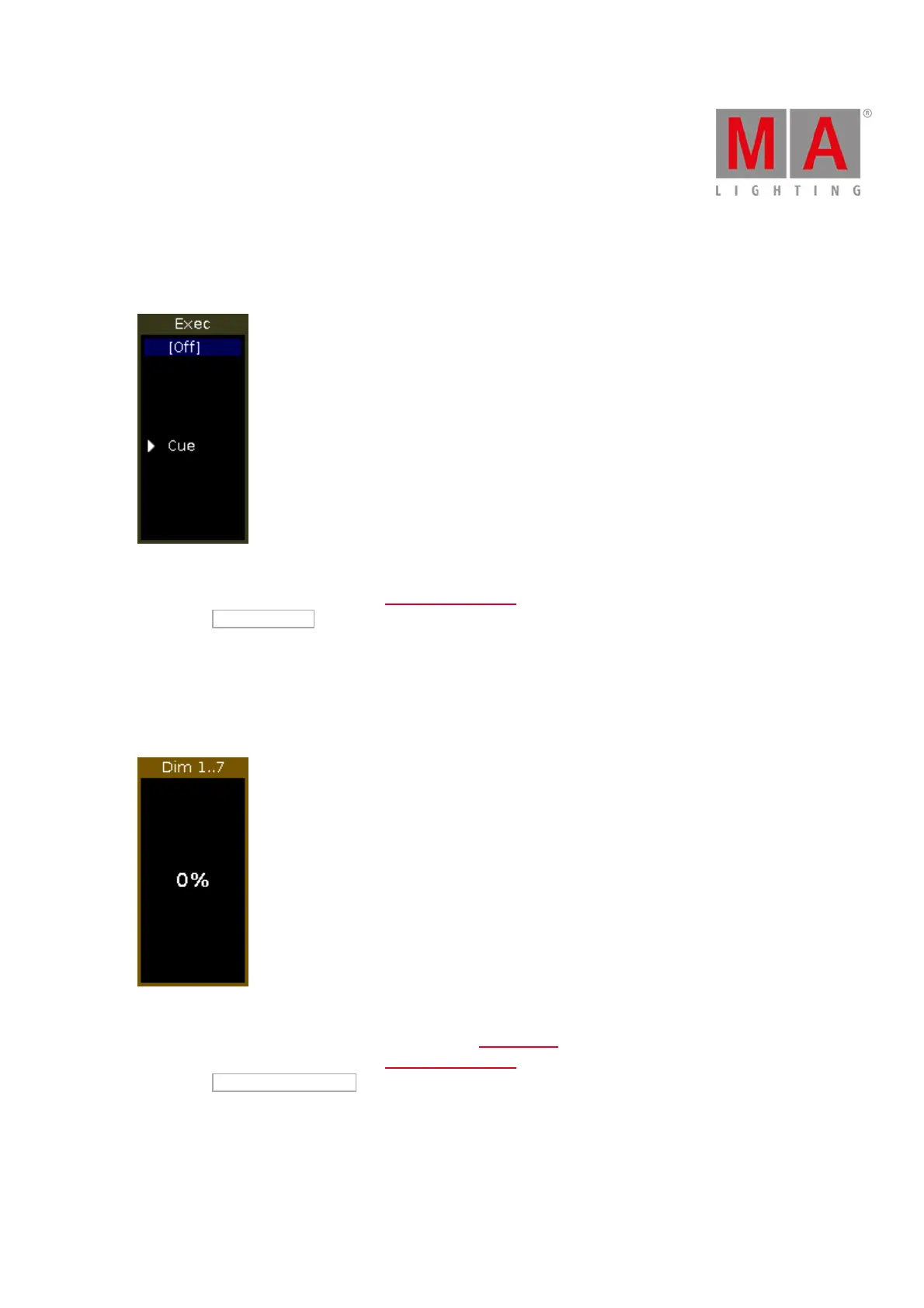
Let´s assume you store the active programmer values as a cue on the executor 1.
Figure 2: Executor with one cue
1. Tap the empty executor 1 in the executor bar window. The empty executor window opens.
2. Tap Store Executor .
The active program values are stored on executor 1 as cue 1.
Example Group Executor
Let´s assume you store the selected dimmer fixtures on the left side as a group master on the empty executor 6.
Figure 3: Group Master
1. Select all dimmer fixtures on the left side in the fixtures view.
2. Tap the empty executor 6 in the executor bar window. The empty executor window opens.
3. Tap Store Group Executor .
The executor 6 is a group master.



 To Next Page