© 2018 MA Lighting Technology GmbH - Dachdeckerstr. 16 - 97297 Waldbüttelbrunn - Germany
Phone +49 5251 688865-27 - support@ma-dot2.com - www.malighting.com
To select a focus value, move the focus slider up and down.
1 = near focus
100 = far focus
There are three focus default buttons: Far, Center and Near.
To select one of these values, tap on the corresponding button.
To select a zoom value in degrees, move the zoom slider up and down.
There are three zoom default buttons: Wide, Center and Narrow.
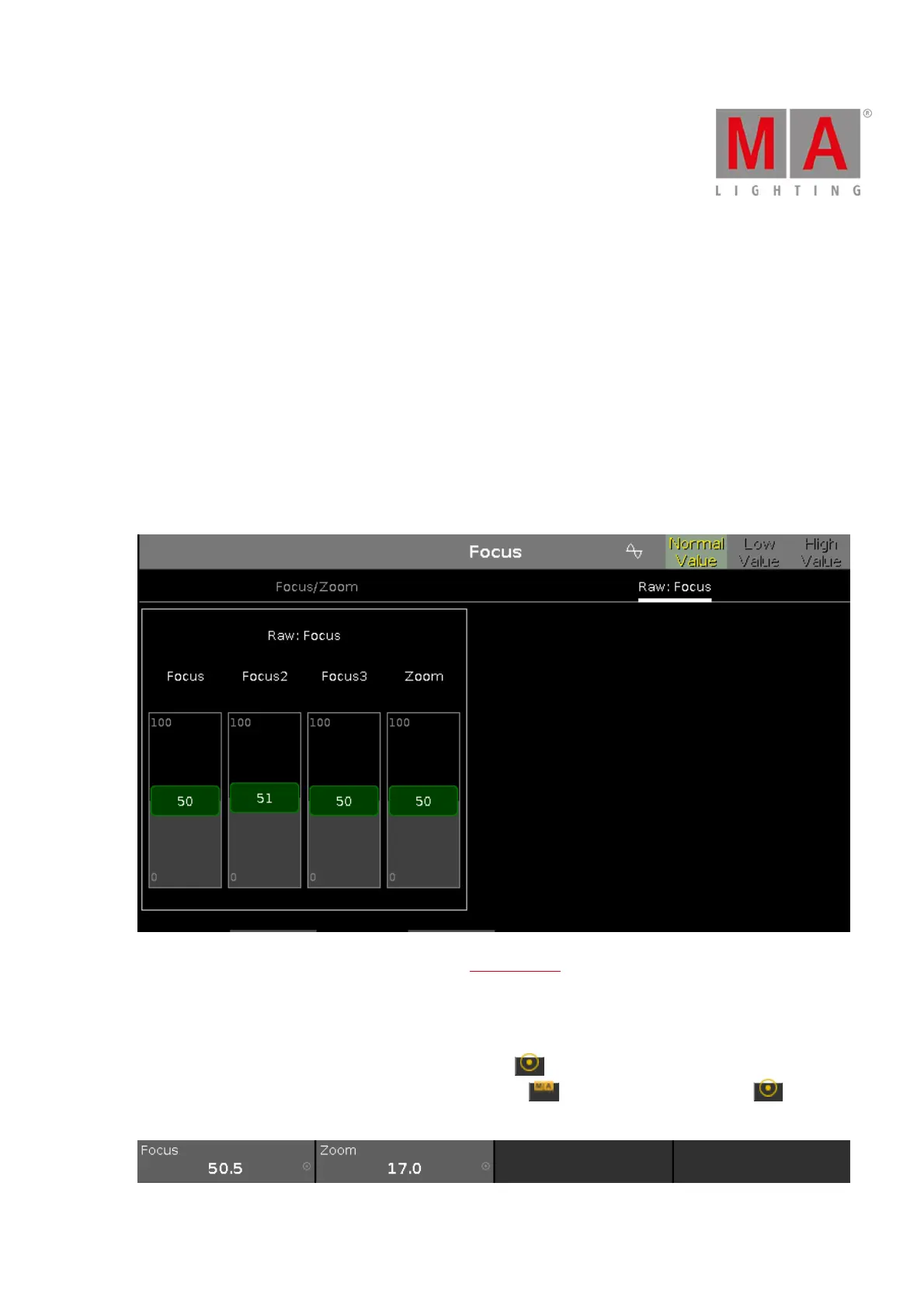
Raw Focus View
The raw focus view is the second tab of the focus preset type view.
In the raw focus view, you control the focus values in natural values (0-100) of the selected fixture type.
Encoder Bar Functions
The default encoder speed is without decimal place.
To change the encoder speed to slow, press the encoder key . The encoder speed is with decimal place.
To change the encoder speed to ultra slow, press and hold the key and press the encoder key . The
encoder speed equals one DMX step.



 To Next Page