© 2018 MA Lighting Technology GmbH - Dachdeckerstr. 16 - 97297 Waldbüttelbrunn - Germany
Phone +49 5251 688865-27 - support@ma-dot2.com - www.malighting.com
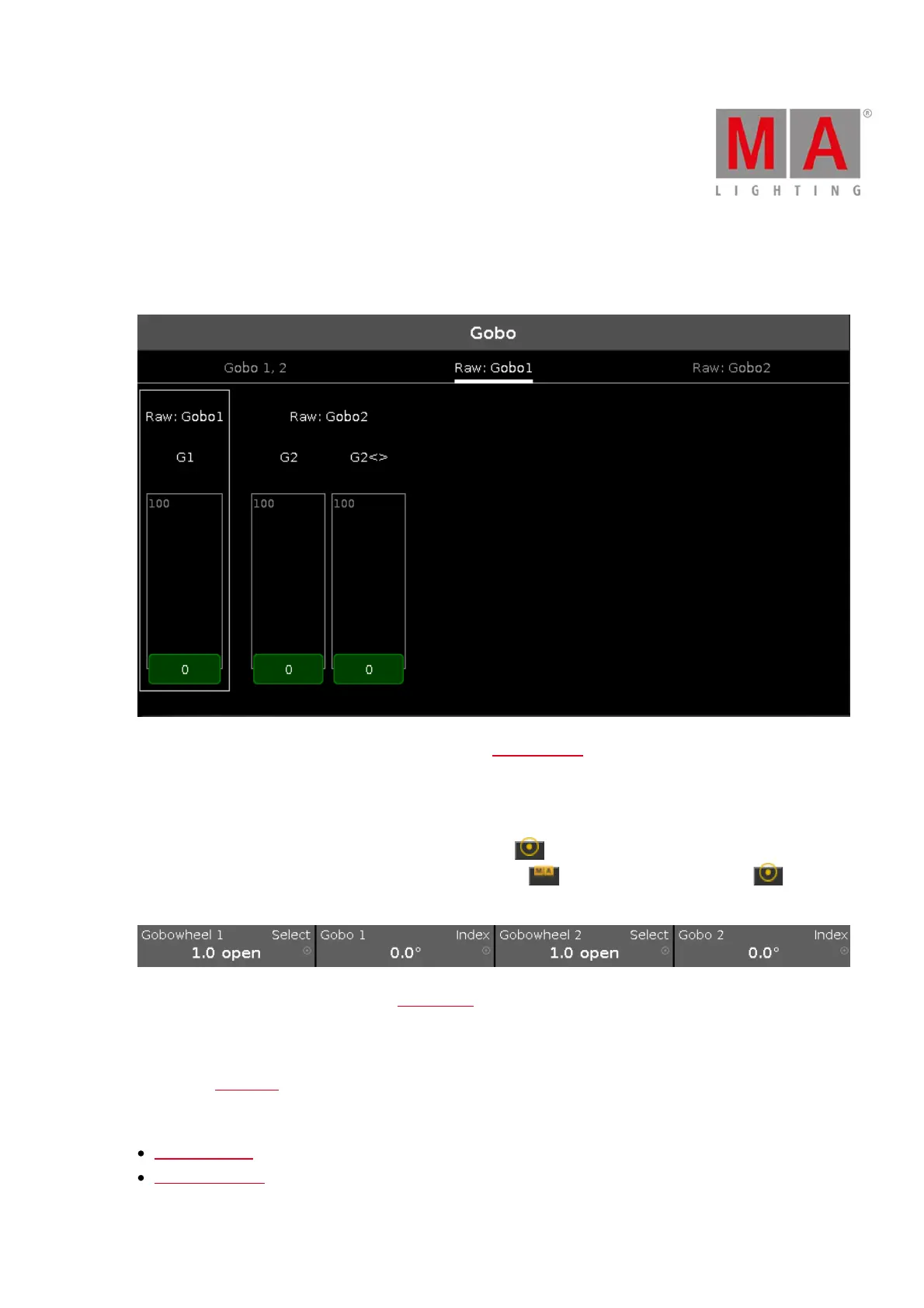
Raw Gobo Views
The raw gobo views are located after the gobo views.
In the raw gobo view, you control the raw gobo values in natural values (0-100) from the selected fixtures.
Encoder Bar Functions
The default encoder speed is without decimal place.
To change the encoder speed to slow, press the encoder key . The encoder speed is with decimal place.
To change the encoder speed to ultra slow, press and hold the key and press the encoder key . The
encoder speed equals one DMX step.
The left upper corner of an encoder in the encoder bar, displays the attribute from the respective encoder.
The right upper corner displays the current function of the encoder, e.g. spin, select, rotation.
To select a value turn the encoder left or right.
To open the calculator, press the encoder.
Related Links
Preset Type Bar
What is a Preset?



 To Next Page