© 2018 MA Lighting Technology GmbH - Dachdeckerstr. 16 - 97297 Waldbüttelbrunn - Germany
Phone +49 5251 688865-27 - support@ma-dot2.com - www.malighting.com
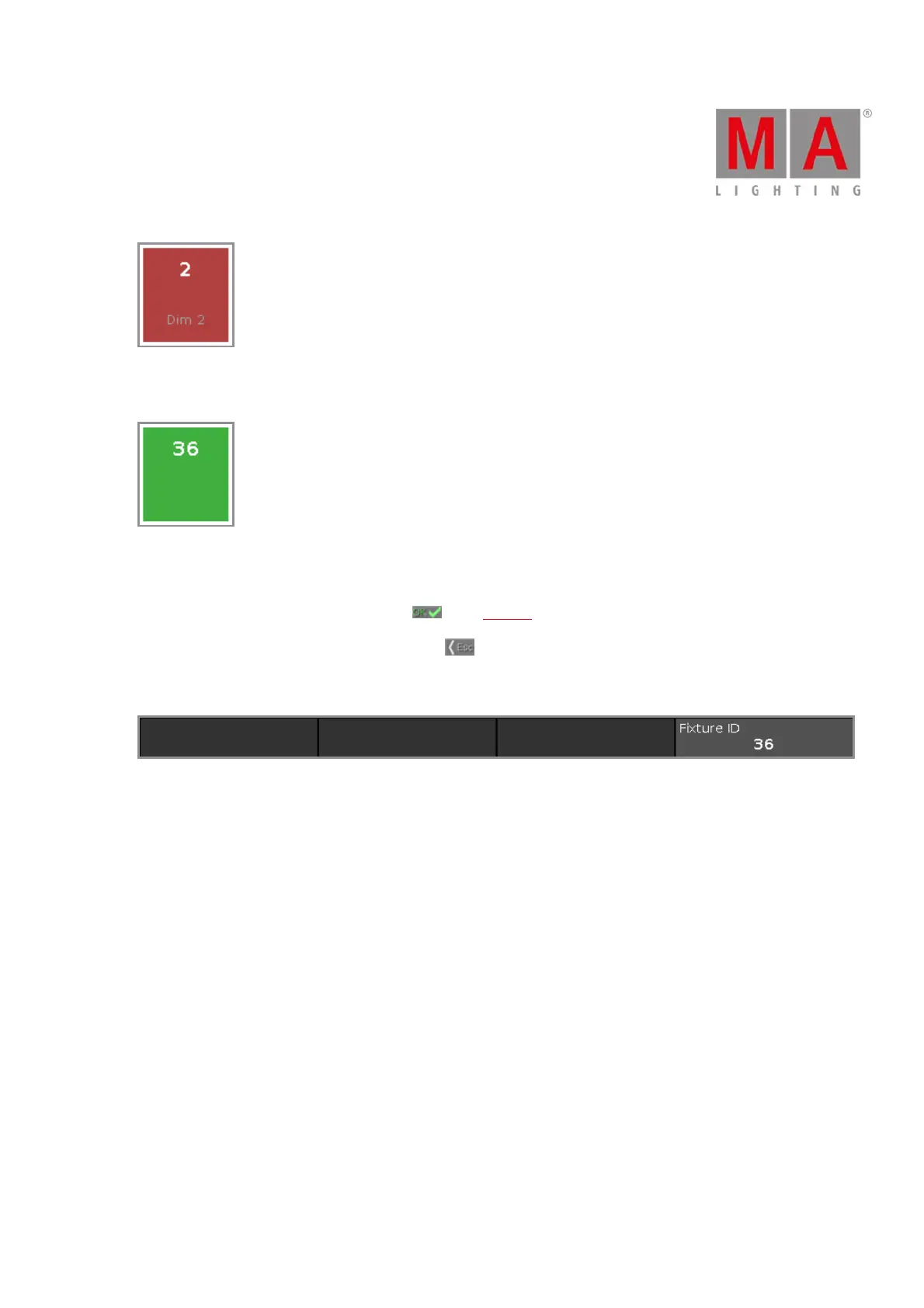
Figure 2: Taken Fixture ID
If you select a taken fixture ID, the fixture ID tile has a red background.
Figure 3: Available Fixture ID
If you select a available fixture ID, the fixture ID tile has a green background.
To confirm the selected fixture ID(s), tap OK in the title bar.
To leave the Select Fixture ID(s) Window, tap Esc in the title bar.
Encoder Bar Functions
Figure 4: Encoder Bar Functions - Select Fixture ID(s) Window
Fixture ID:
To move the selection of the fixture ID(s), turn the encoder left or right.
To select a fixture ID, press the encoder.



 To Next Page