© 2018 MA Lighting Technology GmbH - Dachdeckerstr. 16 - 97297 Waldbüttelbrunn - Germany
Phone +49 5251 688865-27 - support@ma-dot2.com - www.malighting.com
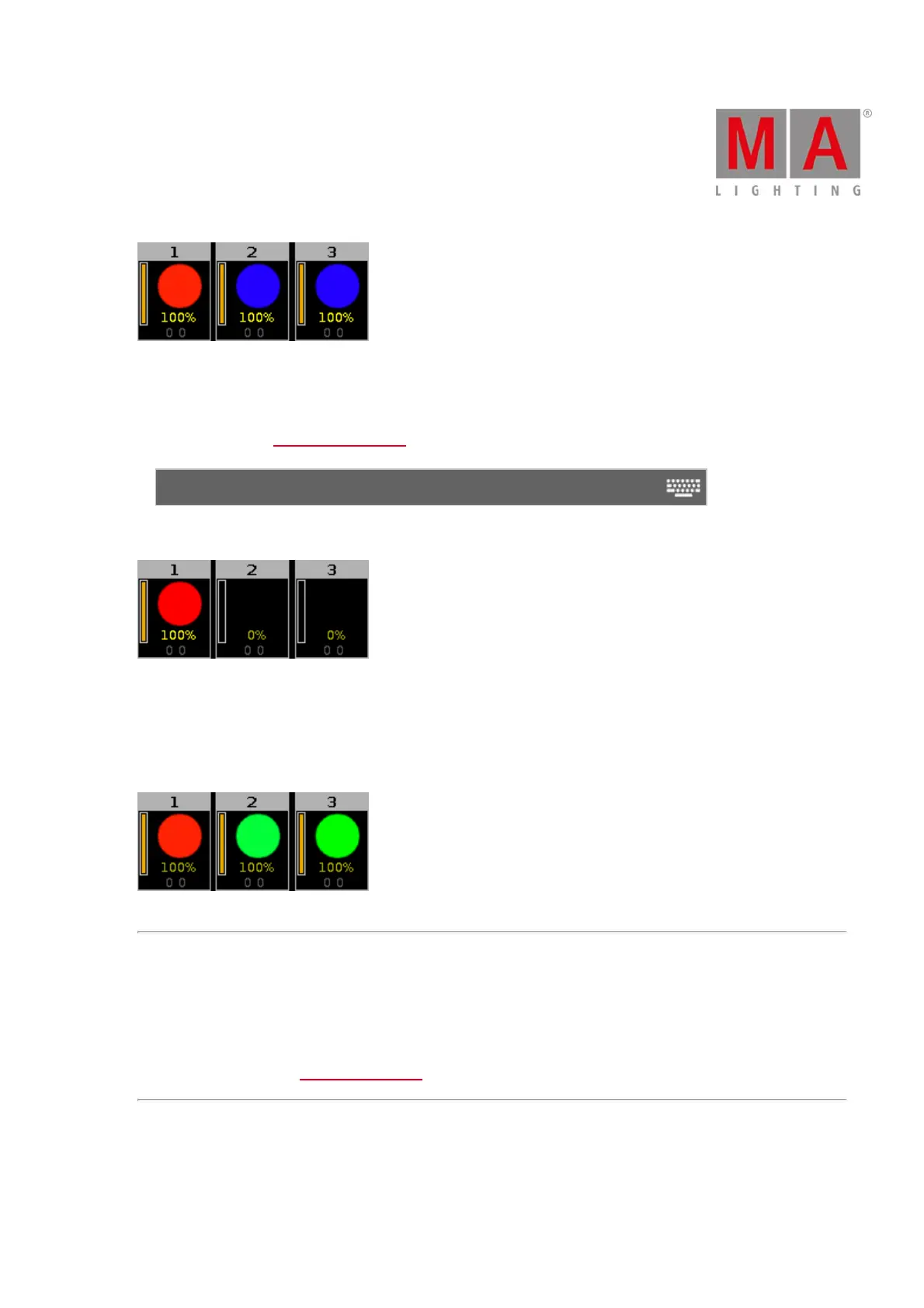
Figure 7: Fixture 1 red – fixture 2 and 3 blue
Example Cue Zero On - Copy with Status:
Let´s assume you copy cue 1 at cue 4 in its original state and without tracking values from cue 3.
Turn cue zero on and choose copy method with status.
Copy Exec 1.2 Cue 1 At Exec 1.2 Cue 4
Cue 4 is exactly the same as cue 1, since it additionally copies the values from cue zero.
Figure 8: Copied cue 1 to cue 4 with cue zero and status
Example Cue Zero On – Copy no Status:
Let´s assume you copy cue 1 at cue 4 with cue zero on, but you copy without status.
The values from cue 3 are tracked to cue 4.
Figure 9: Copied cue 1 to cue 4 with cue zero and no status
Use Exec Time
To disable this function, tap the check mark.
Exec Time is used to overwrite the fade timing previously stored in a cue, and to set the delay times to zero.
For more information see What are executors.
Wrap Around
To disable this function, tap the check mark.



 To Next Page