To calibrate the screens, tap at Calibrate Screens.
To select the views for external screen, tap at Select Views for External Screen.
To adjust the key backlight, tap at Key Backlight.
To adjust the system clock, tap at System Clock.
To select the display language, tap at Language.
To make a software update, tap at Software Update.
Network
In the column DMX/Network are settings regarding the DMX/Network.
To select the network interface for the dot2 onPC, tap at Network Interface.
To connect external wings, tap at dot2 Wings.
To connect the dot2 to another console or to the dot2 3D, tap at Sessions.
To select further network protocols, tap at Network Protocols.
Encoder Bar Functions
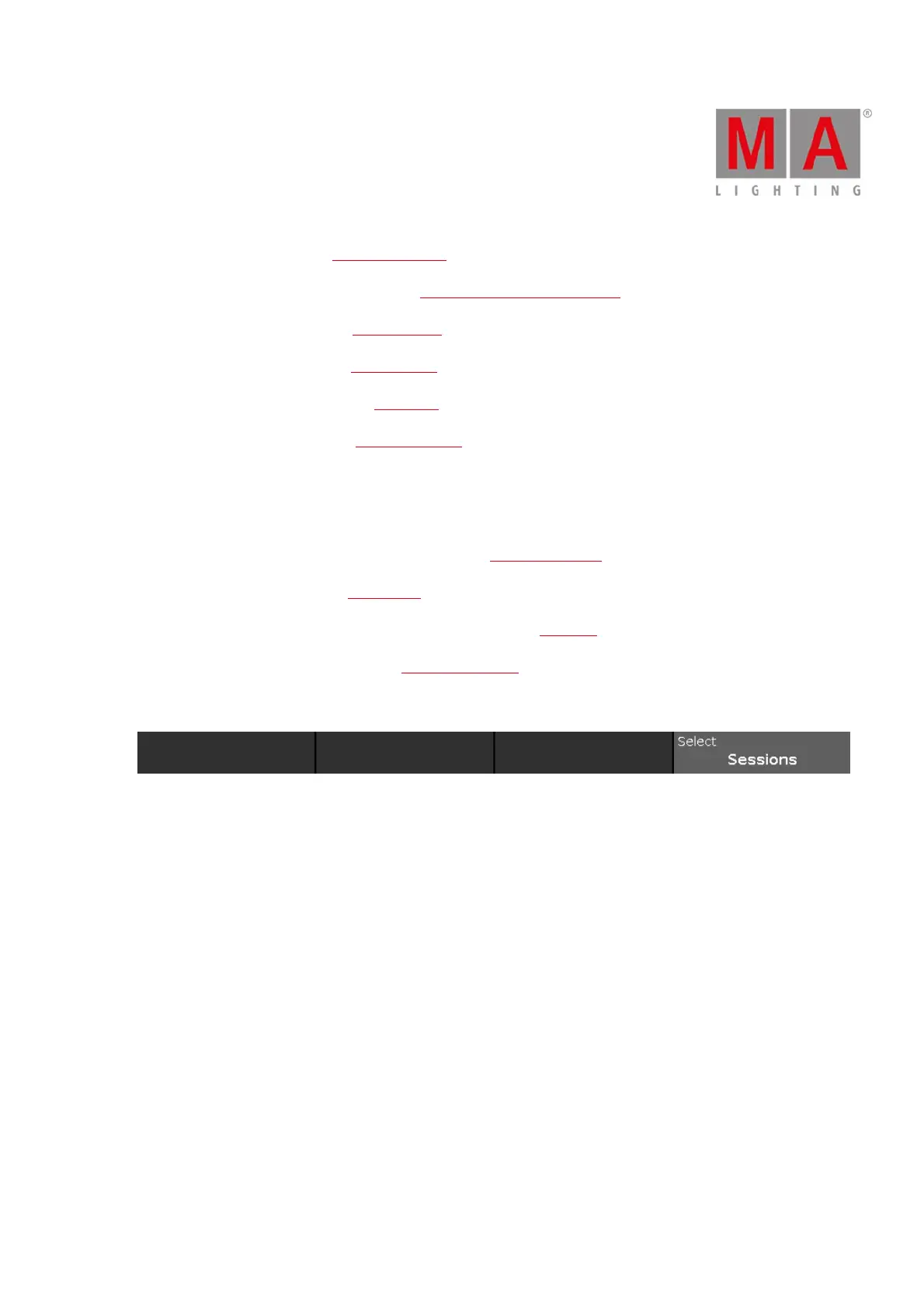
Figure 2: Setup - Encoder Bar
Select:
To select a function, turn the encoder left or right.
To confirm a selected function, press or tap the encoder.



 To Next Page