© 2018 MA Lighting Technology GmbH - Dachdeckerstr. 16 - 97297 Waldbüttelbrunn - Germany
Phone +49 5251 688865-27 - support@ma-dot2.com - www.malighting.com
This slot is fixed internal, e.g the core fader or the additional wing of a dot2 XL-B or dot2 XL-F.
A fixed internal slot is displayed with a red status indicator.
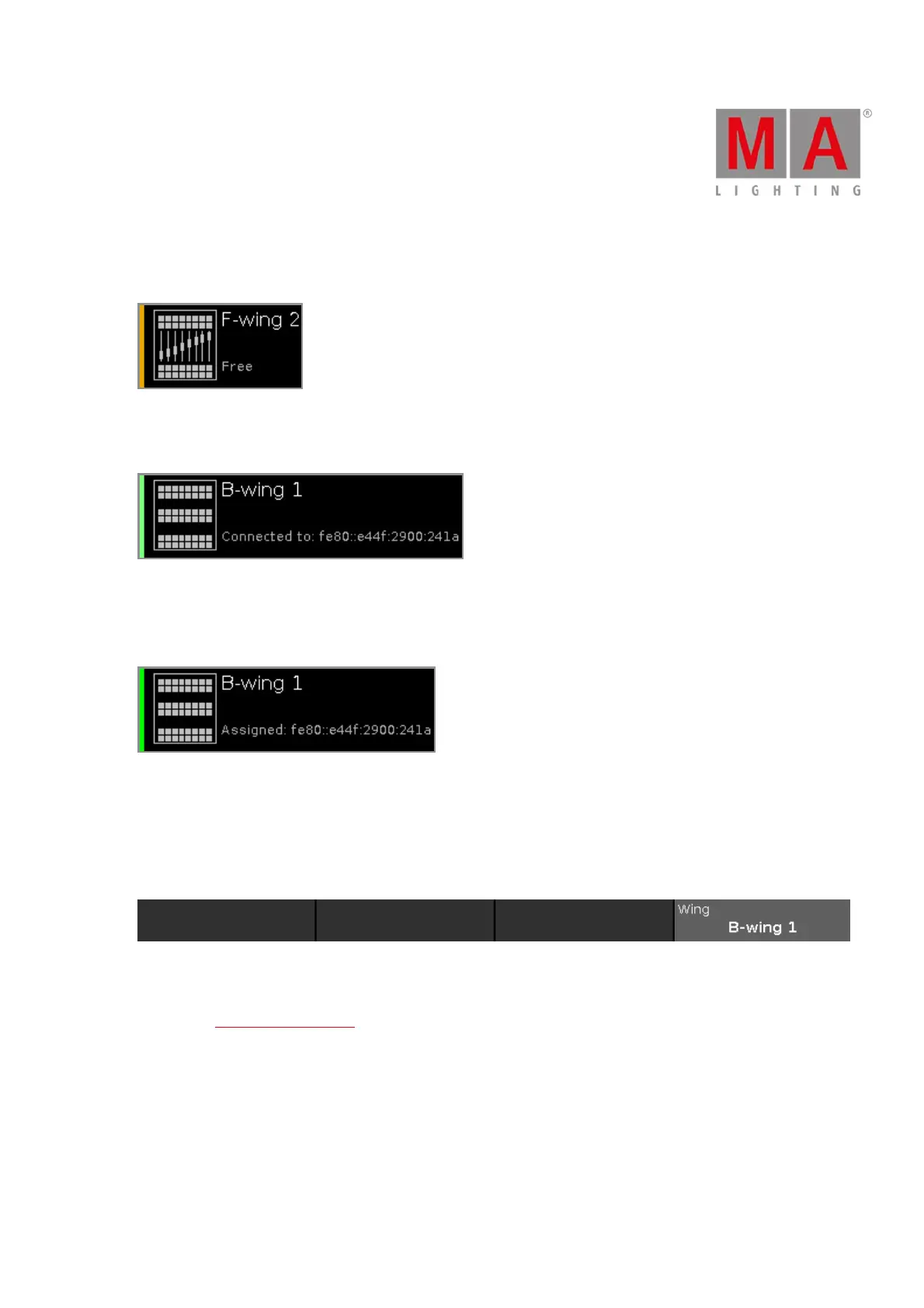
Free:
This slot is free. You can assign a wing.
A free slot is displayed with a yellow status bar indicator.
Connected:
This slot is connected to an external wing.
Additional is the IPv6 address of the wing displayed.
A connected slot is displayed with a lime status bar indicator.
Assigned:
This slot is assigned to an external wing but NOT connected.
Additional is the IPv6 address of the wing displayed.
A assigned slot is displayed with a green status bar indicator.
Encoder Bar Functions
Wing:
To scroll in the wing slots column up or down, turn the encoder left or right.
To open the configure slot window, press or tap the encoder.



 To Next Page