Example 2
Let´s assume, you will delete cue 1 from a executor 1.
There are three different ways to do this:
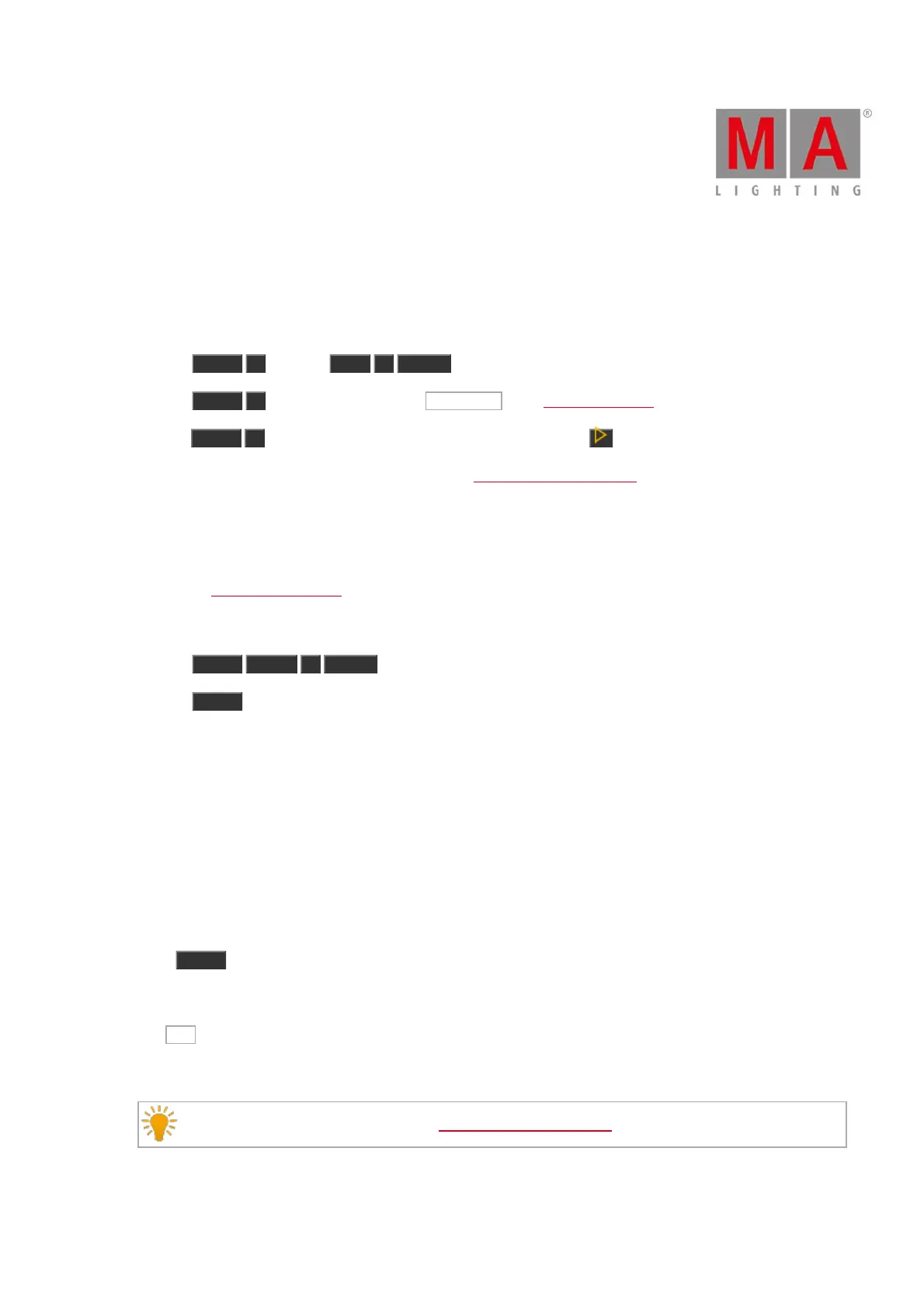
a) Press Delete 1 (= Cue 1) Exec 1 Please .
b) Press Delete 1 (= Cue 1) and tap on the executor 1 in the executor bar view.
c) Press Delete 1 (= Cue 1) and press the respective executor button on the console.
If a cue list is stored on executor 1, the console ask to choose the delete method.
Example 3
Let´s assume, you will delete the dimmer preset 1 in the dimmer preset pool.
1. Open the dimmer presets pool.
There are two ways to do this:
a) Press Delete Preset 1 Please .
b) Press Delete and tap on preset 1 in the dimmer presets pool.
Preset 1 is deleted from the dimmer preset pool.
If the preset is used in a cue, the console asks to confirm the process.
The connection from the preset to the cue will be lost and the values from the preset will be directly stored in the
cues.
Example 4
Let´s assume, you will unpatch fixture 1 from the DMX universe.
Press Delete and tap on fixture 1 in the fixtures view.
The console asks to confirm the unpatch process.
Tap OK .
Fixture 1 is unpatched.
Double check the patched fixtures in the Patch and Fixture Schedule.



 To Next Page