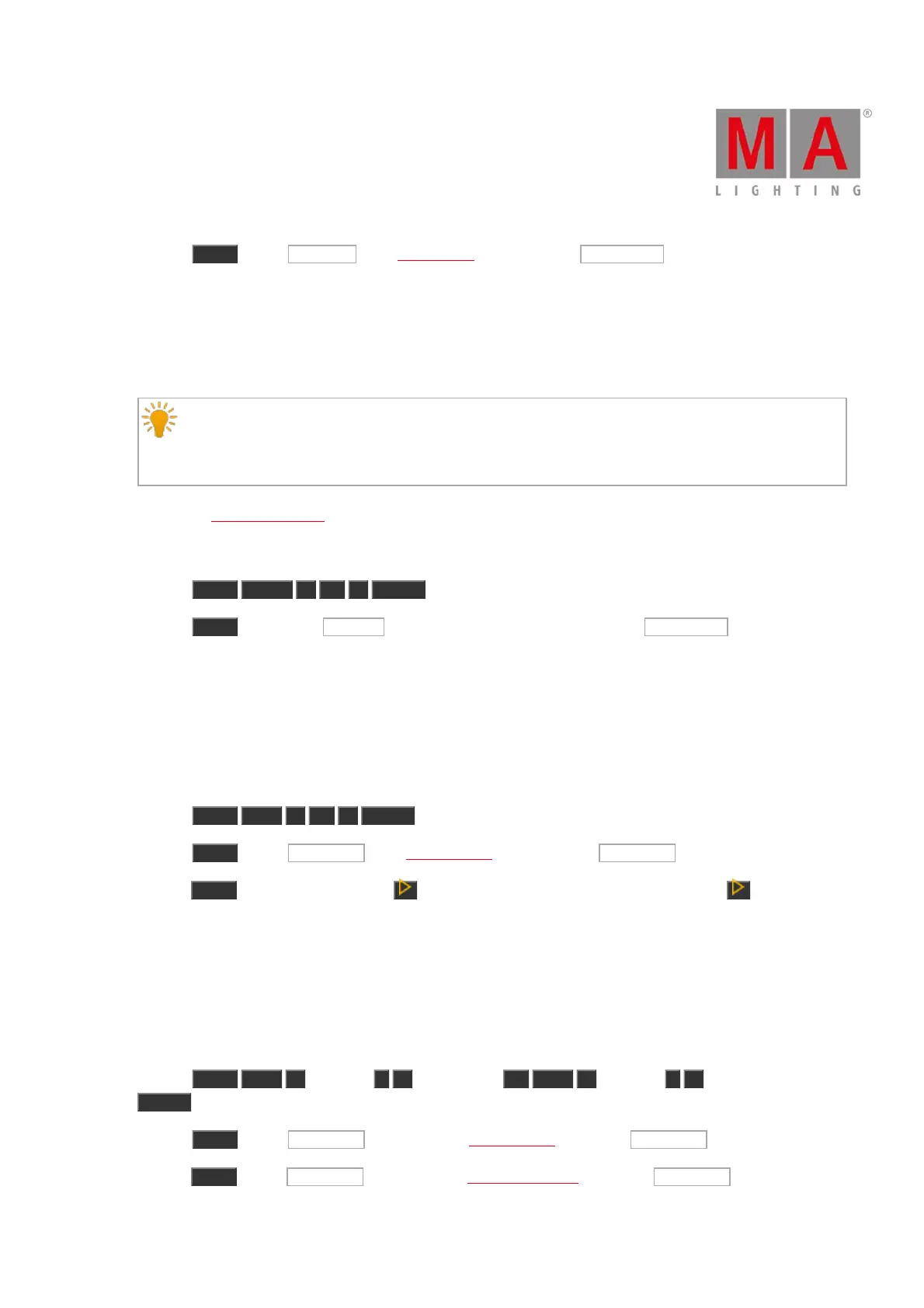
b) Press Move , tap on group 50 in the groups pool, and then tap at object tile 1 .
Group 50 is moved and is now group 1.
Example 2
Let´s assume, you will move color preset type 2 at 5.
Hint:
If you move a preset type what is used in a cue, the assignment in the cue will redirect automatically to
the new preset type number.
1. Open the color presets pool.
There are two ways to do this.
a) Press Move Preset 2 At 5 Please .
b) Press Move , tap on color preset 2 in the color presets pool, and then tap at object tile 5 .
Color preset 2 is moved and is now color preset 5.
Example 3
Let´s assume, you will move the executor from position 1 at position 6.
There are three ways to do this:
a) Press Move Exec 1 At 6 Please .
b) Press Move , tap on executor 1 in the executor pool and then tap on executor 6 .
c) Press Move , press executor button 1 on the console and then press executor button 6 at the console.
The executor is moved from position 1 at position 6.
Example 4
Let´s assume, you will move executor 1 from page 1 at page 2.
There are three ways to do this:
a) Press Move Exec 1 (=Page 1) . 1 (=Executor 1) At Exec 2 (=Page 2) . 1 (=Executor 1)
Please .
b) Press Move , tap on executor 1 at page 1 in the executor pool and tap on executor 1 at page 2.
c) Press Move , tap on executor 1 at page 1 in the executor bar view and tap on executor 1 at page 2.



 To Next Page