Working in manual mode
4.6 Simple stock removal of workpiece
Turning
Operating Manual, 01/2015, 6FC5398-8CP40-5BA2
119
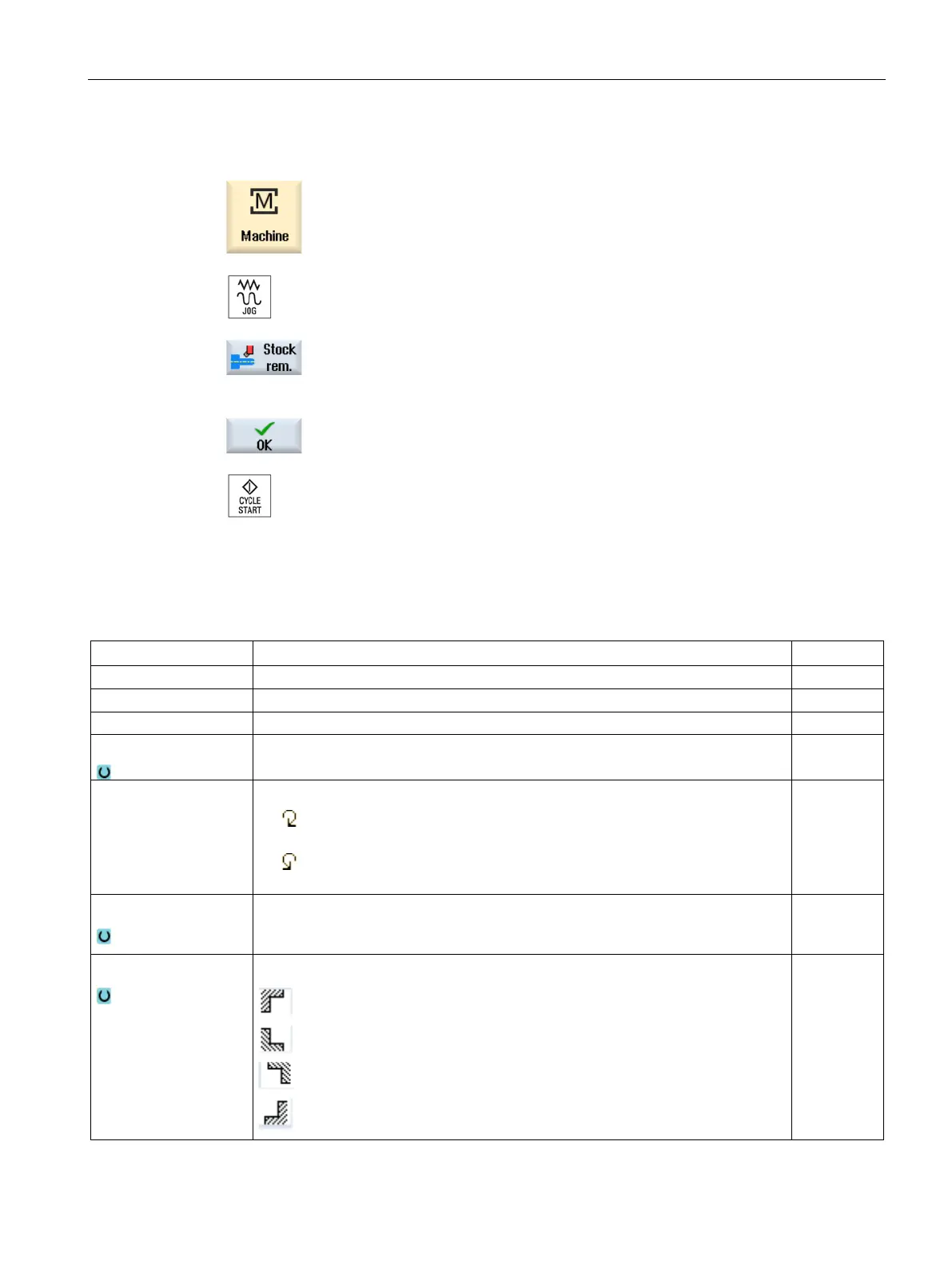
Press the "Machine" operating area key
Press the "Stock removal" softkey.
Enter desired values for the parameters.
closed.
Press the <CYCLE START> key.
The "Stock removal" cycle is started.
rn to the parameter screen form at any time to check and
Table 4- 1
S / V
Spindle speed or constant cutting rate rpm
m/min
Spindle M function Direction of spindle rotation (only when ShopTurn is not active)
•
•
Machining
• ∇ (roughing)
• ∇∇∇ (finishing)
Position
Machining position
















 To Next Page