Programming technology functions (cycles)
9.1 Drilling
Turning
Operating Manual, 01/2015, 6FC5398-8CP40-5BA2
353
m or ShopTurn program to be processed has been cre-
ated and you are in the editor.
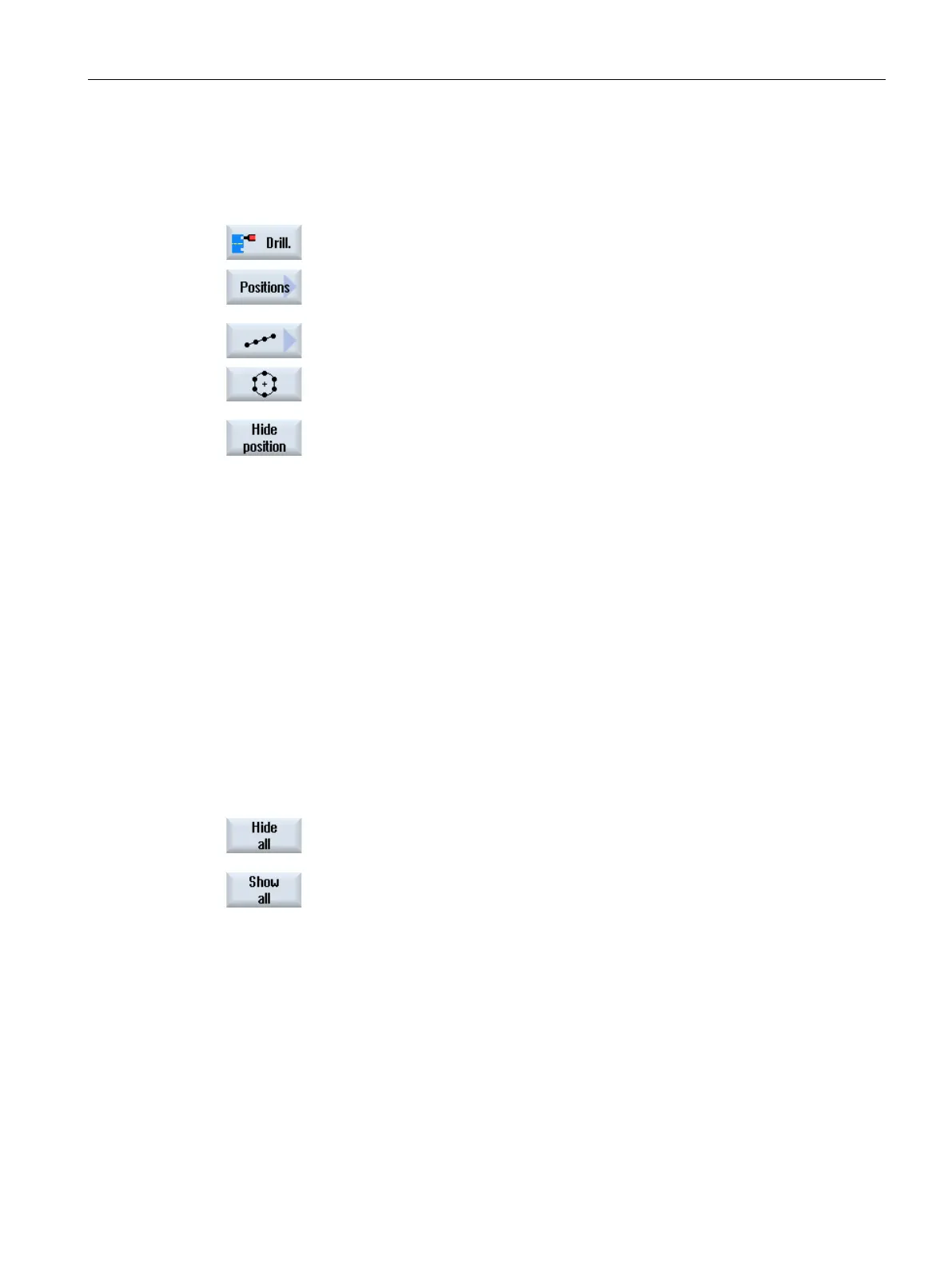
Press the "Drilling" and "Positions" softkeys.
Press the "Line/Grid/Frame" or "Full/Pitch Circle" softkeys.
Press the "Hide position" softkey.
The "Hide position" window opens on top of the input form of the pos
i-
tion pattern.
The positions are displayed in a table.
The numbers of the positions, their coordinates (X, Y) as well as a
checkbox with the state (ac
tivated = on / deactivated = off) are dis-
played.
The actual position in the graphic is highlighted in color.
Using the mouse, select the required position and deactivate or activate
the checkbox in order to hide the position or display it again.
In th
e diagram, skipped positions are shown in the form of a circle and
displayed (active) positions are shown in the form of a cross.
Note
: You have the option of selecting individual positions using the
<Cursor up> or <Cursor down> keys
– and hiding and displaying using
Display or hide all positions at once
ll" softkey to hide all positions.
Press the "Show all" softkey to display all positio
ns again.
















 To Next Page