Programming technology functions (cycles)
9.3 Contour turning
Turning
424 Operating Manual, 01/2015, 6FC5398-8CP40-5BA2
For simple machining operations, you have the option to reduce the wide variety of
parameters to the most important parameters using the "Input" selection field. In this "Input
simple" mode, the hidden parameters are allocated a fixed value that cannot be adjusted.
Various defined values can be pre
-assigned using setting data.
Please refer to the machine manufacturer's specifications.
If the workpiece programming requires it, you can display and change all of the parameters
using "Input complete".
You can freely select the machining type (roughing, finishing or complete machining).
For more detailed information, please refer to section "Stock removal".
The part program or ShopTurn program to be processed
has been cre-
ated and you are in the editor.
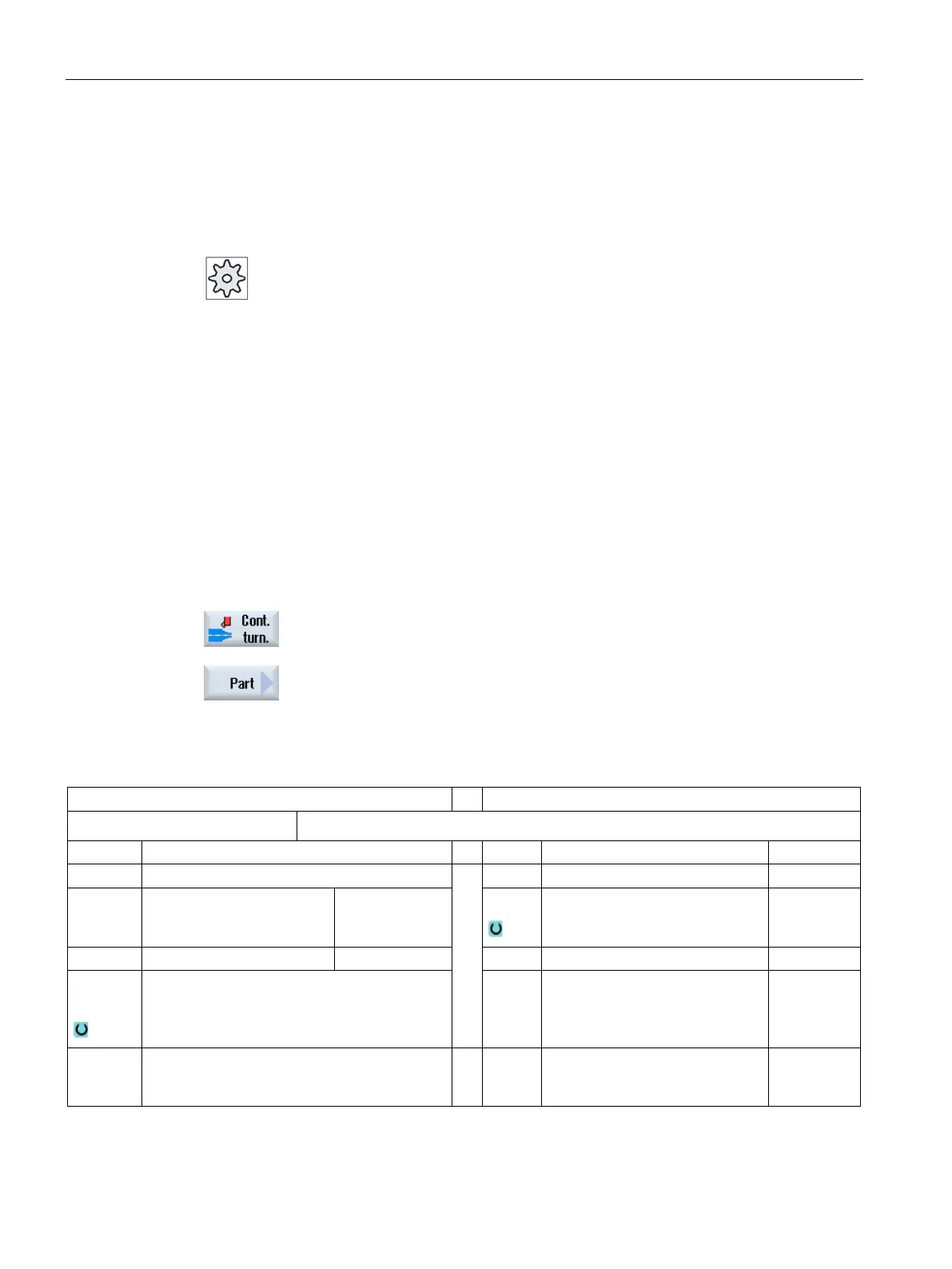
Press the "Contour turning" softkey.
Press the "Plunge turning" softkey.
The "Plunge turning" input window opens.
Parameters in the "Input complete" mode
G code program parameters
ShopTurn program parameters
Input
• Complete
Name of the program to be generated
PL Machining plane D Cutting edge number
RP Retraction plane – (only for
machining direction, longi-
tudinal, inner)
mm S / V
Spindle speed or constant cutting
rate
rpm
m/min
SC Safety clearance mm
Residual
material
With subsequent residual material removal
• Yes
• No
CONR Name to save the updated unmachined-part
contour for residual material removal - (only
"Yes" for residual material removal)
















 To Next Page